Learn where to find free movies on your iPhone with Sling, Tubi, Pluto TV, Fawesome, Fandango, and YouTube. These apps offer ad-supported movies without a subscription.
Best Free Apps To Watch Movies on iPhone
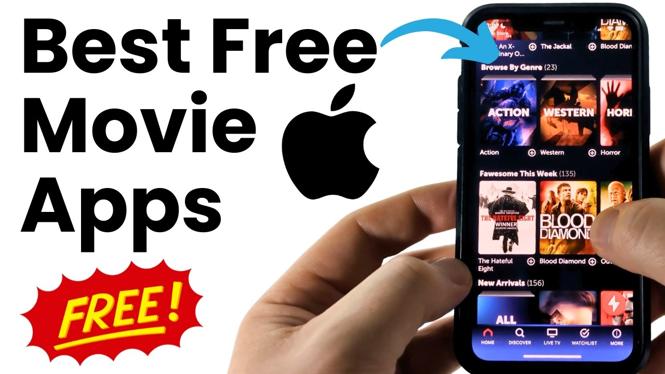

Learn where to find free movies on your iPhone with Sling, Tubi, Pluto TV, Fawesome, Fandango, and YouTube. These apps offer ad-supported movies without a subscription.
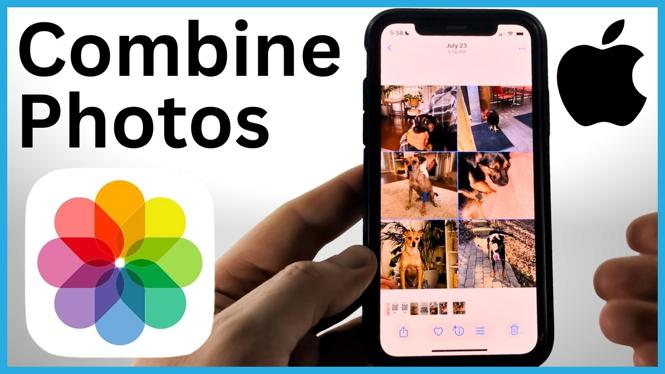
Combine multiple pictures into a single collage on your iPhone without downloading an app. Adjust layouts, colors, borders, and image order, then save the finished collage to Photos.
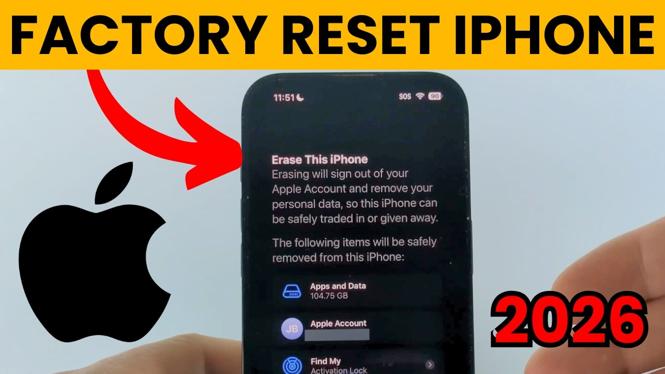
Reset any iPhone by erasing all content and settings to return it to factory defaults. Prepare your device for resale, trade-in, or a clean start.
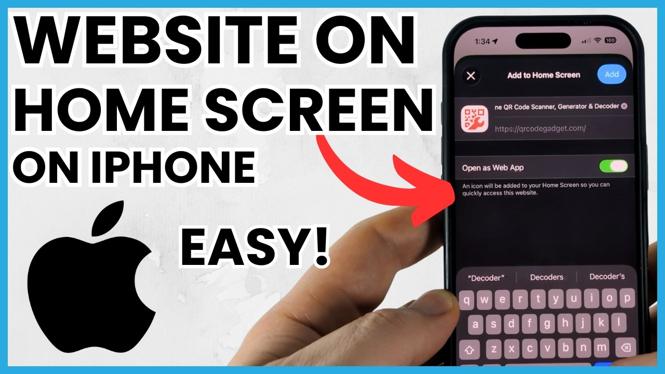
Learn how to add a website to your iPhone Home Screen from Safari. Create a one-tap shortcut for any web page you visit often.
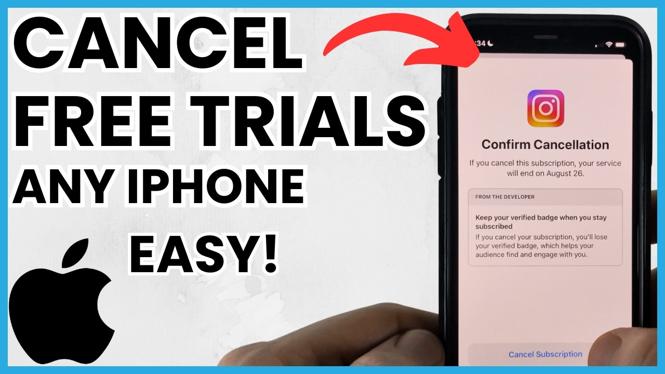
Learn how to find active subscriptions in iPhone Settings and cancel free trials before they renew. Check your Apple account subscriptions to avoid unwanted charges.
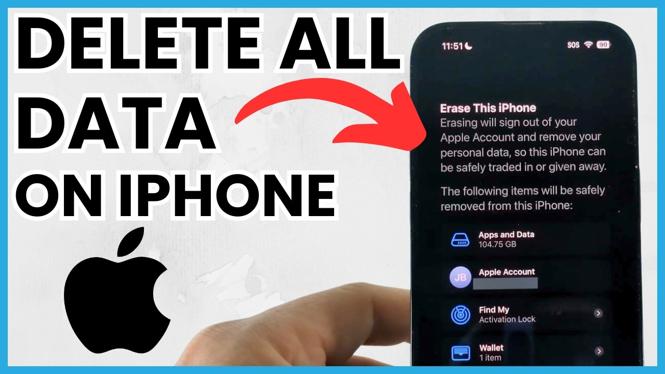
Delete all data on your iPhone before selling it with Erase All Content and Settings. Remove your Apple ID, turn off Find My, and complete the factory reset.
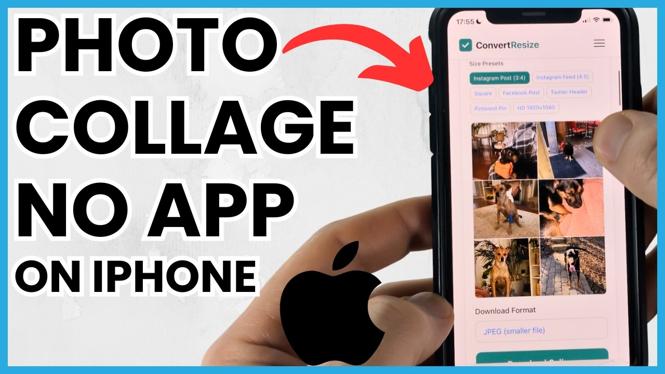
Make a photo collage on your iPhone without downloading an app. Use ConvertResize in Safari to combine photos from your Camera Roll, then save and share the result.
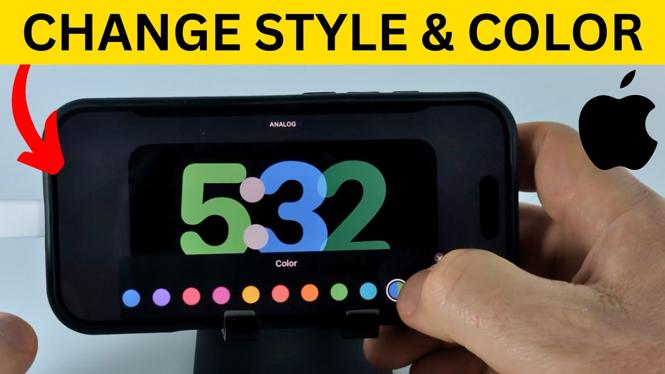
Change the clock design and color shown in iPhone StandBy Mode. This guide covers opening the clock picker while your iPhone charges in landscape orientation.
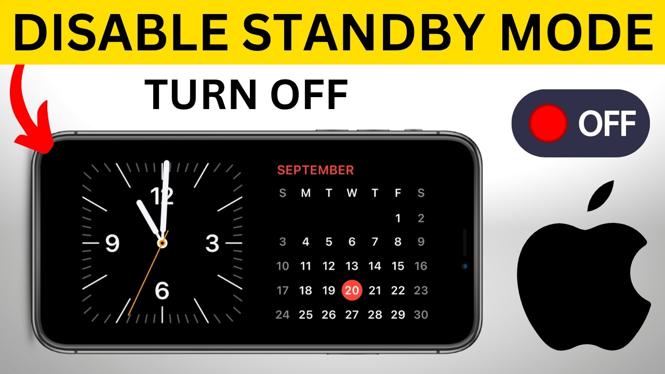
Turn off StandBy Mode on your iPhone to stop the clock and widgets from appearing while it charges sideways. The setting is available in the Settings app.
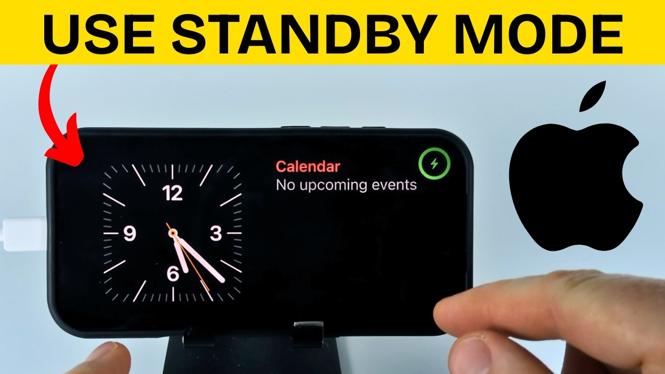
Learn how to turn on StandBy Mode on your iPhone and use it while charging in landscape orientation. Customize widgets and review notification and display settings.
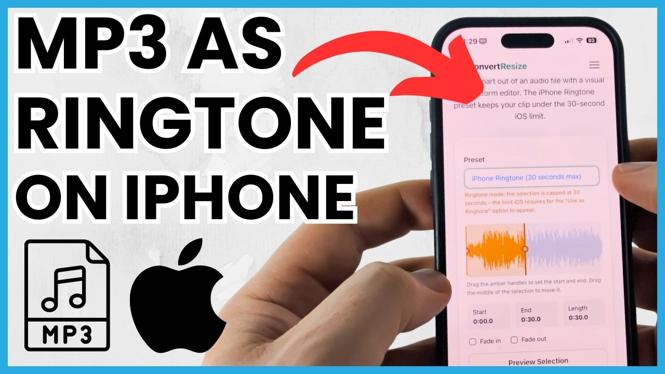
Use an MP3 song as a ringtone on your iPhone through the Files app. Trim longer songs to 30 seconds, then use the clip for calls, texts, voicemail, and alerts.
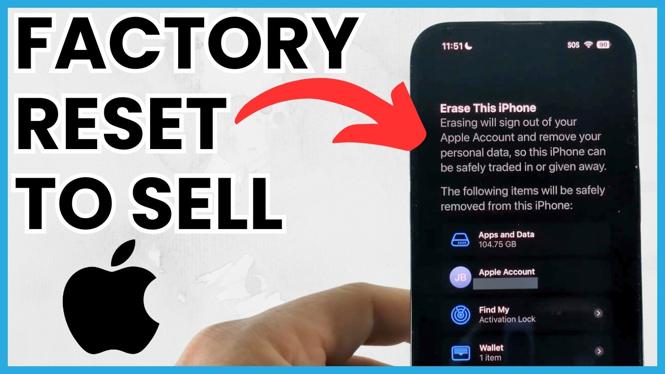
Factory reset your iPhone before selling by backing up needed data and using Erase All Content and Settings. This clears your personal information and removes your Apple Account from the device.