Learn how to enter iPhone recovery options by powering off your device and holding the power button through startup. Access Diagnostic Mode, Recovery Mode, Recovery Assistant, and reset tools.
How to Enter Recovery Options on iPhone
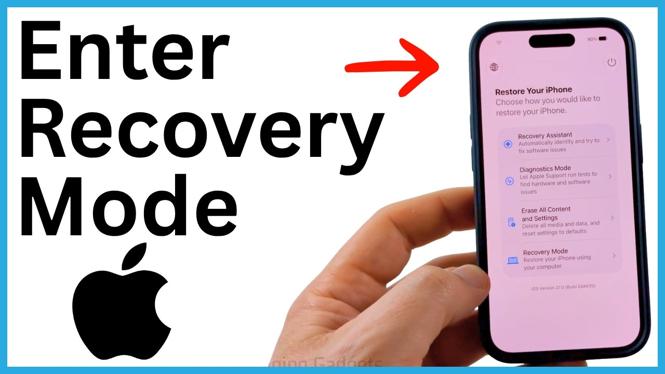

Learn how to enter iPhone recovery options by powering off your device and holding the power button through startup. Access Diagnostic Mode, Recovery Mode, Recovery Assistant, and reset tools.
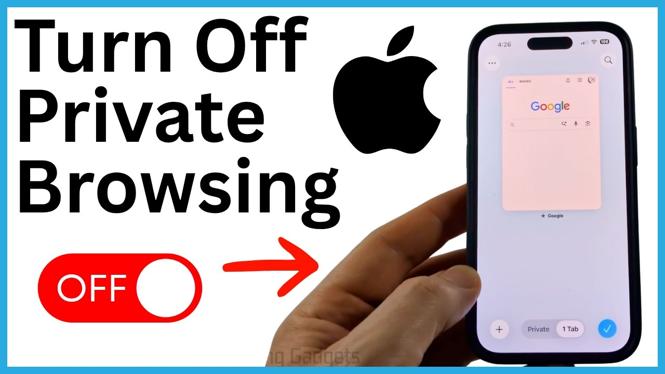
Switch Safari from Private Browsing to regular tabs on your iPhone. Learn how to check for the Private label and return to normal browsing.
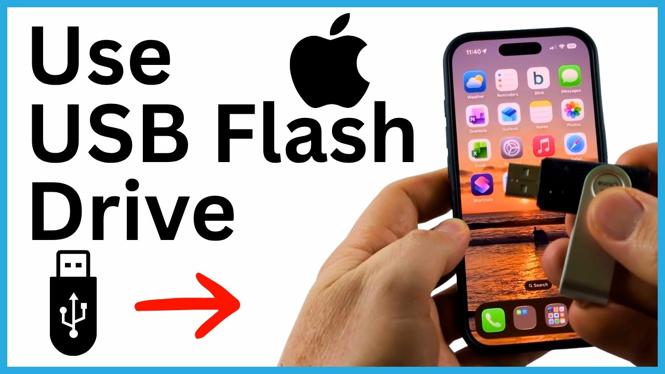
Learn how to connect a USB flash drive to an iPhone and find it in the Files app. Copy documents, videos, and photos between your iPhone and the drive.
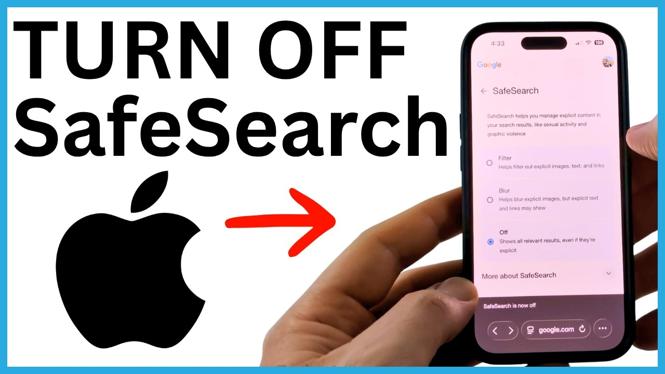
Turn off Google SafeSearch on your iPhone using your Google profile settings. If the option will not stay off, adjust the Screen Time web-content restriction.
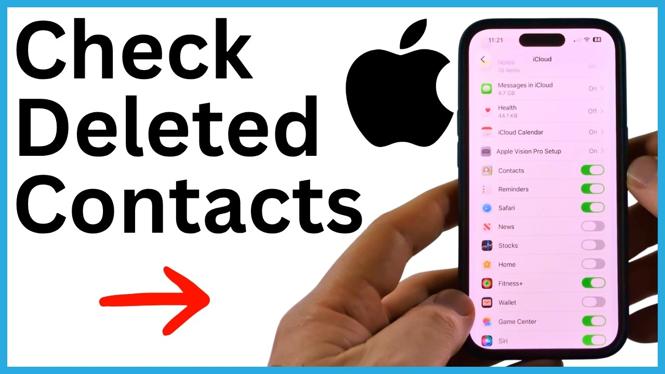
Check deleted contacts on iPhone by refreshing iCloud Contacts. If the contact is not there, search Google Contacts and export it back to your device.
Remove a Gmail or Google account from your iPhone without permanently deleting it. Stop its email, contacts, and calendars from syncing to your device.
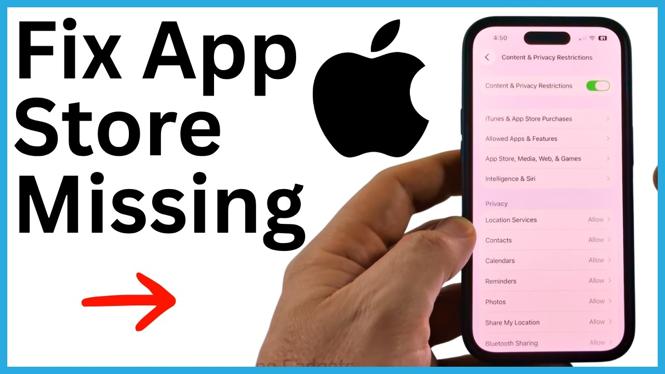
Fix an App Store missing on iPhone by searching the App Library and checking Screen Time restrictions. Restore the App Store so you can download and update apps again.
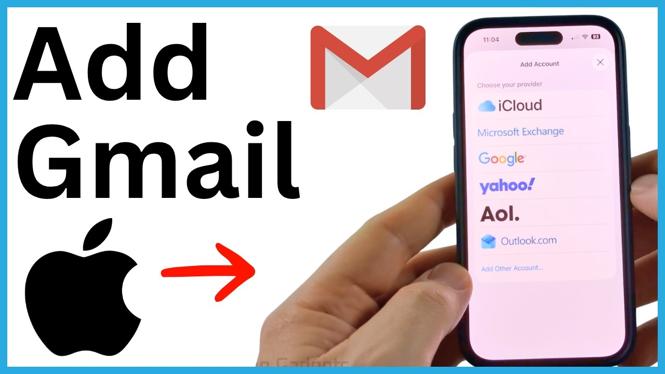
Add your Gmail account to an iPhone through Settings and choose which Google items to sync. Then access your Gmail messages in the built-in Mail app.
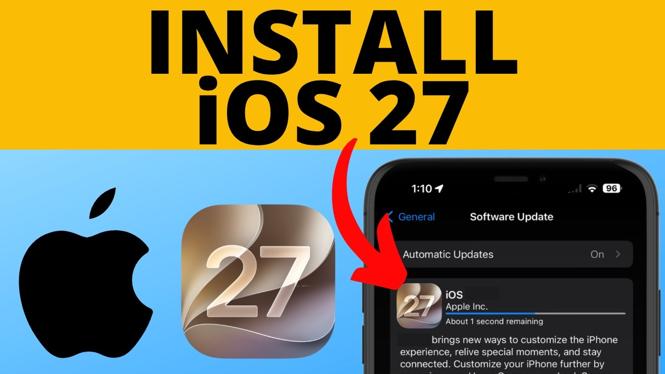
Install iOS 27 from the Software Update section in your iPhone settings. This guide covers downloading the update, restarting your iPhone, and finishing setup.
Learn how to join the Apple Beta Program on an iPhone, create an iCloud backup, and enable iOS 27 Public Beta updates. The guide also covers the factory reset requirement for returning to public iOS.
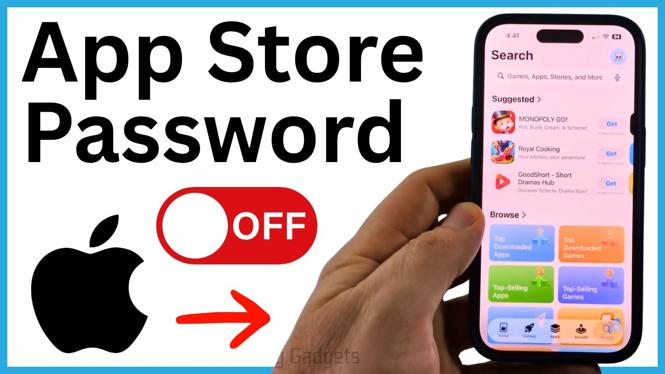
Stop your iPhone from requesting an Apple ID password for free App Store downloads. Change the Free Downloads and Screen Time password settings shown in this guide.
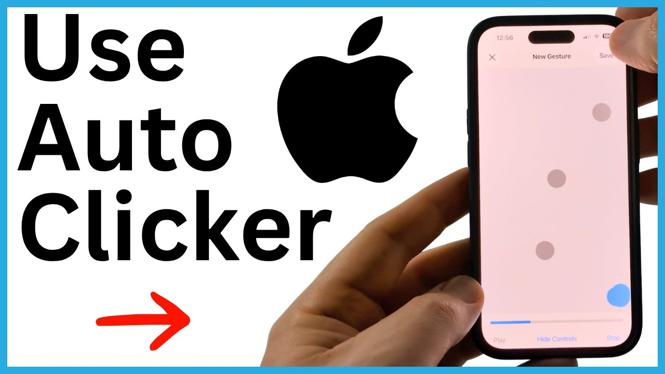
Set up an auto clicker on iPhone using the built-in Switch Control accessibility feature. Create a custom gesture, assign it to a recipe, and toggle it with a triple press.