Fix a quiet iPhone timer by raising the Ringtone and Alerts volume in Sounds & Haptics. You can also test a louder timer sound and check Attention Aware Features.
How To Fix iPhone Timer Sound Is Too Low
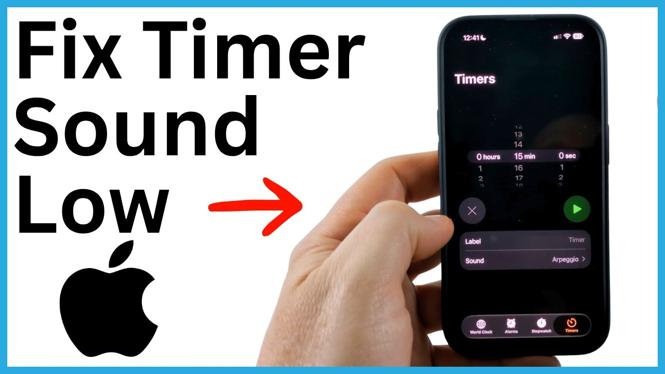

Fix a quiet iPhone timer by raising the Ringtone and Alerts volume in Sounds & Haptics. You can also test a louder timer sound and check Attention Aware Features.
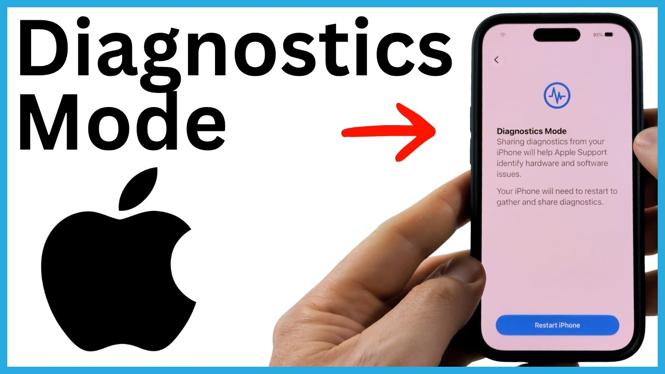
Learn how to restart an iPhone into Diagnostics Mode through Recovery Mode. Connect to Wi-Fi, begin the available checks, and exit Diagnostics when finished.
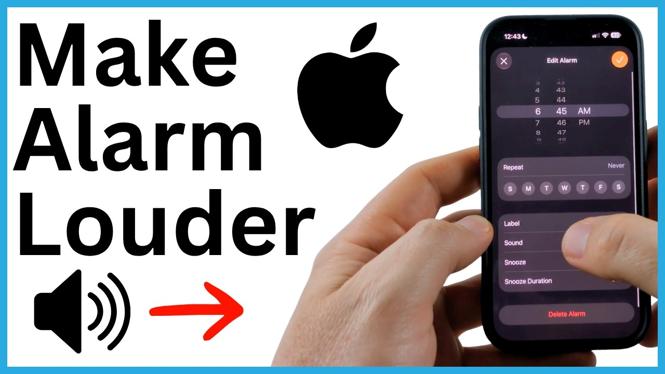
Fix a quiet iPhone alarm by raising the Ringtone and Alerts volume in Settings. Learn how Change with Buttons affects your alarm volume.
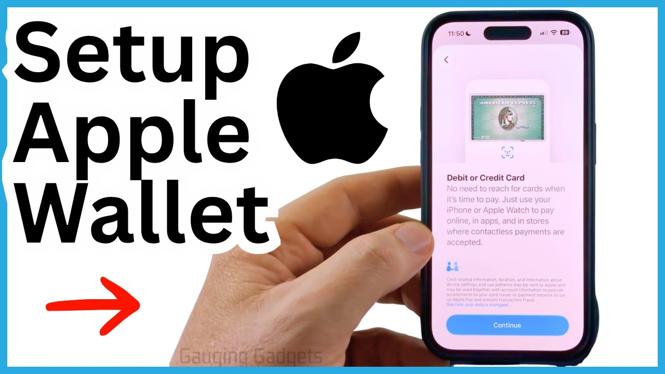
Set up Apple Pay on your iPhone by adding a debit or credit card in Wallet and verifying it with your bank. Learn how to bring up Wallet quickly for contactless payments.
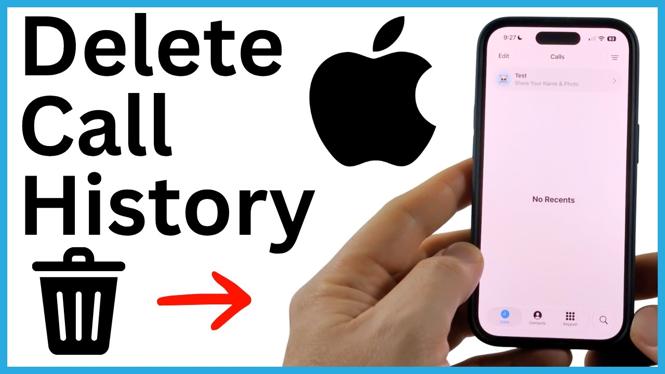
Delete individual calls or clear all recent calls from the Phone app on your iPhone. Learn why voicemail entries may remain and how to remove them.
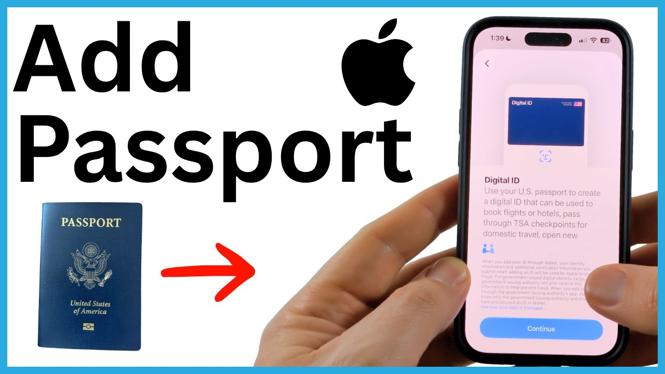
Add your U.S. passport to Apple Wallet as a Digital ID using your iPhone. Learn how to scan the passport, verify your identity, and use the ID at supported locations.
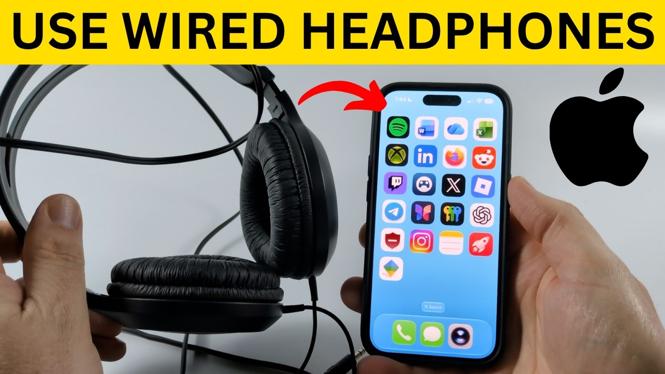
Learn how to connect wired headphones to an iPhone using a Lightning or USB-C to 3.5 mm adapter. This guide also covers direct USB-C and Lightning headphone connections.
Learn how to get Siri AI on an iPhone running iOS 27 by joining the beta waiting list in Settings. See what to expect while you wait for the new Siri app to appear.
Turn off Summarized Notifications in iPhone Settings to stop seeing shortened notification alerts. Your Lock Screen will show original notifications individually or in groups.
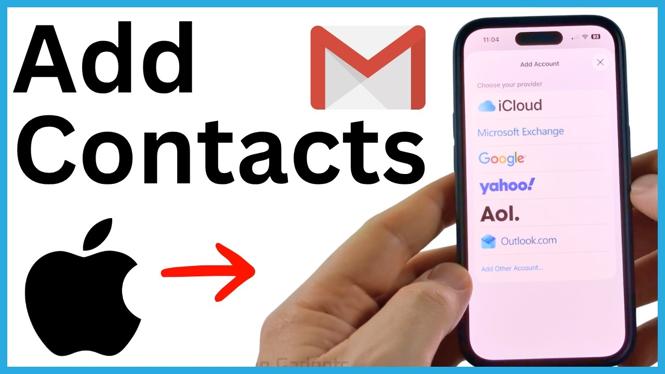
Add your Google account to iPhone Settings and turn on Contacts syncing. Your Gmail contacts will then appear in the iPhone Contacts app.
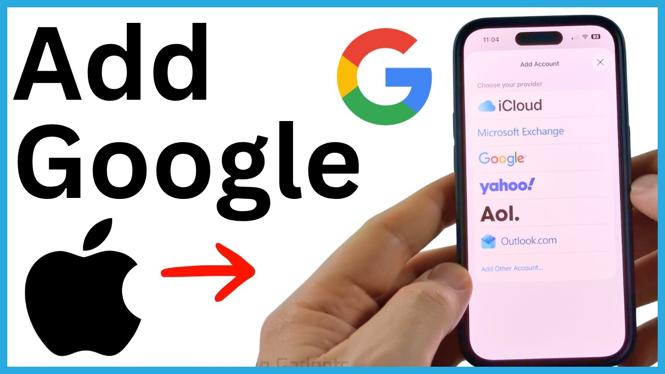
Add a Google account to your iPhone through Settings and select the information you want to sync. Use Gmail, contacts, calendars, and notes in the built-in Apple apps.

The green iPhone indicator means an app is using your camera. Identify the app, remove its camera permission, or restart your iPhone if the light remains on.