Move your Apple Cash balance out of Wallet
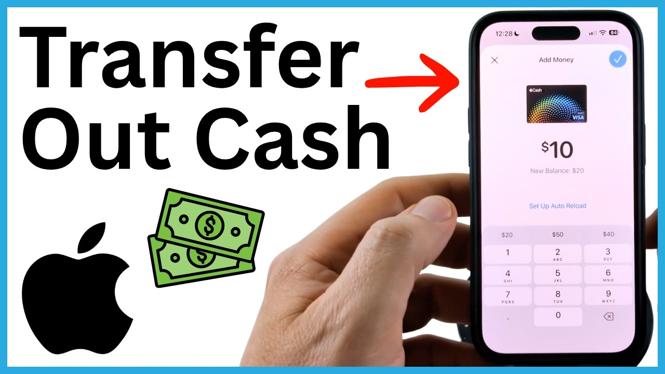
You can transfer money from your Apple Cash card to either an eligible debit card or a linked bank account directly from the Wallet app on your iPhone. The debit card option is instant but has a fee. A bank transfer is free, but it takes one to three days.
Before you start, make sure your Apple Cash card shows a balance you want to transfer. You will also need your bank routing number and account number if you plan to add a bank account.
Video Tutorial
Transfer Apple Cash to a debit card or bank account
- Open the Wallet app on your iPhone. If you cannot find it, swipe through to the App Library, select search, and type Wallet.
- Find and select Cash in Wallet. This opens your Apple Cash card and displays your available balance.
- Select the three dots in the top-right corner.
- Select Transfer to Bank.
- Enter the amount of Apple Cash you want to move, then select Continue at the bottom of the screen.
- Choose how you want to receive the money. You can transfer it to a debit card or add a bank account.
- Confirm the transfer by selecting the confirmation button in the top-right corner.
Choose between a debit card and bank transfer
The best choice depends on how quickly you need the money and whether you want to avoid a transfer fee.
Choose a debit card when you need the funds right away. Apple Cash can be transferred instantly to a Visa or Mastercard debit card, but this option includes a fee. Review the transfer details before confirming so you know the amount being moved.
Choose a bank account if you do not need the money immediately. This transfer method is free and typically takes one to three days. You will need to add the account before completing the transfer.
Add your bank account for a free transfer
From the transfer options, select Add a Bank Account. Enter your bank routing number and account number when prompted. Check both numbers carefully before you continue. These details tell Apple Cash where to send your money.
After you add the account and confirm the transfer, the money is sent to that bank account. Since this is not an instant transfer, allow the stated one to three days for it to arrive.
Check the amount before confirming
You do not have to transfer your entire Apple Cash balance. Enter only the amount you want to withdraw. This is useful if you want to leave some money on your Apple Cash card for sending payments or making purchases later.
If you select the debit card option, remember that the fee affects the final amount you receive. If avoiding the fee matters more than speed, use the linked bank account option instead.
Common details to verify
- Make sure you selected Cash in Wallet, not a different payment card.
- Confirm that the transfer amount is correct before you finalize it.
- Use the correct routing number and account number when adding a bank account.
- Expect a fee for an instant debit card transfer.
- Allow one to three days for a free bank account transfer.
Once you confirm the transfer, Apple Cash sends the money using the method you selected. Your Apple Cash balance will reflect the amount you transferred.
More iPhone Tips & Tutorials:
 Subscribe Now! 🙂

Discover more from Gauging Gadgets
Subscribe to get the latest posts sent to your email.