Fix a green iPhone screen by force restarting the phone, checking display accessibility settings, and updating iOS. Learn when a settings reset can help and when the display may need repair.
How To Fix Green Screen On iPhone
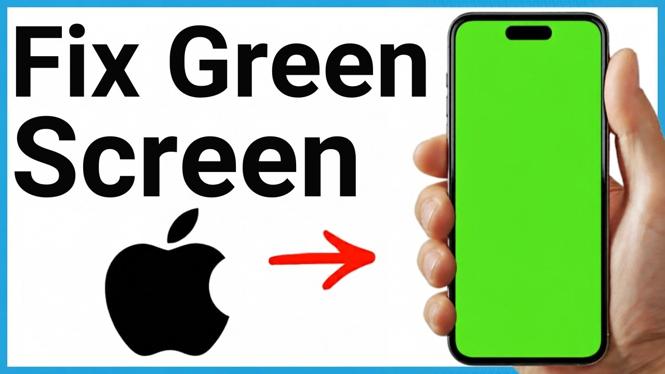

Fix a green iPhone screen by force restarting the phone, checking display accessibility settings, and updating iOS. Learn when a settings reset can help and when the display may need repair.
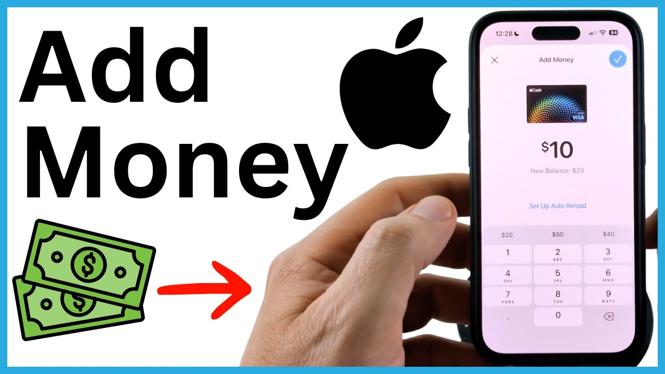
Add money to Apple Cash from the Wallet app using a linked debit card. This guide covers selecting the amount, choosing a card, and confirming the updated balance.
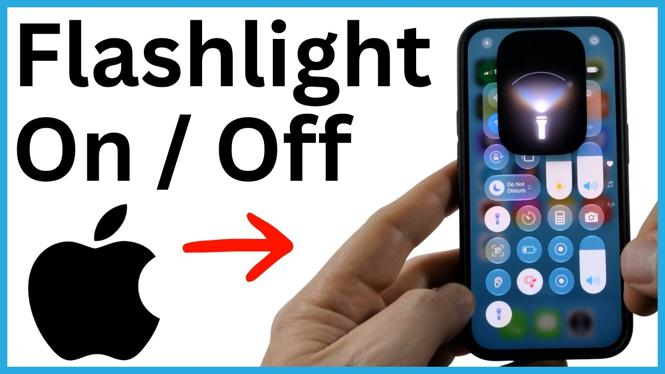
Turn your iPhone flashlight on or off from the Lock Screen or Control Center. Learn how to adjust brightness and add the Flashlight control when it is missing.
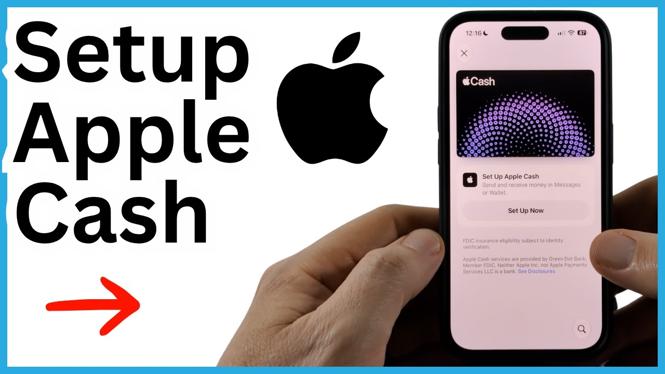
Set up Apple Cash in the iPhone Wallet app, complete identity verification, and add money with a debit card. Learn the requirements and screens used during setup.
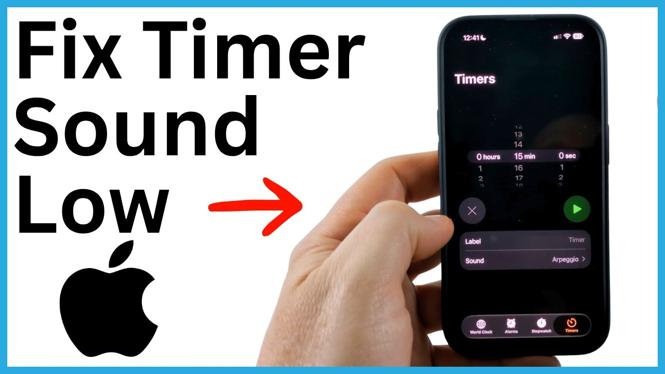
Fix a quiet iPhone timer by raising the Ringtone and Alerts volume in Sounds & Haptics. You can also test a louder timer sound and check Attention Aware Features.
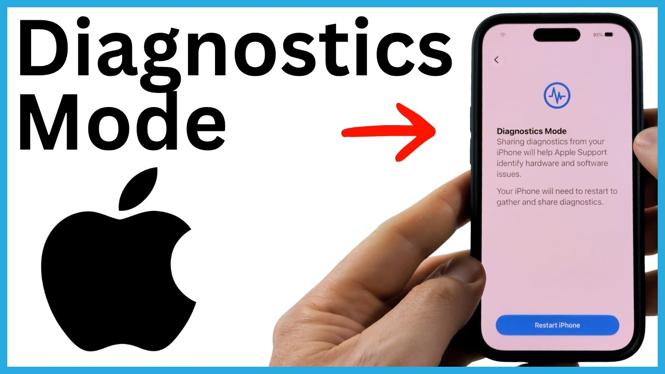
Learn how to restart an iPhone into Diagnostics Mode through Recovery Mode. Connect to Wi-Fi, begin the available checks, and exit Diagnostics when finished.
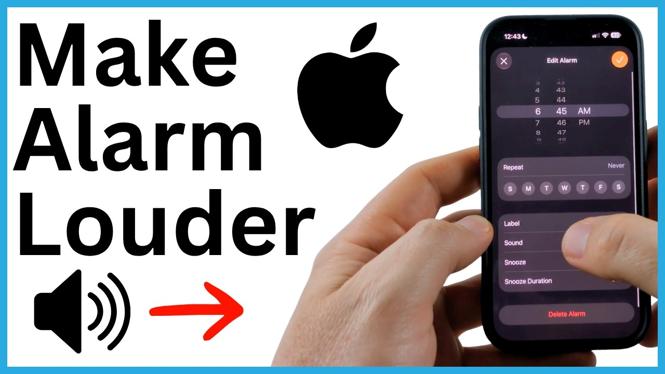
Fix a quiet iPhone alarm by raising the Ringtone and Alerts volume in Settings. Learn how Change with Buttons affects your alarm volume.
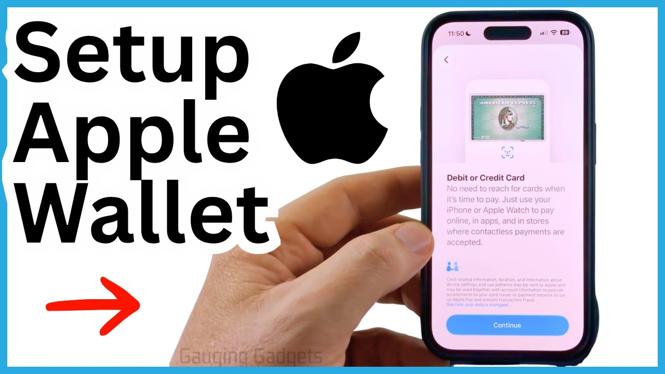
Set up Apple Pay on your iPhone by adding a debit or credit card in Wallet and verifying it with your bank. Learn how to bring up Wallet quickly for contactless payments.
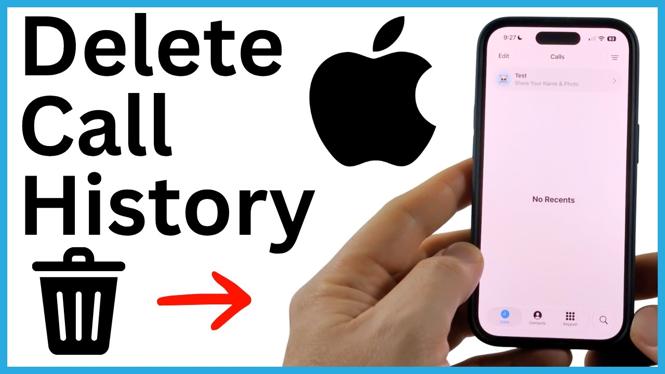
Delete individual calls or clear all recent calls from the Phone app on your iPhone. Learn why voicemail entries may remain and how to remove them.
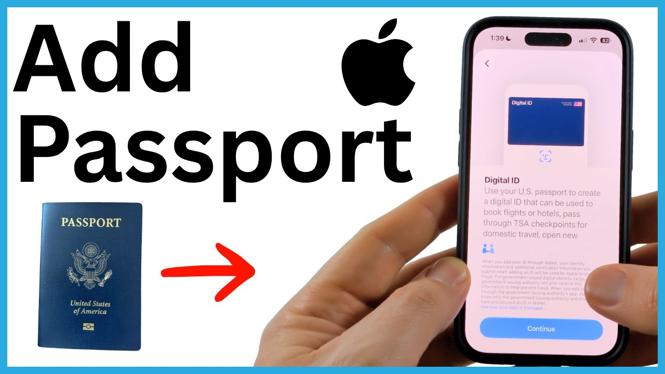
Add your U.S. passport to Apple Wallet as a Digital ID using your iPhone. Learn how to scan the passport, verify your identity, and use the ID at supported locations.
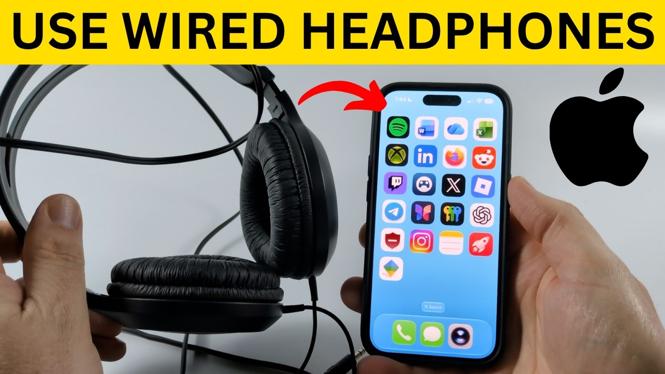
Learn how to connect wired headphones to an iPhone using a Lightning or USB-C to 3.5 mm adapter. This guide also covers direct USB-C and Lightning headphone connections.
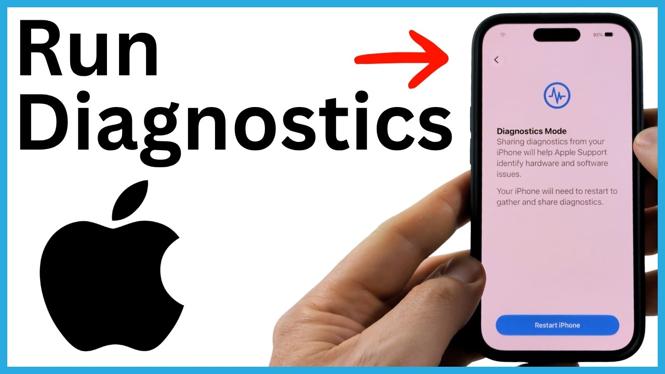
Run diagnostics on your iPhone by entering Diagnostic Mode through recovery options. Learn how to connect to Apple Support, choose a test, and exit diagnostics.