How to Permanently Delete Your Roblox Account
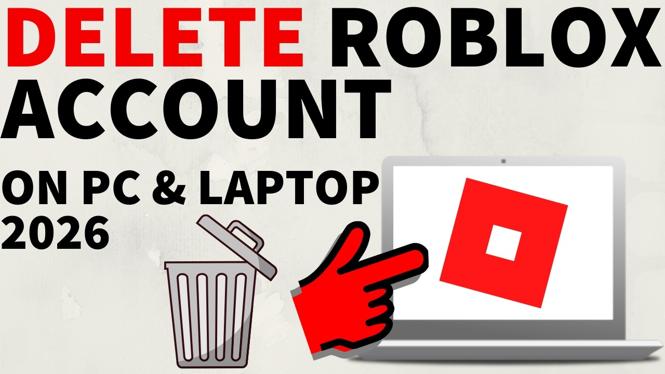
Are you considering taking a break from gaming or simply wish to permanently delete your Roblox account? Whether you’re looking to safeguard your personal information or step away from the platform for good, understanding how to delete your Roblox account is crucial. In this blog post, we will walk you through the necessary steps to permanently delete or deactivate your Roblox account. We’ll cover how to submit a deletion request, what happens to your data, and how long the deletion process takes, ensuring that you can make this transition smoothly and confidently.
Video Tutorial
Why You Might Be Looking for This Tutorial
There are numerous reasons why someone may want to delete their Roblox account. Perhaps you’ve lost interest in the game, experienced negative interactions, or wish to limit your online presence. It’s important to understand that deleting your account is a personal decision and can be a way to reclaim your digital life. This guide will clarify the process for you, even if you don’t have technical experience.
Steps to Permanently Delete Your Roblox Account
Step 1: Prepare for Deletion
Before you proceed with the deletion process, take a moment to ensure that you truly want to delete your account. Consider the impacts, including the loss of any virtual items, friends, and game progress associated with your account.
Step 2: Submit a Deletion Request
To initiate the deletion, you need to submit a formal request. Here’s how:
- Log into your Roblox account on the website.
- Navigate to the Help section.
- Select Contact Us from the available options.
- Provide your account details, including your username and email, in the request form.
- Clearly state that you would like to permanently delete your account and submit the form.
Step 3: Confirm Your Identity
Roblox may require you to confirm your identity before processing the deletion request. Monitor your email for any messages from their support team that may require additional information.
Step 4: Wait for the Deletion Process
After your request is submitted, the deletion process can take some time to complete. Typically, it may take a few days to a couple of weeks for Roblox to finalize your request. During this time, you will receive updates via email.
Step 5: Verify Deletion
Once the process is complete, try logging into your account. If you receive a message indicating that your account does not exist, the deletion was successful. If you still have access, reach out to Roblox support for further assistance.
Conclusion
Deleting your Roblox account is a straightforward process if you follow the steps outlined in this blog post. By understanding the implications of account deletion and taking the necessary steps, you can ensure that your data is handled appropriately. Whether this is a temporary break or a permanent departure from the platform, we hope this guide has equipped you with the information you need to proceed confidently.
More Roblox Tips & Tutorials:
 Subscribe Now! 🙂

Discover more from Gauging Gadgets
Subscribe to get the latest posts sent to your email.