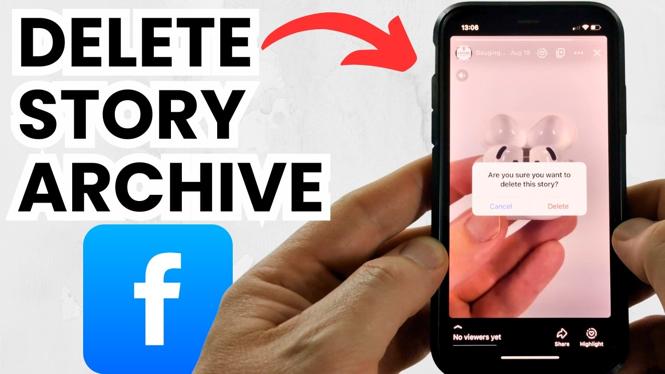
How to Delete Story Archive on Facebook
If you have been using Facebook for a while, you might have accumulated numerous stories in your story archive. While these stories can hold sentimental value, you may want to declutter or remove certain memories. This blog post will guide you through the steps to delete your story archive on Facebook in 2026, ensuring you can manage your story history effectively. Whether you’re looking to clear old stories or enhance your privacy, this tutorial is designed to help you feel in control of your Facebook account.
Video Tutorial
Why You Might Be Looking for This Tutorial
As social media becomes an integral part of our lives, managing our digital footprints is crucial. You might be looking for this tutorial for several reasons:
- You want to free up space on your Facebook account.
- You are concerned about your privacy and want to remove old stories.
- You wish to start afresh and only keep memories worth cherishing.
- You are simply curious about the process of managing your story archive.
Steps to Delete Your Story Archive on Facebook
Follow these simple steps to delete your story archive on both the Facebook app and desktop:
Using the Facebook App
- Open the Facebook app on your mobile device.
- Tap on your profile picture located at the top left corner to access your profile.
- Scroll down and tap on ‘Story Archive’.
- Browse through your archived stories and find the ones you wish to delete.
- Tap on the three dots (…) next to the story you want to remove.
- Select ‘Delete’ to permanently remove the story from your archive.
Using Facebook on Desktop
- Log into your Facebook account on your preferred web browser.
- Click on your name in the top right corner to go to your profile.
- On your profile page, find the ‘More’ tab, and click on it.
- Select ‘Story Archive’ from the dropdown menu.
- Locate the story you want to delete, click on the three dots (…) next to it.
- Select ‘Delete’ to remove it from your archive.
Conclusion
Deleting your story archive on Facebook is a straightforward process that can enhance your privacy and give you more control over your social media presence. Whether you’re using the app or the desktop version, the steps outlined above will help you manage your stories effectively. Start decluttering your story archive today and take charge of your Facebook history.
More Facebook Tips & Tutorials:
 Subscribe Now! 🙂

Discover more from Gauging Gadgets
Subscribe to get the latest posts sent to your email.