Turn off a Samsung phone with physical buttons when the touch screen or display does not work. Use Android recovery to select Power off without touching the screen.
How to Turn Off Any Samsung Phone Without Touch Screen
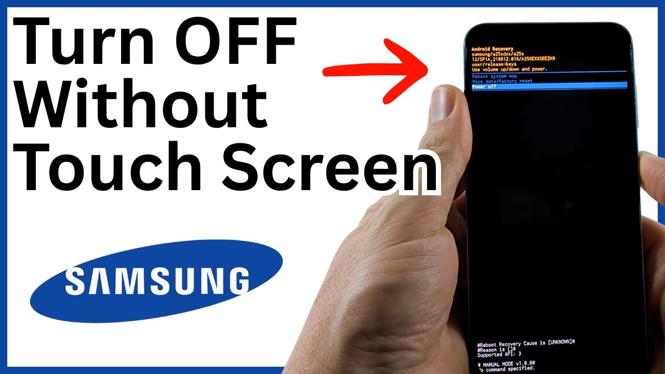

Turn off a Samsung phone with physical buttons when the touch screen or display does not work. Use Android recovery to select Power off without touching the screen.
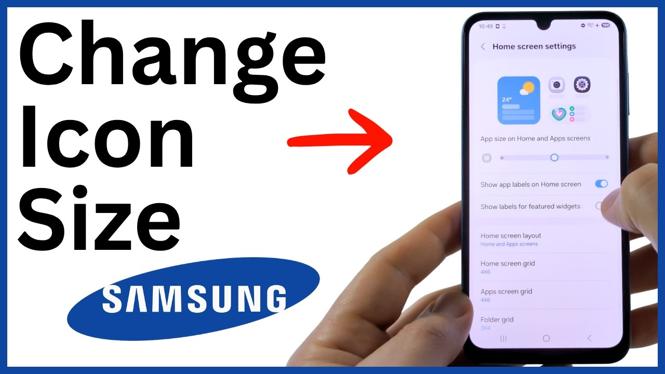
Change app icon size on Samsung Galaxy phones with the App size, Home screen grid, and App screen grid settings. Make icons easier to tap or fit more apps on each screen.
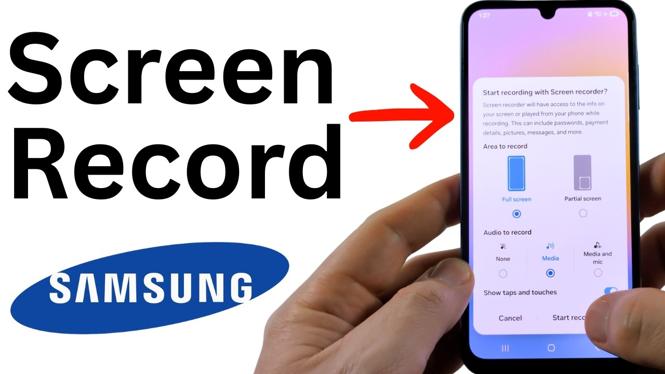
Learn how to use the built-in Screen recorder on a Samsung phone. Choose audio, show taps, stop the recording, and open the saved video.
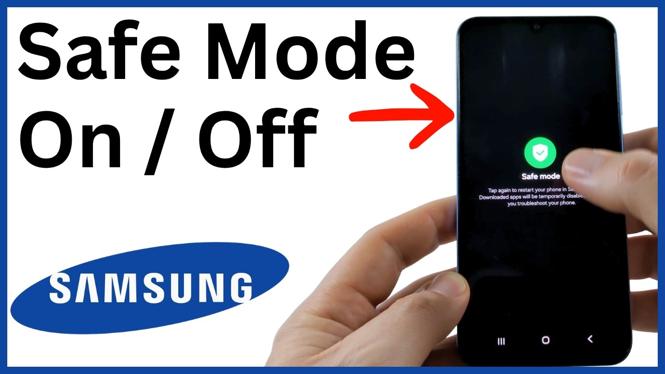
Turn Safe Mode on or off on a Samsung Galaxy phone from the power menu or notification panel. Use it to check if a downloaded app is causing crashes, freezing, or lag.
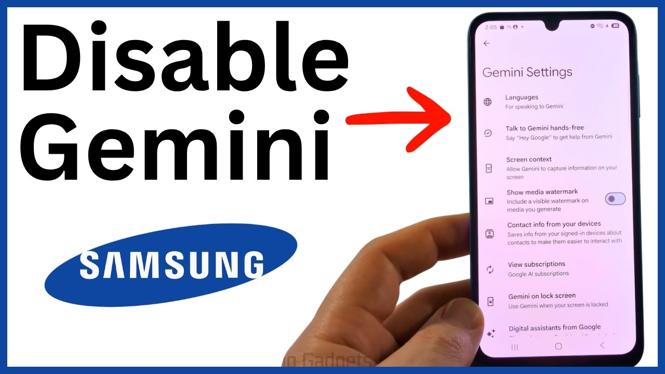
Disable Gemini on your Samsung phone by changing the Side button action, disabling the app, and turning off Gemini access settings. You can also switch to or disable Google Assistant.
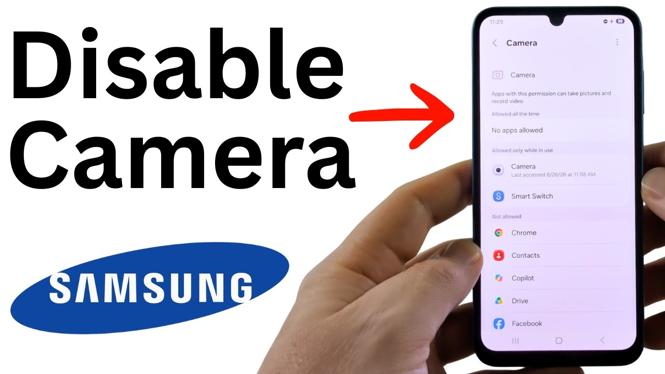
Disable the camera on a Samsung phone by removing camera permission from every allowed app. Use Permission manager to block the Camera app, Facebook, and other apps.

Remove the green dot on your Samsung phone by closing open apps that are using the camera. You can also review and deny camera permissions for specific apps.
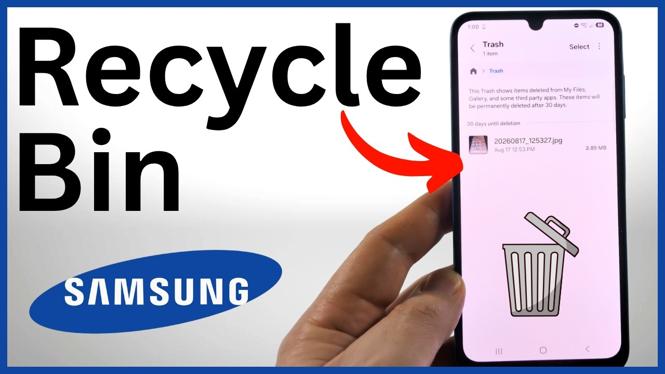
Learn where to find the Recycle Bin, called Trash, on a Samsung phone. Restore recently deleted photos, videos, and files through the My Files app.
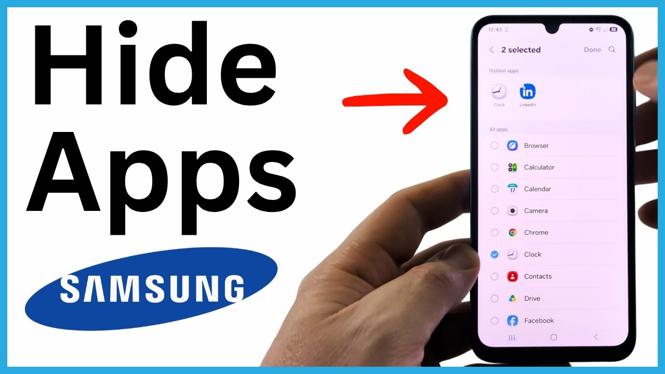
Hide installed apps from the Home screen and app list on a Samsung Galaxy phone. Learn where the built-in Hide apps setting is and how to make apps visible again.

These free movie apps for Samsung phones provide legal movies and shows without a subscription. Learn where to find each app’s free browsing section.
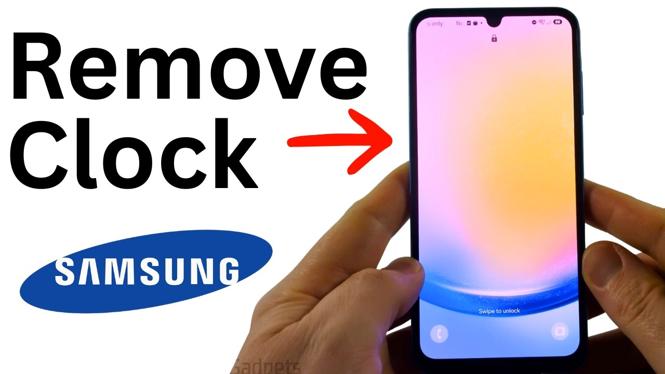
Hide the clock on a Samsung lock screen by editing its color and setting transparency to 0%. This guide shows the exact lock screen editing steps.
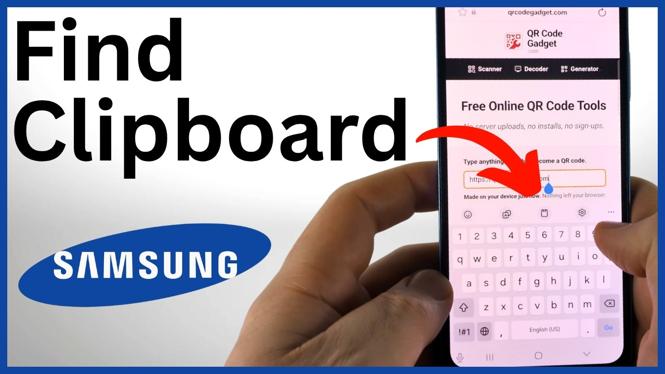
Find the clipboard on your Samsung phone through the Samsung Keyboard toolbar. View copied items, paste them into a text field, and remove clipboard history when needed.