Use an MP3 song as a ringtone on your iPhone through the Files app. Trim longer songs to 30 seconds, then use the clip for calls, texts, voicemail, and alerts.
How to Use MP3 Song as Ringtone on iPhone
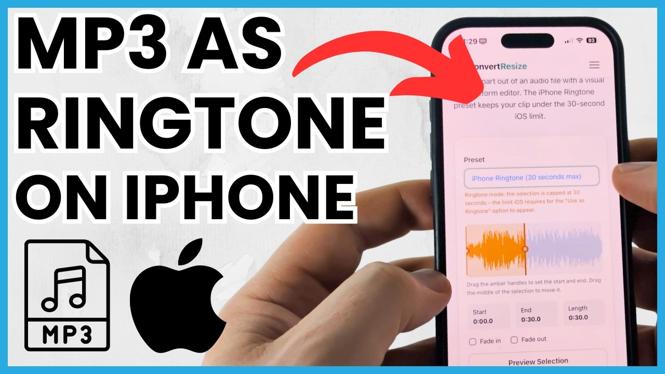

Use an MP3 song as a ringtone on your iPhone through the Files app. Trim longer songs to 30 seconds, then use the clip for calls, texts, voicemail, and alerts.
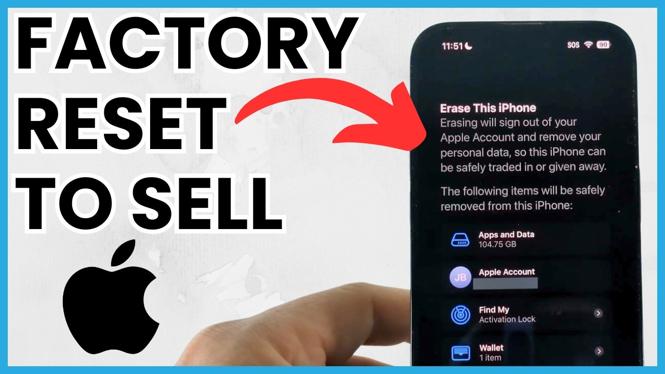
Factory reset your iPhone before selling by backing up needed data and using Erase All Content and Settings. This clears your personal information and removes your Apple Account from the device.
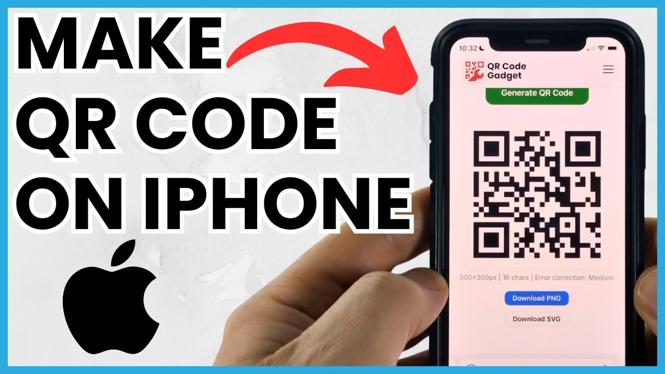
Make a free QR code on your iPhone with QRCodeGadget. Choose a template, enter your details, customize the design, and download a PNG image.
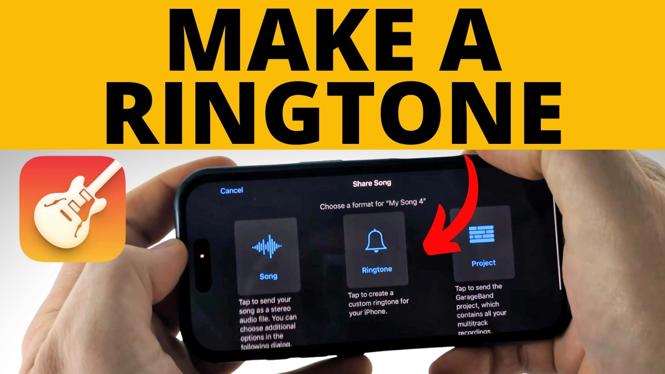
Make a custom iPhone ringtone from a song file using GarageBand. Trim the audio, export it as a ringtone, and assign it to calls or notification sounds.
Make a custom iPhone ringtone in GarageBand using a downloaded music file or MP3. Trim the audio, export it, and use it for calls, texts, or a contact.
Scan QR codes on your iPhone with the Camera app and turn on Scan QR Codes if it is not working. Use QR Code Gadget as a backup scanner when needed.
Scan a QR code displayed on your iPhone by taking a screenshot and using the built-in recognition control. If that does not work, decode the saved image with QRCodeGadget.

Fix SOS Only on an iPhone by checking for carrier outages, updating carrier settings, and resetting network settings. Restore your cellular signal for calls, texts, and data.
How to Install & Use Claude AI on iPhone Are you looking to enhance your productivity and streamline your tasks on your iPhone? Claude AI is a cutting-edge AI assistant that can help you with everything from organizing your schedule to answering your queries. In […]
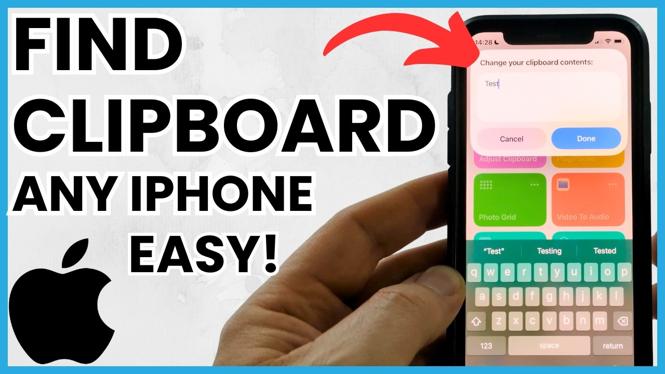
How to Find Clipboard on iPhone With the increase in our digital activities, managing what we copy and paste on our devices has become essential. The clipboard on your iPhone holds a brief, though sometimes critical, history of content you’ve copied – be it text, […]
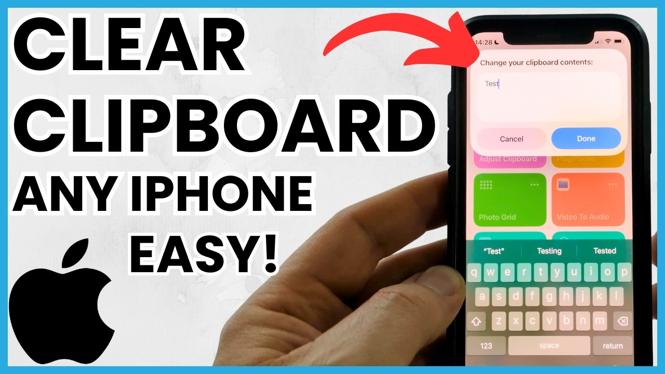
How to Clear Clipboard on iPhone When you copy text, links, or images on your iPhone, that information is stored in the clipboard for easy access. However, this stored data can compromise your privacy if sensitive information is left unaddressed. Fortunately, clearing your clipboard on […]
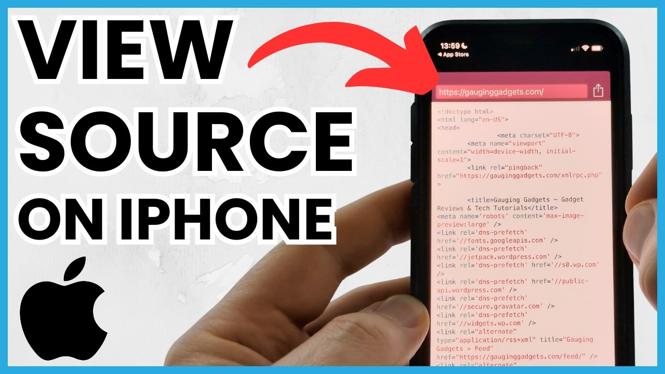
How to View Website Page Source on iPhone or iPad iOS In an increasingly mobile world, having the ability to view website page source code on your iPhone or iPad can be invaluable. Whether you are a web developer looking to debug issues on the […]