You cannot cancel a Fubo TV free trial from the Fubo app. You need to sign in through a web browser at Fubo.tv, open your subscription settings, and end the trial before it converts to a paid plan.
The cancellation option shown in Fubo ends your trial immediately. You will lose access to Fubo as soon as you confirm it, but Fubo will show a confirmation that you will not be charged.
Video Tutorial
Cancel your Fubo TV free trial in a browser
Use a browser on your phone, computer, Chromebook, or another device to manage the trial. The account pages are where Fubo provides the cancellation controls.
- Open a web browser and go to Fubo.tv.
- Log in to the Fubo account that has the free trial.
- Select My Account.
- At the top of the account page, select the drop-down menu labeled Account Info.
- Select Subscription.
- Review the subscription details near the top of the page. Fubo shows how much time remains in your trial.
- Scroll to the bottom of the subscription page.
- Select Cancel.
- When Fubo explains that you will lose access right away, select End Trial Immediately.
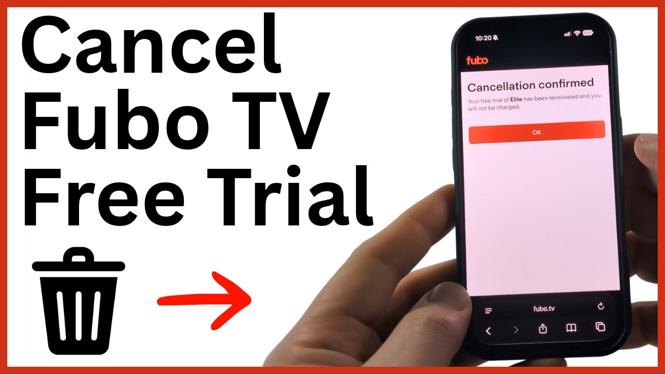
After you select End Trial Immediately, Fubo should display a message confirming that the free trial has been terminated. The confirmation also states that you will not be charged.
What happens when you end the trial
This cancellation does not keep your Fubo access active until the original trial end date. The option demonstrated is End Trial Immediately, so your streaming access ends as soon as the cancellation is completed.
That tradeoff can be useful if you are sure you are done with the service and want to prevent the account from moving into a paid subscription. Before confirming, make sure you have watched anything you planned to watch during the remaining trial time.
Fubo also shows your remaining trial time in the subscription area and indicates that it will send an email one day before the trial is about to end and billing is due to begin. Do not rely only on that reminder. Cancel through the account page before the deadline if you do not want the paid plan.
Check that the cancellation worked
The most important part is the final confirmation screen. Do not stop after selecting Cancel, because Fubo has an additional confirmation step. Your trial is not ended until you select End Trial Immediately and receive the termination message.
Once the confirmation appears, review it for language saying the trial has been terminated and that you will not be charged. Keep a screenshot or save the confirmation details for your records. This gives you proof of the cancellation date if you need to check the account later.
If you cannot find the cancellation option
First, make sure you are using a browser rather than the Fubo app. The Fubo app does not include a way to cancel a free trial or subscription.
Next, confirm that you signed in with the same Fubo account used to start the trial. If the subscription page does not show trial information or a cancellation option, you may be in a different account. Check the account details and return to My Account, then Account Info and Subscription.
If you are close to the end of the trial, complete the cancellation as soon as possible. The subscription page shows how much time is left, so you can verify that you are still within the free trial period before billing starts.
Quick checklist before you leave Fubo
- Use a browser and sign in at Fubo.tv.
- Open My Account.
- Choose Account Info, then Subscription.
- Scroll to the bottom and select Cancel.
- Select End Trial Immediately to finish.
- Confirm that Fubo says the trial was terminated and you will not be charged.
More Cancel Subscription & Free Trial:
 Subscribe Now! 🙂


Discover more from Gauging Gadgets
Subscribe to get the latest posts sent to your email.