Learn how to restart an iPhone into Diagnostics Mode through Recovery Mode. Connect to Wi-Fi, begin the available checks, and exit Diagnostics when finished.
How to Put Your iPhone in Diagnostics Mode
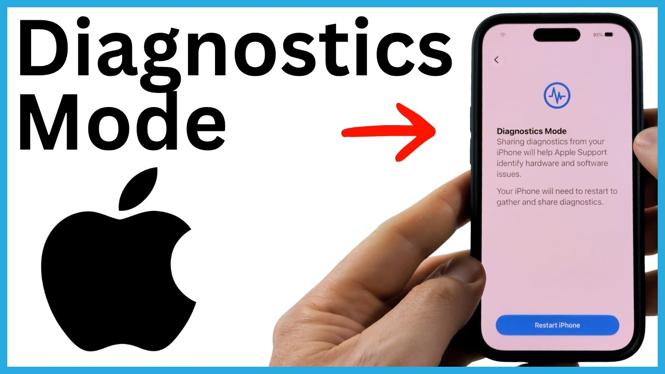

Learn how to restart an iPhone into Diagnostics Mode through Recovery Mode. Connect to Wi-Fi, begin the available checks, and exit Diagnostics when finished.
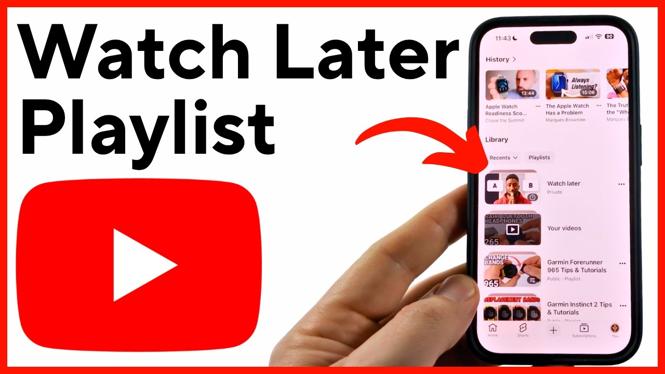
Find the Watch Later playlist in the YouTube app from the You tab and Library section. Learn how to move it higher in your playlist list by saving another video.
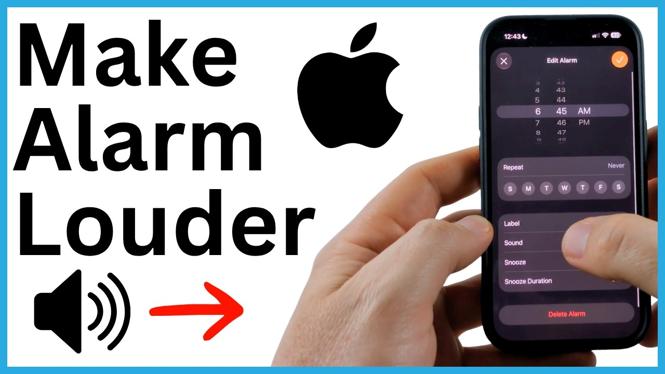
Fix a quiet iPhone alarm by raising the Ringtone and Alerts volume in Settings. Learn how Change with Buttons affects your alarm volume.
Fix choppy Bluetooth sound in Windows 11 by updating the Bluetooth driver and adjusting audio device settings. Disable enhancements and check the device service to stop skipping and crackling.
Install Roblox Studio on a Windows 10 or Windows 11 laptop or PC from the official Roblox Creator website. Download the installer, sign in, and begin with a new experience or template.
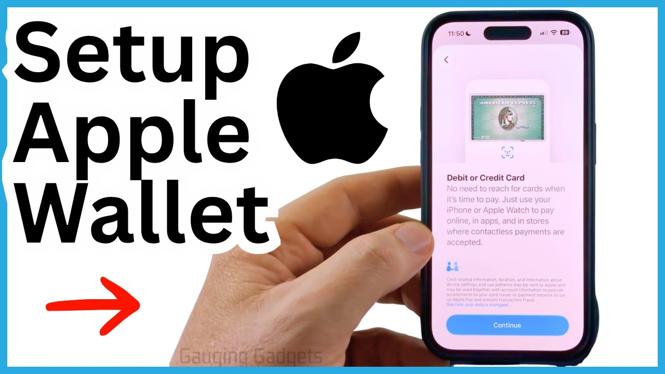
Set up Apple Pay on your iPhone by adding a debit or credit card in Wallet and verifying it with your bank. Learn how to bring up Wallet quickly for contactless payments.
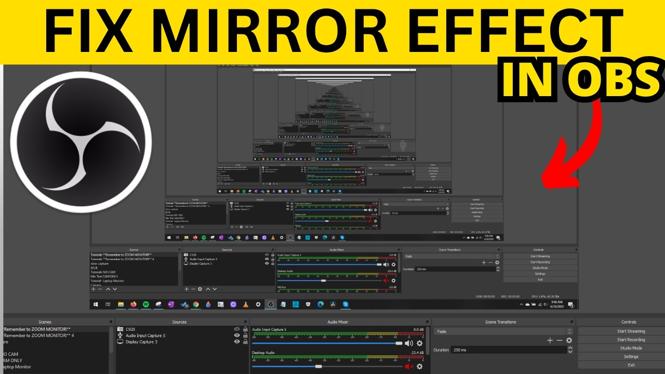
Fix OBS capturing its own window and creating a repeating mirror effect. You can also flip or correct upside-down sources with OBS Transform options.
Fix an upside-down or sideways webcam by changing Video rotation in Windows 11. Learn where to unmirror your camera image in the app you use.
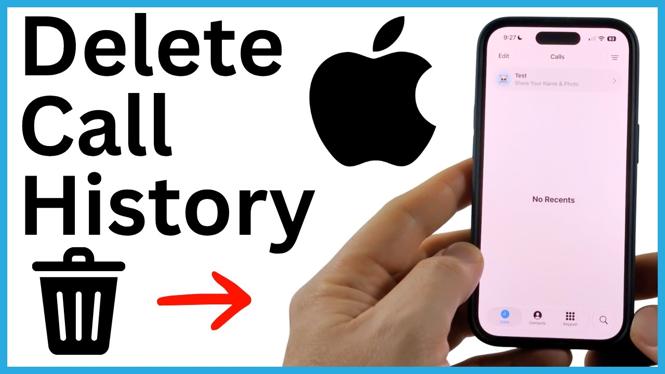
Delete individual calls or clear all recent calls from the Phone app on your iPhone. Learn why voicemail entries may remain and how to remove them.
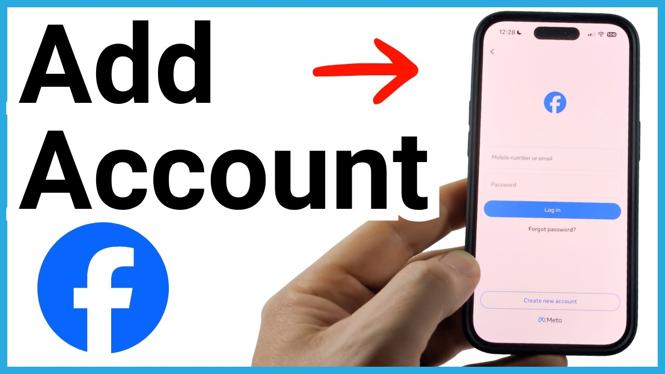
Add a second Facebook account in the app and switch between saved profiles from the logout screen. This guide covers the menu options and Use another profile step.
Set up OBS Studio for Facebook Live with your Facebook stream key, scenes, and sources. Learn how to preview, publish, and stop your broadcast.
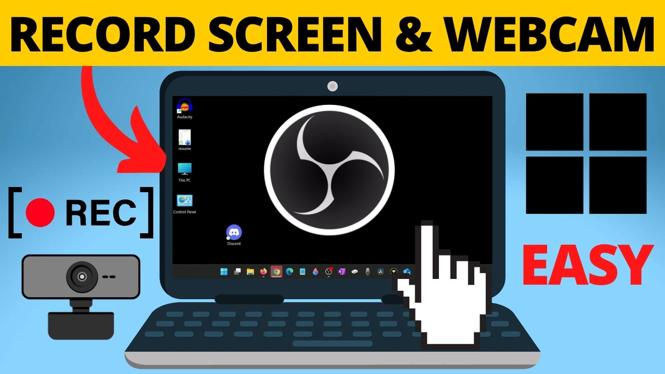
Record your computer screen and webcam together with OBS Studio. Set up a display capture, add a face cam overlay, check audio, and save the recording.