Fix choppy Bluetooth sound in Windows 11 by updating the Bluetooth driver and adjusting audio device settings. Disable enhancements and check the device service to stop skipping and crackling.
Fix Bluetooth Audio Stuttering In Windows 11

Fix choppy Bluetooth sound in Windows 11 by updating the Bluetooth driver and adjusting audio device settings. Disable enhancements and check the device service to stop skipping and crackling.
Fix an upside-down or sideways webcam by changing Video rotation in Windows 11. Learn where to unmirror your camera image in the app you use.
Connect AirPods or AirPods Pro to a Windows 11 PC or laptop through Bluetooth. Learn how to enter pairing mode and confirm audio and microphone connectivity.
Turn on a laptop or PC webcam in Windows 11 by enabling camera permissions and checking connected cameras. Test the result in the Windows Camera app.
Change the password or PIN you use to sign in to a Windows 11 PC or laptop. This guide shows where to find Sign-in options and confirm your new credential.
Disable OneDrive on Windows 11 by stopping backup, startup activity, scheduled tasks, and account syncing. You can also uninstall the app after your files download locally.
Download Blender on a Windows 11 PC or laptop for free through Microsoft Store. Verify the official Blender Foundation listing, install it, and open your first project.
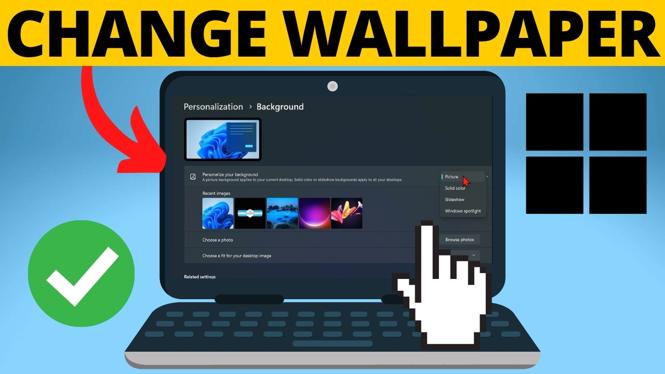
Change your Windows 11 desktop wallpaper from the Personalization settings. Use a saved photo, a solid color, Windows Spotlight, or a slideshow.
Fix an Acer laptop that will not turn on, charge, or show an image with a cable check and hard reset. Learn the exact power-button timing used to restart it safely.
Fix an ASUS laptop that will not turn on, charge, or get past a black screen. Disconnect accessories, perform a hard reset, and check the charger connections.
Fix a Lenovo laptop that will not turn on, charge, or show anything except a black screen. Use a hard reset and check the charger connection before restarting it.
Learn how to get free live wallpapers on a Windows PC or laptop. Download and set animated desktop backgrounds while keeping performance in mind.