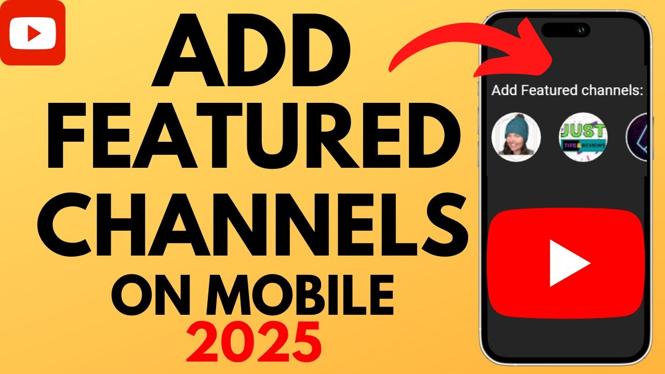
How to add featured channels to YouTube Channel? In this tutorial, I show you how to add featured channels to your YouTube channel on iPhone & Android. This means you can easily add a link to your YouTube channel highlighting any other channel on YouTube.
Add Featured Channels to YouTube Channel (Video Tutorial):
More YouTube tutorials:
 Subscribe Now! 🙂
1
/
14


NFL Sunday Ticket 2026 Explained - Deals, Review, What Games Are Included
How To Find Your Watch Later Playlist On YouTube App - Working
How To Enable Live Streaming On YouTube - Full Guide
How to Hype Videos on YouTube
How to Turn OFF Auto Dubbing on YouTube Mobile Videos - 2026
How to Disable YouTube Shorts - iPhone, Android, Samsung
How to Turn OFF Auto Dubbing on YouTube Videos - 2026 WORKING
How To See Recently Watched Videos On YouTube Mobile - iPhone & Android
How To See Recently Watched Videos On YouTube
How to Change Country of YouTube Channel - Full Guide
How to Watch Free Movies on YouTube
How to View YouTube Watch History - iPhone & Android
How to Turn Off Autoplay on YouTube Feed - Disable Video Preview
How To Download YouTube Video To USB Flash Drive - Step By Step
How to Delete All Liked Videos on YouTube Mobile - iPhone & Android
1
/
14
Discover more from Gauging Gadgets
Subscribe to get the latest posts sent to your email.