Learn how to turn on Hey Siri on an iPhone through Apple Intelligence & Siri settings. Complete voice setup and use Siri hands free for everyday requests.
How to Turn On Hey Siri
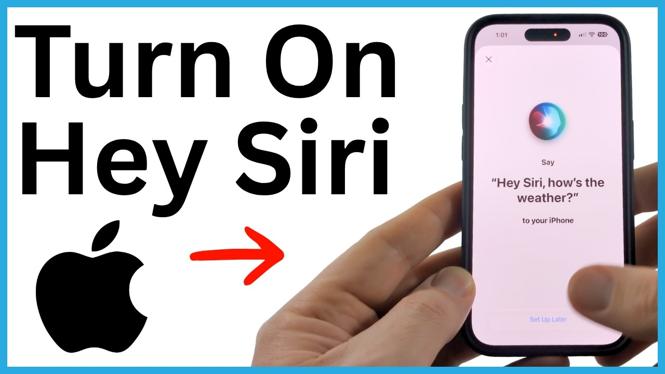

Learn how to turn on Hey Siri on an iPhone through Apple Intelligence & Siri settings. Complete voice setup and use Siri hands free for everyday requests.
Learn how to reboot an iPhone with a force restart when the screen is frozen or unresponsive. Use the Volume buttons and Side button to start it again.
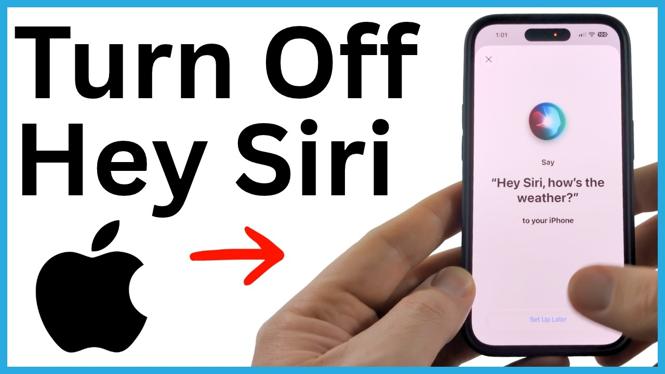
Turn off Hey Siri on your iPhone to stop Siri from activating when it hears the wake phrase. You can still use the Side Button to open Siri manually.
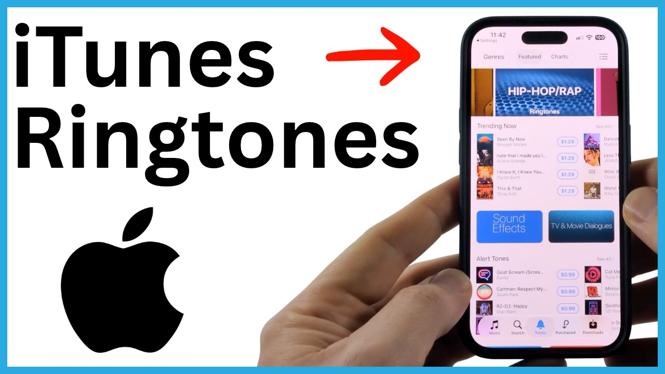
Buy a ringtone from the iTunes Tone Store on your iPhone and set it as your default call sound. You can also download purchased tones that do not appear in your ringtone list.
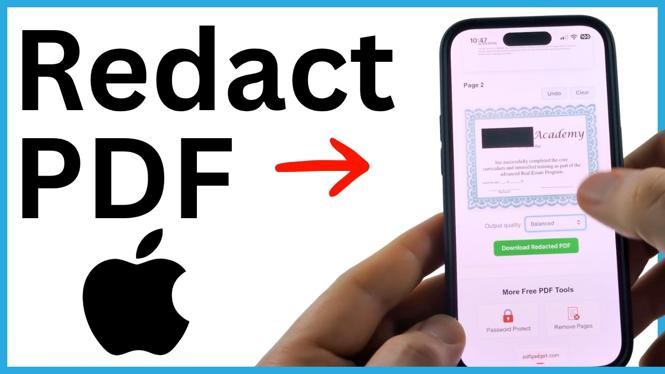
Learn how to permanently redact sensitive text in a PDF on your iPhone. Add black redaction boxes, download the edited file, and save it to Files.
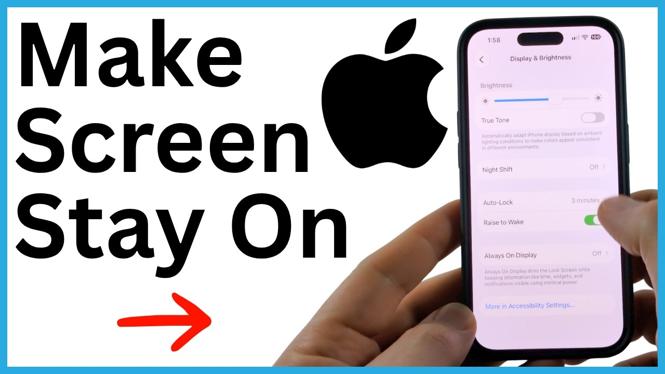
Keep your iPhone display awake by turning off Low Power Mode and changing Auto-Lock to Never. The screen then stays on until you lock the iPhone yourself.

Request a refund for an Apple App Store or iTunes purchase using Apple’s Report a Problem page. Learn how to select a reason, submit the item, and handle a missing recent purchase.
Turn off an iPhone with an unresponsive touchscreen by asking Siri to power it down. Learn why the volume and power-button sequence may restart the phone instead.
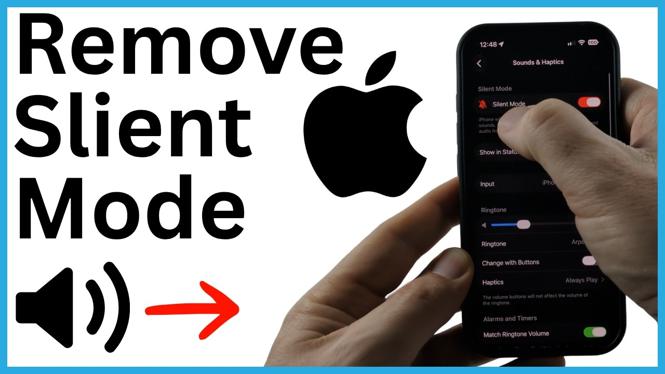
Learn how to remove Silent Mode on an iPhone using the Ring/Silent switch, Action Button, Settings, or Control Center. Confirm your ringer is active so calls, texts, and alerts can make sound again.
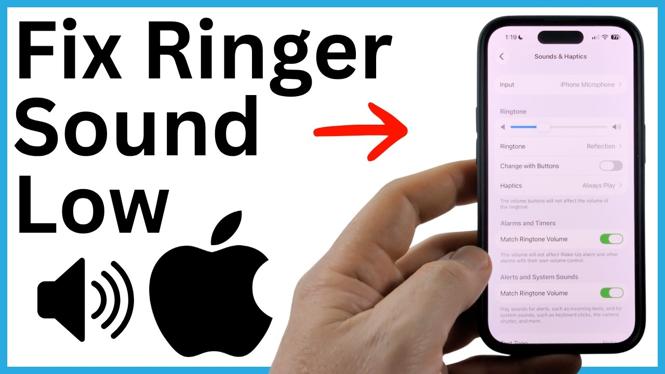
Fix a quiet iPhone ringtone by adjusting Ringtone and Alerts, enabling Change with Buttons, and checking Focus settings. You can also stop Attention Aware Features from lowering alert volume.
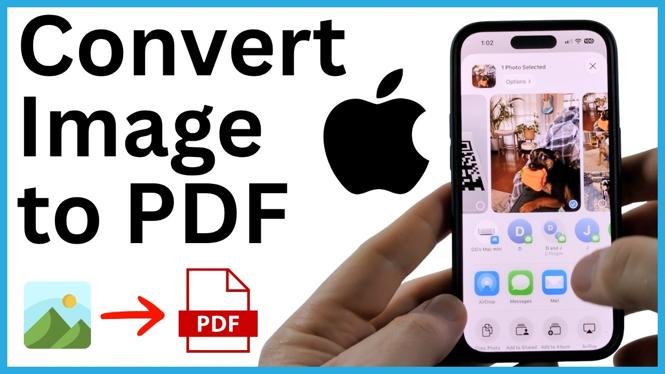
Convert a photo, screenshot, JPG, or HEIC image to a PDF on your iPhone using built-in tools. Save the finished PDF in Files so it is ready to share.
Fix a green iPhone screen by force restarting the phone, checking display accessibility settings, and updating iOS. Learn when a settings reset can help and when the display may need repair.