Turn off an Android phone with physical buttons when the touchscreen or display does not work. Use the fastboot menu to shut down supported non-Samsung Android phones.
How to Turn Off Android Without Touching the Screen
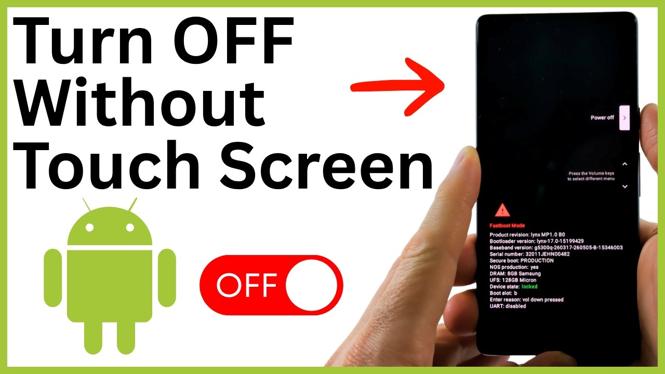

Turn off an Android phone with physical buttons when the touchscreen or display does not work. Use the fastboot menu to shut down supported non-Samsung Android phones.
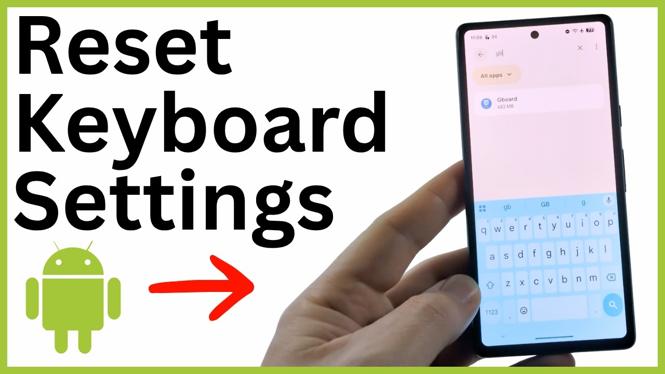
Reset your Android keyboard by clearing the cache and storage for Gboard, Samsung Keyboard, or your active keyboard app. Restore the default layout, theme, autocorrect, and typing preferences.
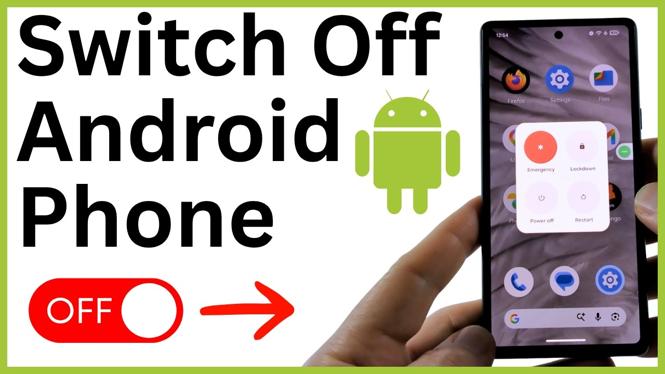
Switch off an Android phone using the power button, Quick Settings, or Accessibility Menu. These methods also help when the physical side button is not working.
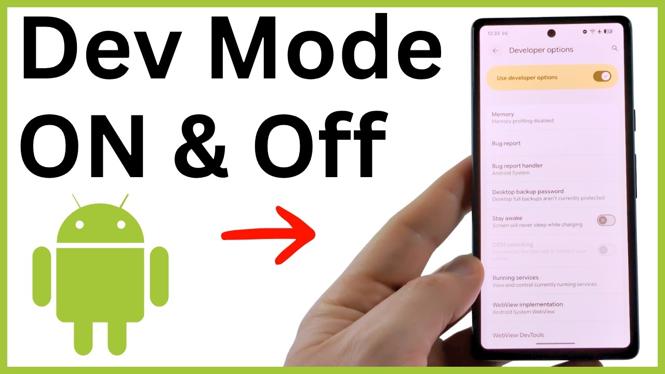
Enable Developer Options on an Android phone by tapping Build number and confirming your PIN. Learn where to find the menu and how to turn it off again.
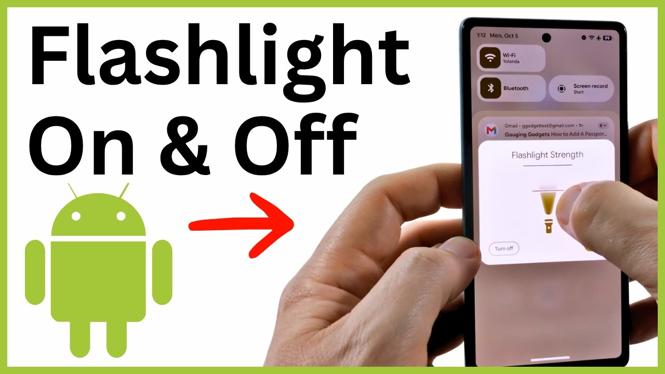
Turn your Android flashlight on or off from the lock screen or Quick Settings. Learn how to add and move the Flashlight tile when it is missing.
Convert a photo, JPG, or screenshot to a PDF on your Android phone using the built-in Print and Save to PDF options. Learn where to find and verify the saved PDF file.
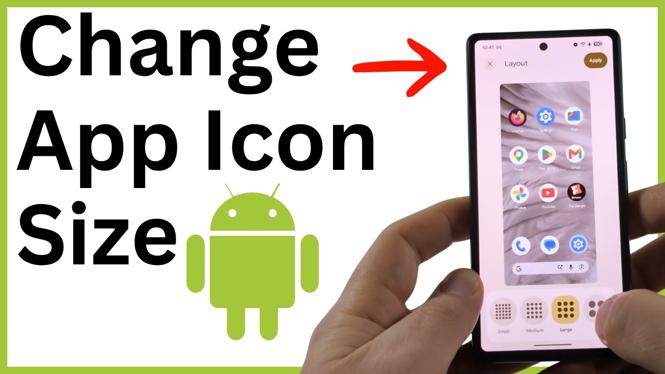
Change app icon size on Android through the Wallpaper & style layout settings. Choose from extra large, large, medium, or small home screen icons.
Turn Safe Mode on or off on an Android phone using the power menu. Learn how to confirm Safe Mode is active and restart normally when you are done.
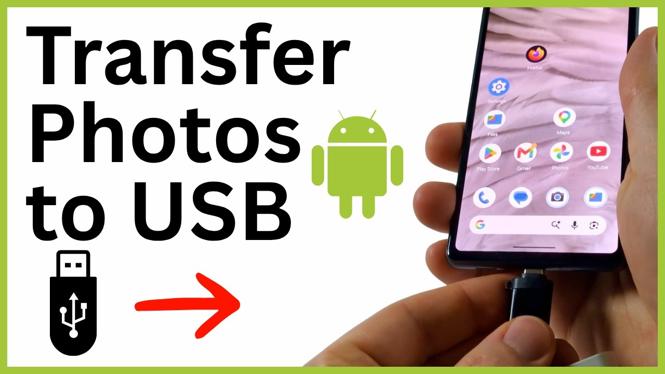
Transfer Android phone photos to a USB drive using the Files app. Connect a flash drive, copy your images, and verify the backup before deleting originals.
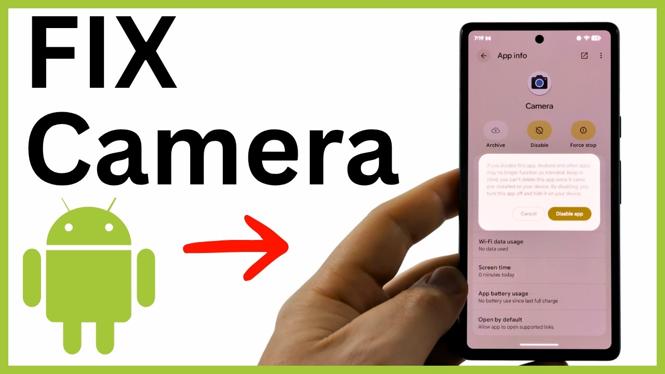
Fix a camera not working on your Android phone by force stopping the Camera app and checking Camera access. Learn how to restart your phone if the issue continues.
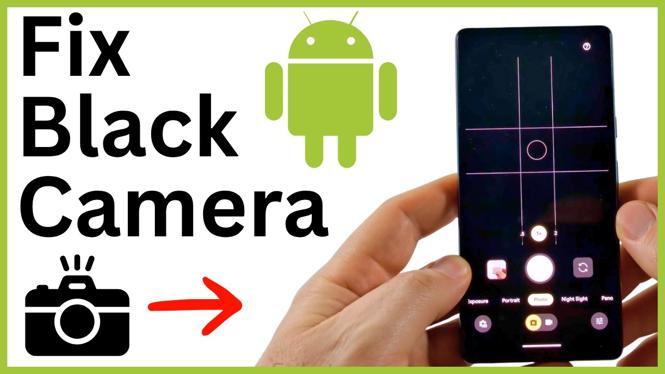
Fix an Android camera black screen by restarting your phone, enabling camera access, and allowing the right app permissions. You can also reset the Camera app if the preview stays black.
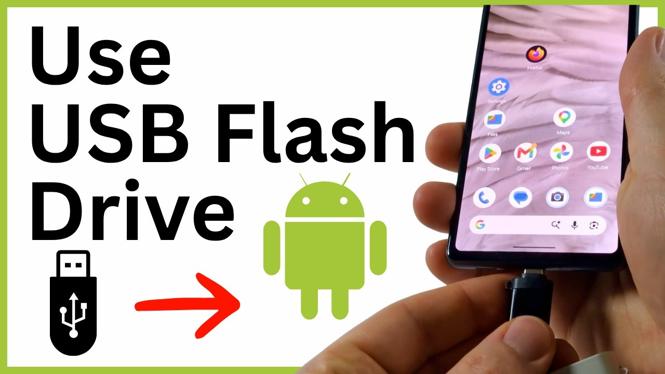
Learn how to connect a USB flash drive to an Android phone with a USB-C drive or USB OTG adapter. Copy files between internal storage and the flash drive using Files or Samsung My Files.