View your YouTube comment history from the YouTube app on iPhone, Android, or Samsung Galaxy. Find past comments and replies, open them, or delete unwanted posts.
How To View YouTube Comment History on Mobile
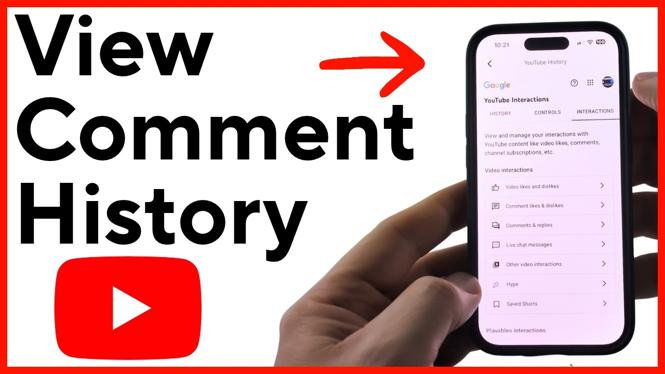
View your YouTube comment history from the YouTube app on iPhone, Android, or Samsung Galaxy. Find past comments and replies, open them, or delete unwanted posts.
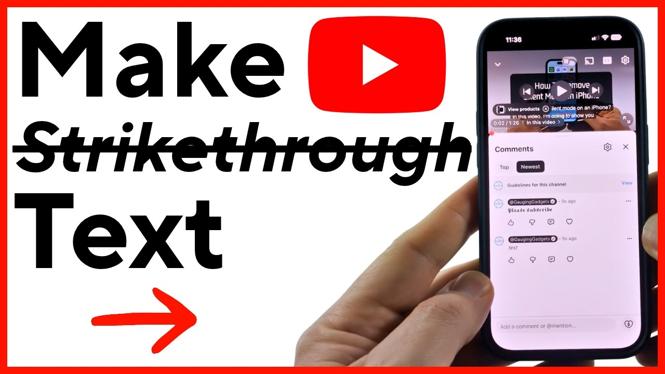
Make strikethrough text in YouTube comments and replies by surrounding words with hyphens. The method works in the YouTube app and on a computer.
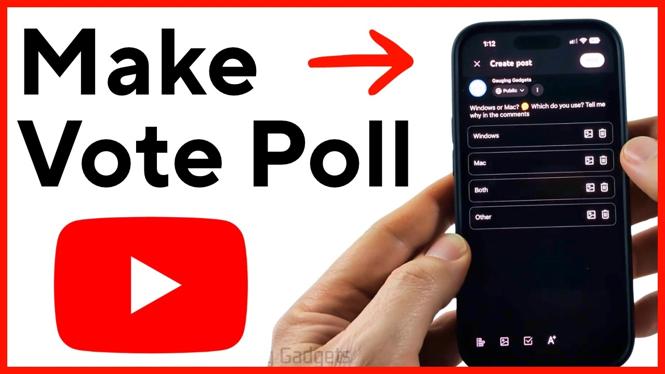
Create a YouTube Community poll from the mobile app, add answer choices, and publish it to your channel. You can also schedule the post and review viewer votes for future video ideas.
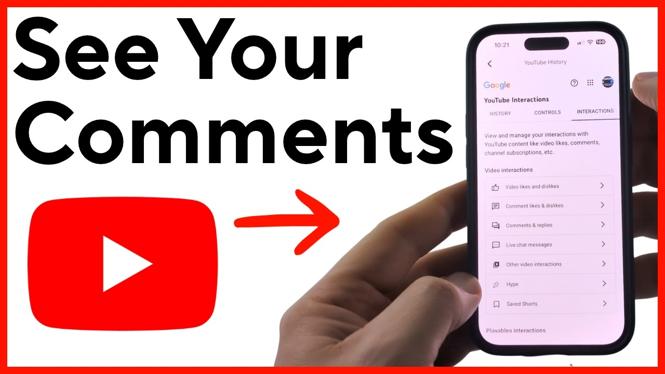
See your complete YouTube comment and reply history from the YouTube app on iPhone or Android. Review past comments, open full text, and delete old entries.
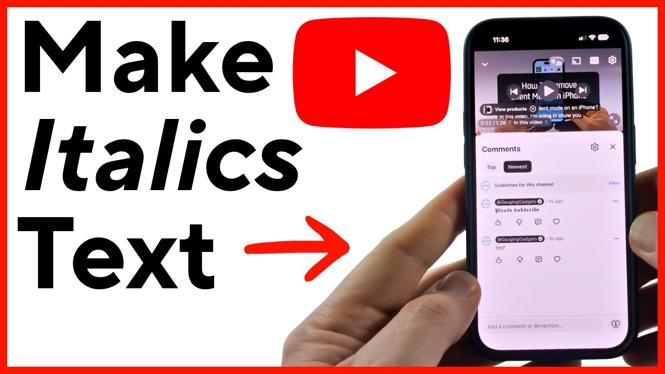
Make italics text on YouTube comments by placing underscores around a word or phrase. The same method works in the YouTube mobile app and on a computer.
Learn YouTube comment formatting with asterisks, underscores, and hyphens. Make text bold, italic, or strikethrough in comments and replies.
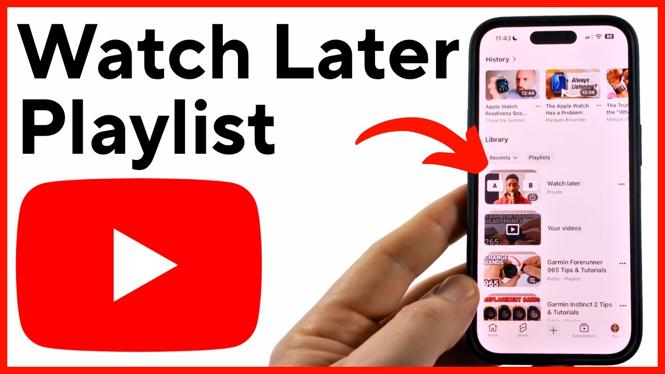
Find the Watch Later playlist in the YouTube app from the You tab and Library section. Learn how to move it higher in your playlist list by saving another video.
Enable YouTube Live by requesting access and verifying your channel with a phone code. Learn what happens during the 24-hour activation wait before your first stream.
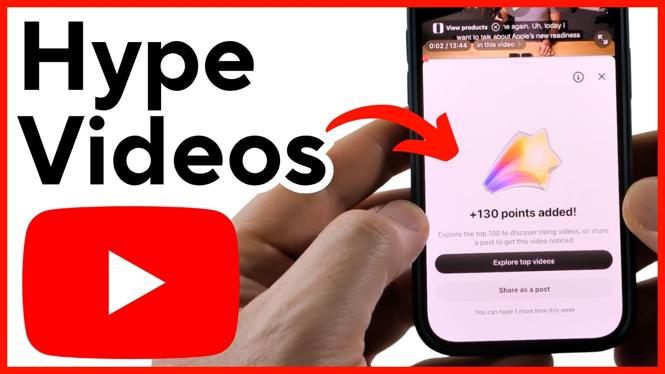
Learn how to use the YouTube Hype button on mobile, check your weekly Hypes, and support eligible recent uploads. Find out why the Hype option may not appear on some videos.
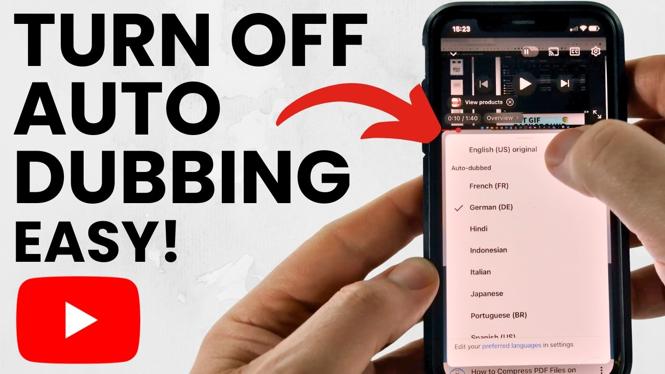
Stop YouTube videos from playing automatic dubbed audio by selecting the original audio track. You can also set preferred languages to favor original audio on future videos.

Set YouTube’s Shorts Feed Limit to zero minutes on iPhone, Android, or Samsung phones. This limits Shorts in your feed and stops Shorts playback unless you override it for the day.
Turn off YouTube auto dubbing by selecting the Original audio track on a video. Set preferred languages to favor original audio on future videos.