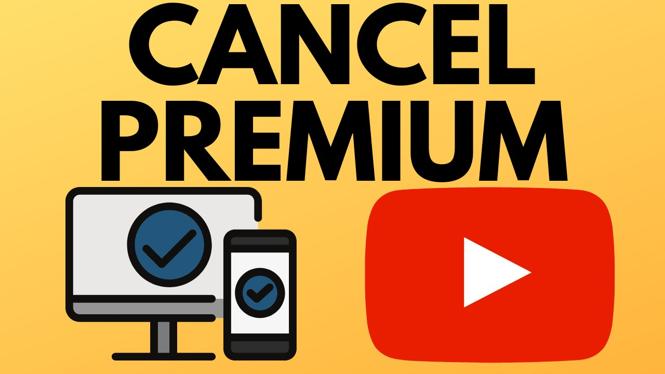
How to cancel YouTube premium subscription? In this tutorial, I show you how to cancel your YouTube premium subscription or cancel a YouTube premium free trial. The steps in this tutorial can not only cancel YouTube premium on a PC or Laptop but also iPhone, iPad, & Android.
Cancel YouTube Premium Subscription (Video Tutorial):
More YouTube tips & tutorials:
 Subscribe Now! 🙂
1
/
15


How To Add a Featured Channel to Your YouTube Channel
How To Create Playlist On YouTube Channel - Full Guide
How To View YouTube Comment History on Mobile - iPhone, Android, Samsung
How to Make Strikethrough Text on YouTube Comments - Mobile & PC
How to Make a Vote Poll on YouTube
How to See Your Comments on YouTube Mobile - iPhone & Android
How to Make Italics Text on YouTube Comments - Mobile & PC
How to Write Bold, Italic, & Strikethrough on YouTube Comments - PC & Mobile
NFL Sunday Ticket 2026 Explained - Deals, Review, What Games Are Included
How To Find Your Watch Later Playlist On YouTube App - Working
How To Enable Live Streaming On YouTube - Full Guide
How to Hype Videos on YouTube
How to Turn OFF Auto Dubbing on YouTube Mobile Videos - 2026
How to Disable YouTube Shorts - iPhone, Android, Samsung
How to Turn OFF Auto Dubbing on YouTube Videos - 2026 WORKING
1
/
15
Discover more from Gauging Gadgets
Subscribe to get the latest posts sent to your email.