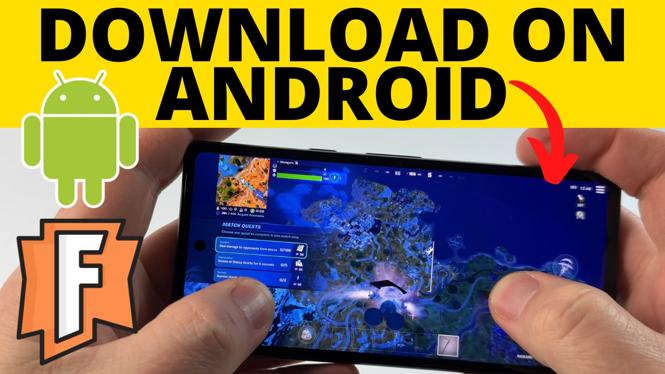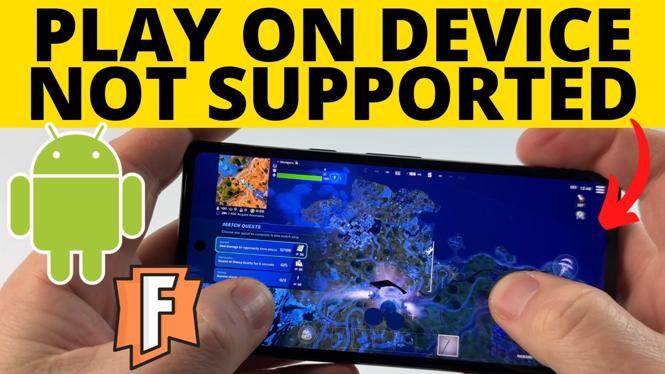
How to download Fortnite on Android device not supported? In this tutorial, I show you how to get and play Fortnite on an unsupported Android phone. This means you can still play Fortnite on your Android phone even if it says Device Not Supported. It’s easy to fix Fortnite device not supported error and play Fortnite on any android with cloud gaming for free.
Play Fortnite on Android Device Not Supported (Video Tutorial):
Follow the steps below to download Fortnite on Android phone device not supported
- Open the browser on your phone and go to https://www.fortnite.com
- Select Play Now under Fortnite.
- Choose More ways to Play under Download Now.
- Can you can now choose to play Fortnite on your Android phone using Amazon Luna, Xbox Cloud Gaming, or Geforce Now. Choose your method to play Fortnite on an unsupported device.
- Login or create an account.
- Connect your Epic Games account to play with your Fortnite account.
- Select Play Now to load Fortnite on your unsupported Android phone and start playing.
More Fortnite Tips & Tutorials:
 Subscribe Now! 🙂
1
/
4


How to Show Ping in Fortnite - PC, Xbox, PS5
How to Enable 2FA on Fortnite - Turn On Fortnite Two Factor Authentication
How to Download Fortnite on iPhone - 2026
How to See Footsteps in Fortnite
How to Turn On Anonymous Mode in Fortnite - 2026
How to Add Friends on Fortnite - Xbox, PC, Switch & PlayStation
How to Turn On Fortnite Voice Chat - Enable Voice Chat in Fortnite
How to See Career Fortnite Stats - View Entire Career Stats on Fortnite
How to Turn Off Controller Vibration on Fortnite - 2026
How to Fix Can't Receive Gifts in Fortnite
How to See FPS on Fortnite - Show FPS in Fortnite Setting
How to Turn Off Aim Assist in Fortnite
How to Turn Off Copyrighted Music & Emotes in Fortnite
How to See Ping on Fortnite - Show Ping in Fortnite Setting
How to Turn On Aim Assist in Fortnite
1
/
4
Discover more from Gauging Gadgets
Subscribe to get the latest posts sent to your email.