Gauging Gadgets

  • Home
  • Gadget Reviews
    • Automotive Accessories
    • Bluetooth Devices
    • Cameras & Accessories
    • Cellphones and Accessories
    • Computers & Accessories
    • Drones & Quadcopters
    • Gaming Headsets
    • Headphones
    • Household
    • Lights
      • Camping Light
      • Flashlights
    • Power Banks
    • Routers and Modems
    • Smart Home
    • Smartwatch
      • Garmin
    • Solar
    • Tools
    • Wireless Speakers
  • Tech Tutorials
    • Android
    • Content Creators
      • Hitfilm
      • Instagram
      • Mixer
      • OBS Studio
      • Twitch
      • YouTube
    • DIY
    • Firefox
    • Garmin
      • Fenix 6
      • Forerunner 245
      • Forerunner 45
      • Forerunner 645
      • Garmin Instinct
      • Venu
      • Vivoactive 3
      • Vivoactive 4
    • Gadget Tutorials
      • Garmin
        • Fenix 6
        • Forerunner 45
        • Forerunner 245
        • Forerunner 645
        • Garmin Instinct
        • Venu
        • Vivoactive 3
        • Vivoactive 4
      • Google Home
      • Google Chromebook
      • Xbox One
    • Google
      • Google Chrome
      • Google Chromebook
      • Google Drive
      • Google Home
      • Google Maps
    • Internet
    • iPhone
    • Kindle
    • Live Streaming Platforms
      • Twitch
      • OBS Studio
      • Mixer
    • Netflix
    • Voice Assistants
    • Social Media
      • Instagram
      • Reddit
      • LinkedIn
      • YouTube
    • Spotify
    • Windows 10
    • Xbox One
    • YouTube
  • My YouTube Setup!
Menu
Expand search form

Content Creators, LinkedIn, Social Media, Tech Tutorials

Hide Profile Updates From Your Linkedin Network – Make Private Changes

December 5, 2019 No Comments
Prevent linkedin profile update change notifications

How to hide profile updates from your Linkedin network.  In this tutorial, I show you how to make private changes to your Linkedin account without sending notifications to your Linkedin network.  This will hide alerts for any updates you make to your profile, such as […]

Continue Reading

Garmin, Tech Tutorials, Vivoactive 4

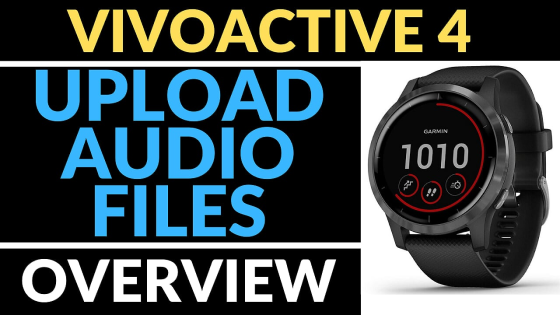
How to Upload Music to Your Garmin Vivoactive 4

December 4, 2019 1 Comment
upload mp3 audio filesGarmin Vivoactive 4 Tutorials

In this tutorial, I show you how to upload MP3 songs to your Garmin Vivoactive 4. This can be useful if you want to listen to music, podcasts, or audiobooks directly from your Garmin Vivoactive 4, rather than your phone.

Continue Reading

Spotify, Tech Tutorials

How To Add Songs To Spotify – Play Local Files in Spotify – 2019

December 4, 2019 No Comments
add songs to spotify tutorial

How to add songs to Spotify? In this tutorial, I show you how to add songs to Spotify that are not on Spotify. This means you can upload any song (including your own songs) to Spotify and listen to them on your computer, iPhone, and […]

Continue Reading

Garmin, Tech Tutorials, Vivoactive 4

System Settings Overview – Garmin Vivoactive 4 Tutorial

December 4, 2019 No Comments
Garmin Vivoactive 4 - System Settings Overview Tutorial

In this tutorial, I walk you through the different system settings available on the Garmin Vivoactive 4. 

Continue Reading

Fenix 6, Garmin, Tech Tutorials

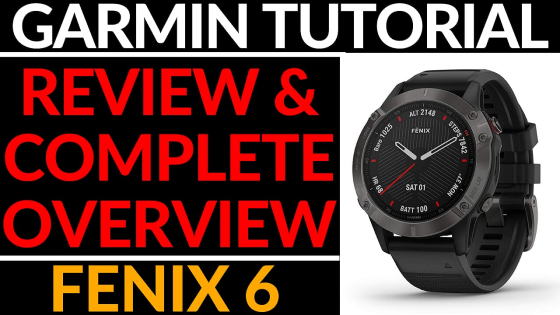
Garmin Fenix 6 Review and Full Walkthrough – Fenix 6 Sapphire Complete Overview

December 3, 2019 No Comments
review and overview Garmin Fenix 6 6S 6X tutorial

Looking to learn more about the Garmin Fenix 6, Fenix 6S, or Fenix 6X? In this Fenix 6 review and full walk through, we look at the watch faces, widgets, sport activities, control menu, maps, music controls, and settings on the Fenix 6. We also […]

Continue Reading

iPhone, Tech Tutorials

How to Create PDF Files on iPhone and iPad – Print to PDF

December 3, 2019 No Comments
CREATE PDF FILES ON IPHONE IPAD PRINT TO PDF

In this tutorial, I show you how to print files to PDF using your iPhone. With this tutorial, you can create PDFs from websites, images, emails, etc. 

Continue Reading

Garmin, Tech Tutorials, Vivoactive 4

How to Install Watch Faces – Garmin Vivoactive 4 Tutorial

December 3, 2019 No Comments
Garmin Vivoactive 4 Install Watch Faces

In this tutorial, I show you how download watch faces from the Connect IQ store and install them on your Garmin Vivoactive 4.

Continue Reading

Live Streaming Platforms, Tech Tutorials, Twitch, Uncategorized

How To Start A Twitch Stream With Twitch Studio – Setup Tutorial

December 2, 2019 No Comments

In this tutorial, I show you how to download, install, and start streaming to Twitch with Twitch Studio.  Starting a Twitch stream is very easy and can be done in less than 10 minutes.

Continue Reading

Instagram, Social Media, Tech Tutorials

How to Disable Comments on Instagram Post – Turn Off Commenting

December 2, 2019 No Comments
Diable Comments on Your Instagram Post

In this tutorial, I show you how to turn off comments on an Instagram post while you are creating a post, or on a post that you have already made public.

Continue Reading

Garmin, Tech Tutorials, Vivoactive 4

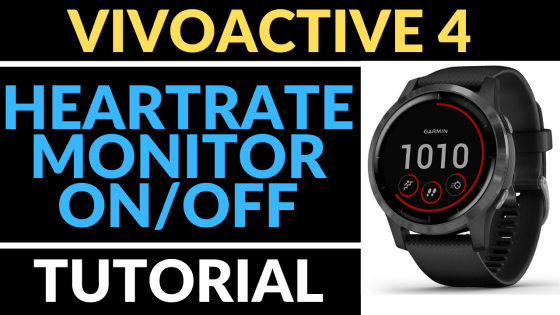
Turn On Off Heart Rate Monitor – Garmin Vivoactive 4 Tutorial

December 2, 2019 No Comments
Garmin, Garmin Vivoactive 4, Vivoactive 4, Garmin Tutorial, Tutorial

In this tutorial, I show you how to turn off or on heart-rate monitoring on the Garmin Vivoactive 4.

Continue Reading

Garmin, Vivoactive 4

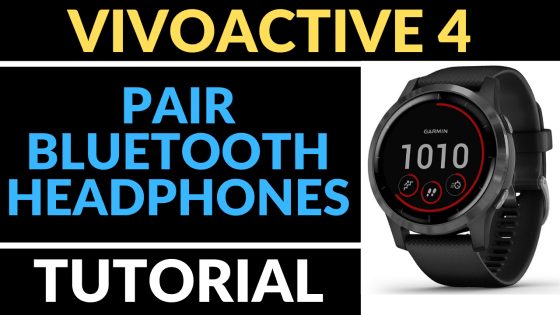
How to Pair Headphones with your Garmin Vivoactive 4 – Connect Earbuds or Speaker

December 1, 2019 No Comments
Garmin Vivoactive 4 how to pair Bluetooth headphones tutorial FI

How to pair your Bluetooth headphones with your Garmin Vivoactive 4 or 4s. In this tutorial, I show you how to connect your Garmin Vivoactive 4 to a pair of Bluetooth headphones, earbuds, or speaker. This can be useful if you have mp3 music uploaded […]

Continue Reading

Garmin, Tech Tutorials, Vivoactive 4

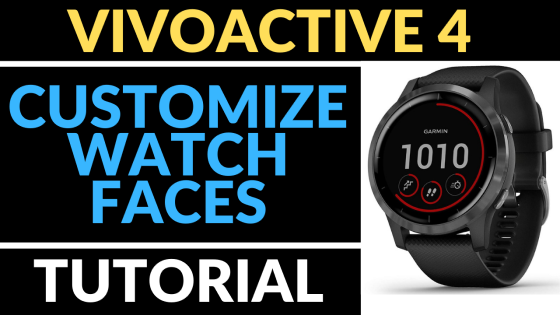
How to Customize Watch Faces – Garmin Vivoactive 4 Tutorial

December 1, 2019 No Comments
Garmin Vivoactive 4 Custom Watch Face tutorial FI

In this tutorial, I show you how to customize the watch faces that come with your Garmin Vivoactive 4.

Continue Reading
« Previous 1 … 176 177 178 179 180 … 205 Next »

Subscribe via Email

Enter your email address to subscribe to this blog and receive notifications of new posts by email.

Join 60 other subscribers

Recent Post

  • November 17, 2026

    How To View YouTube Comment History on Mobile

  • November 17, 2026

    How to Stop Pop Up Ads on Samsung Phone

  • November 16, 2026

    How to Reset Facebook Algorithm

  • November 16, 2026

    How To Get Facebook Marketplace Back

  • November 16, 2026

    How To Find Roblox User ID

More Tech Tutorials

  • October 20, 2026

    How To Monetize Facebook Account

  • June 13, 2026

    Best FREE VPN for Windows PC & Laptop

  • August 28, 2026

    How to Turn Off Gemini in Gmail App

  • November 26, 2025

    How to Fix Frozen or Unresponsive iPhone #iphone #fix #ios

  • September 28, 2025

    How to Delete a Discord Server

  • September 2, 2025

    How to Fix Instagram Music Problem

  • October 29, 2025

    How to Make Strikethrough Text in WhatsApp

  • December 6, 2023

    How to Hide Friends on Facebook

  • December 16, 2025

    How to Install Discord App on iPhone

Privacy Policy

FTC: This page contains affiliate links. As an Amazon Associate I earn from qualifying purchases. All reviews are 100% honest and are not influenced to promote sales. Thank you for visiting and I hope you found it useful!

International Amazon Links:

  • Australia
  • UK
  • Canada
  • Spain
  • Mexico
  • Italy
  • France
  • Germany
  • USA
  • Opt-out preferences
  • Imprint
  • Disclaimer
  • Privacy Policy

Gauging Gadgets

Gadget Reviews & Tech Tutorials

Close Menu
    Manage your privacy

    We use cookies to improve your experience. Accepting them lets us process data like browsing behavior. You can withdraw consent anytime, but some features may not work properly.

    Functional Always active
    The technical storage or access is strictly necessary for the legitimate purpose of enabling the use of a specific service explicitly requested by the subscriber or user, or for the sole purpose of carrying out the transmission of a communication over an electronic communications network.
    Preferences
    The technical storage or access is necessary for the legitimate purpose of storing preferences that are not requested by the subscriber or user.
    Statistics
    The technical storage or access that is used exclusively for statistical purposes. The technical storage or access that is used exclusively for anonymous statistical purposes. Without a subpoena, voluntary compliance on the part of your Internet Service Provider, or additional records from a third party, information stored or retrieved for this purpose alone cannot usually be used to identify you.
    Marketing
    The technical storage or access is required to create user profiles to send advertising, or to track the user on a website or across several websites for similar marketing purposes.
    • Manage options
    • Manage services
    • Manage {vendor_count} vendors
    • Read more about these purposes
    Manage options
    • {title}
    • {title}
    • {title}
    Manage your privacy
    We use technologies like cookies to store and/or access device information. We do this to improve browsing experience and to show (non-) personalized ads. Consenting to these technologies will allow us to process data such as browsing behavior or unique IDs on this site. Not consenting or withdrawing consent, may adversely affect certain features and functions.
    Functional Always active
    The technical storage or access is strictly necessary for the legitimate purpose of enabling the use of a specific service explicitly requested by the subscriber or user, or for the sole purpose of carrying out the transmission of a communication over an electronic communications network.
    Preferences
    The technical storage or access is necessary for the legitimate purpose of storing preferences that are not requested by the subscriber or user.
    Statistics
    The technical storage or access that is used exclusively for statistical purposes. The technical storage or access that is used exclusively for anonymous statistical purposes. Without a subpoena, voluntary compliance on the part of your Internet Service Provider, or additional records from a third party, information stored or retrieved for this purpose alone cannot usually be used to identify you.
    Marketing
    The technical storage or access is required to create user profiles to send advertising, or to track the user on a website or across several websites for similar marketing purposes.
    • Manage options
    • Manage services
    • Manage {vendor_count} vendors
    • Read more about these purposes
    Manage options
    • {title}
    • {title}
    • {title}