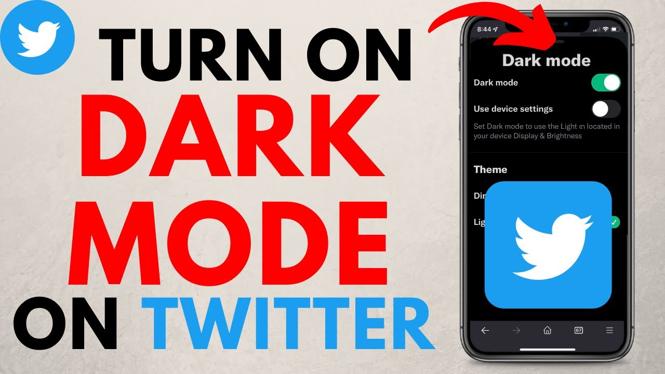
How to turn on Twitter dark mode? In this tutorial, I show you how to enable dark mode on Twitter. This means you can turn on Twitter dark mode on a desktop in the browser or in the Twitter app on your iPhone, iPad or Android phone.
Turn On Twitter Dark Mode (Video Tutorial):
Follow the steps below to turn on Twitter dark mode:
- Open twitter on your desktop or in the Twitter app.
- Open the left menu.
- In the app select the light bulb icon. On a desktop browser select Display.
- Toggle on Twitter Dark mode.
More Twitter Tutorials:
 Subscribe Now! 🙂
1
/
2


How to Delete All Tweets at Once on Twitter - Delete All Twitter Tweets
How to Unlike All Tweets on Twitter At Once - Delete All Likes on Twitter
How to Turn Off Twitter Sensitive Content Setting - 2022
Restream Live Studio Walk-through and Full Overview Tutorial
How to Multistream on OBS for Free - Stream to Multiple Platforms on OBS Studio
How to Delete Your Twitter Account Permanently - 2021
How to Live Stream from a Chromebook - YouTube, Twitch, & Facebook
How to Remove Followers on Twitter EASY - 2022
How to Send Auto Messages to New Twitter Followers - Twitter Tutorial
How to Turn Off Sensitive Content on Twitter - Phone App & Desktop Browser
How to Live Stream from Phone with the Streamlabs Mobile App
How to Change Twitter Username - Display Name & @ Name
How to Turn Off X Sensitive Content Setting - 2023
How to Cancel X Premium - Cancel Twitter Blue
How to Delete X Account - Delete Twitter Account Permanently
1
/
2
Discover more from Gauging Gadgets
Subscribe to get the latest posts sent to your email.