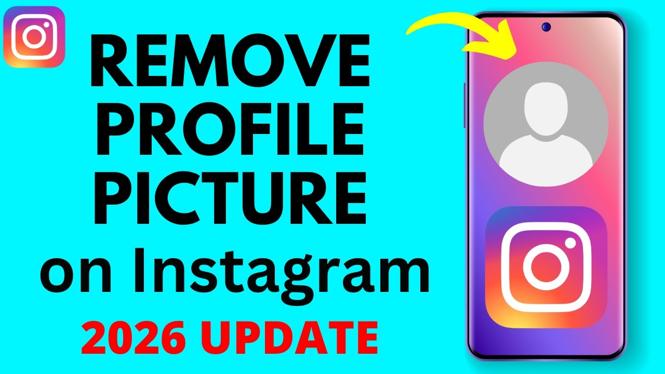
How to Remove Your Instagram Profile Picture
Are you looking to refresh your Instagram profile but not sure how to remove your current profile picture? You’re not alone! Many users want to simplify their profiles or revert to Instagram’s default avatar for a more minimalist look. No matter your reason, the process is quick and straightforward. In this post, you’ll learn how to delete your Instagram profile photo, allowing you to easily update your profile picture settings whenever you wish.
Video Tutorial
Why You Might Be Looking for This Tutorial
There are several reasons why you might want to remove your Instagram profile picture. Perhaps you want to take a break from personal branding or simply prefer a clean slate. You could be looking to comply with privacy settings or want to switch to a different image but aren’t sure how to go back to the default. Whatever your motivation, doing so is an essential skill for managing your online presence efficiently.
Steps to Remove Your Instagram Profile Picture
- Open Instagram: Launch the Instagram app on your mobile device. Make sure you’re logged into the account for which you want to remove the profile picture.
- Go to Your Profile: Tap on the profile icon located in the bottom right corner of the screen to access your profile.
- Edit Profile: Click on the “Edit Profile” button located just underneath your profile picture and bio.
- Change Profile Photo: Tap on your current profile picture or the placeholder icon. Then, select the option that says “Remove Profile Photo.”
- Confirm the Action: A prompt may appear asking you to confirm that you want to remove your profile picture. Confirm your choice.
- Check Your Profile: Return to your profile to ensure your picture has been removed and that the default avatar is displayed.
That’s it! You’ve successfully removed your Instagram profile picture. You can now either leave it blank or upload a new one whenever you’re ready. Keeping your profile picture updated reflects your current self or brand, and knowing how to manage it is key to using Instagram effectively.
More Instagram Tutorials:
 Subscribe Now! 🙂

Discover more from Gauging Gadgets
Subscribe to get the latest posts sent to your email.