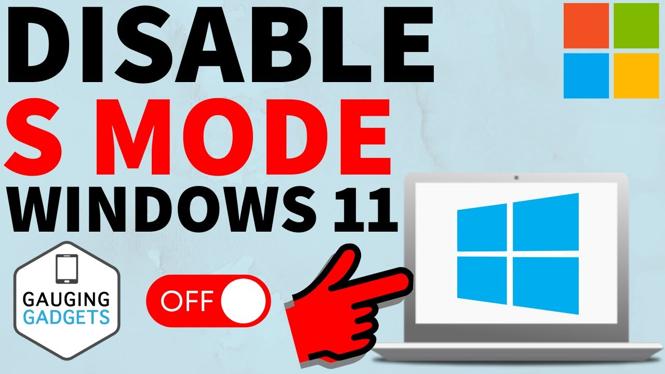
How to disable S Mode in Windows 11? In this tutorial, I show you how to turn off S Mode on your Windows 11 PC or Laptop. This means you can easily switch out of S mode and then install any apps or games on your computer.
Disable S Mode on Windows 11 (Video Tutorial):
Follow the steps below to disable S Mode on Windows
- Open the Microsoft store on your Windows 11 PC or Laptop.
- Once in the Microsoft store search Switch out of S Mode.
- Select the first results labeled Switch out of S Mode learn more.
- This will bring your to the Switch out of S Mode page. Select Get.
- It might take a minute but S Mode will then be disabled on your Windows 11 PC or Laptop.
More Windows 11 Tips & Tutorials:
 Subscribe Now! 🙂
1
/
11


Private video
How To Uninstall Riot Client - Easy Tutorial
How to Set Max FPS in NVIDIA Control Panel - Set Max Frame Rate
How to Hide Apps on Laptop & PC Windows 11
How to Display FPS, GPU, CPU Usage in Games with NVIDIA App
How To Show & Display FPS on NVIDIA App
How To Fix NVIDIA Control Panel Display Settings Missing or Not Showing
How to Install Bluetooth Drivers on Windows 11
How to Enable FPS Counter with NVIDIA App
FIX Dell Laptop Won't Turn On or Charge
How to Update Windows 11 Drivers - PC & Laptop
FIX Laptop Won't Turn On or Charge - Windows 11
How to Disable S Mode on Windows 11 - Switch Out of S Mode
How to Install Roblox Studio on Laptop & PC - Download Roblox Studio on Windows Computer
Fix Bluetooth Audio Stuttering In Windows 11 - Fix Chopping Sound
1
/
11
Discover more from Gauging Gadgets
Subscribe to get the latest posts sent to your email.