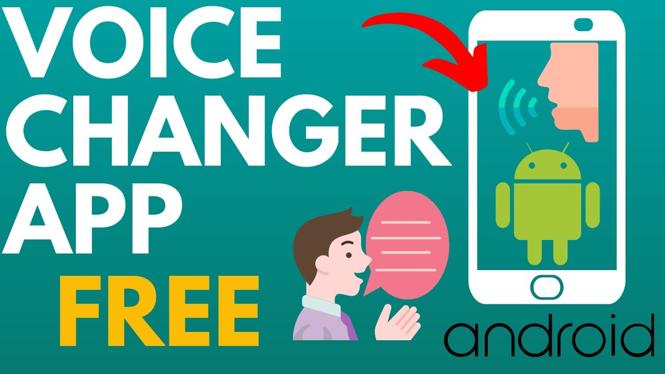
Best voicer changer app for Android? In this tutorial, I show you how to change your voice on an Android phone or tablet for free. To do this we use the best voice changer app on Android called Voice Changer with Effects. This means you can record your voice, change the way it sounds, and then save the recording or share it.
ice Changer App for Android (Video Tutorial):
Follow the steps below to install a voice changer on your Android phone:
- Open the Google Play Store on your Android phone or tablet and search Voice Changer.
- Find and select Voice changer with effects.
- Select Install.
- Open the voice changer app and select the microphone icon to begin recording.
- Grant access to your microphone.
- To stop the recording select the Microphone icon.
- You will then be able to listen to your recording with the different voice changer effects. Select the 3 dots next to the effect to save or share the voice changed recording.
More Android Tips & Tutorials:
 Subscribe Now! 🙂
1
/
18


How To Change App Icon Size On Android
How to Turn On or Off Safe Mode on ANY Android - Full Guide
How to Transfer Android Phone Photos to USB Drive
How to Fix Camera Not Working on Android Phone - Full Guide
How to Fix Android Camera Black Screen Problem - Camera Not Working on Android
How To Use USB Flash Drive On Android Phone - Full Guide
How to Enable Camera on Android - Fix Android Camera Not Working
How to Disable Camera on Android Phone - Step By Step
How to Set Timer on Android Camera
How to Turn Off Developer Options on Android Phone - 2026
How To Screenshot On Android Phone
How To Find And Delete VIRUSES On Android
How to Find Hidden Apps on Android
How to Hide Notification Content on Android Lock Screen
How to Clear System Storage on Android Phone - Delete Temporary System Files
1
/
18
Discover more from Gauging Gadgets
Subscribe to get the latest posts sent to your email.