Delete individual calls or clear all recent calls from the Phone app on your iPhone. Learn why voicemail entries may remain and how to remove them.
How To Delete Call History On iPhone
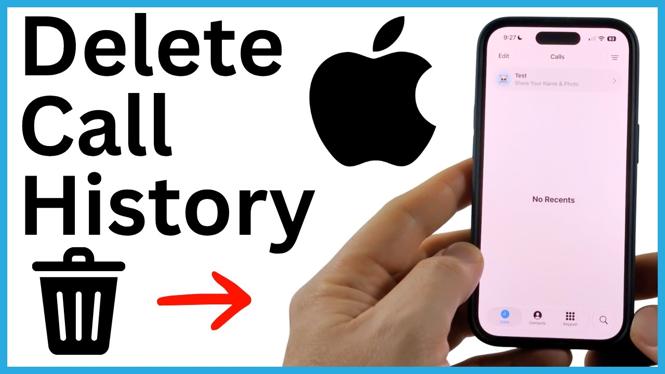

Delete individual calls or clear all recent calls from the Phone app on your iPhone. Learn why voicemail entries may remain and how to remove them.
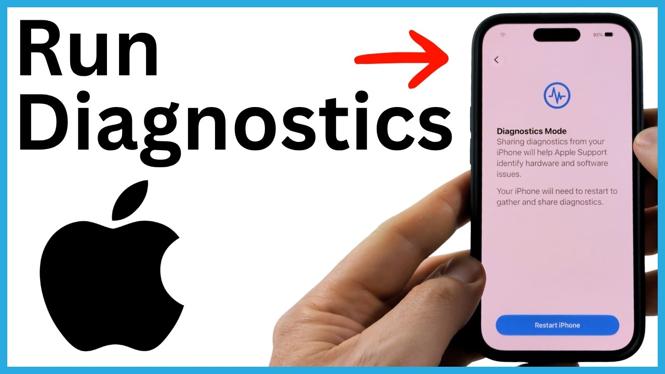
Run diagnostics on your iPhone by entering Diagnostic Mode through recovery options. Learn how to connect to Apple Support, choose a test, and exit diagnostics.

Learn how to get Siri AI on an iPhone running iOS 27 by joining the beta waiting list in Settings. See what to expect while you wait for the new Siri app to appear.
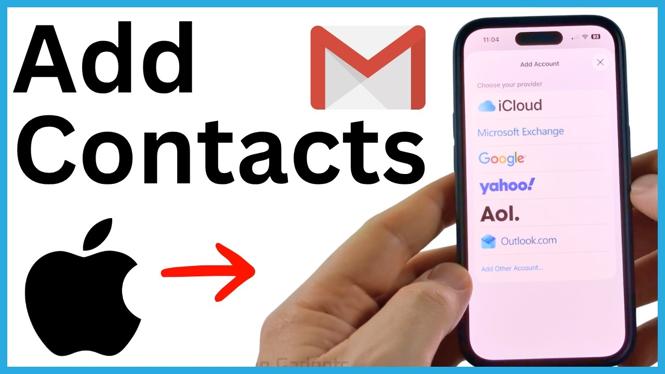
Add your Google account to iPhone Settings and turn on Contacts syncing. Your Gmail contacts will then appear in the iPhone Contacts app.
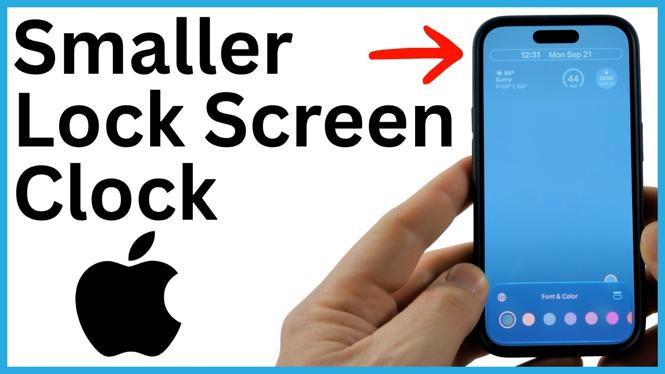
Learn how to make the Lock Screen clock smaller on an iPhone using the Compact Clock option in iOS 27. This gives your wallpaper more room and creates a cleaner Lock Screen.
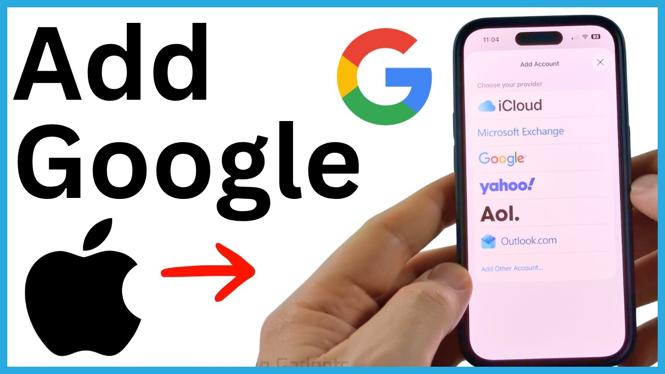
Add a Google account to your iPhone through Settings and select the information you want to sync. Use Gmail, contacts, calendars, and notes in the built-in Apple apps.

The green iPhone indicator means an app is using your camera. Identify the app, remove its camera permission, or restart your iPhone if the light remains on.
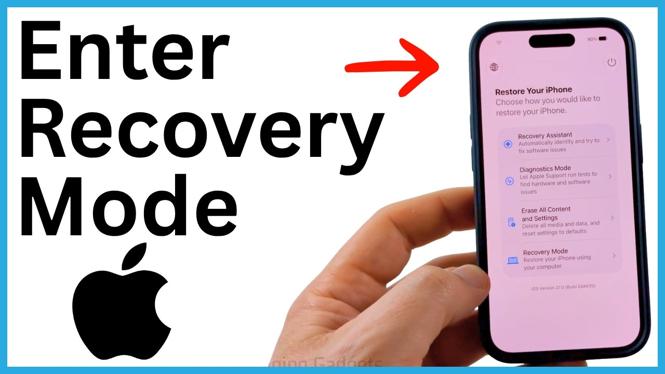
Learn how to enter iPhone recovery options by powering off your device and holding the power button through startup. Access Diagnostic Mode, Recovery Mode, Recovery Assistant, and reset tools.
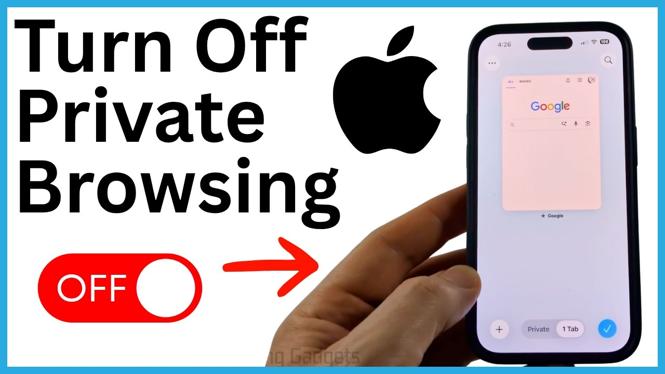
Switch Safari from Private Browsing to regular tabs on your iPhone. Learn how to check for the Private label and return to normal browsing.
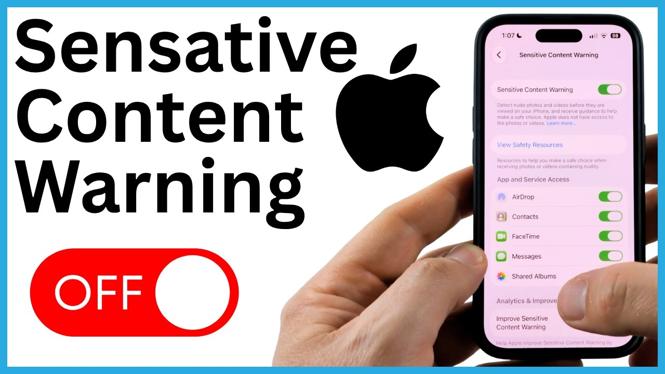
Turn off Sensitive Content Warning on your iPhone from Privacy & Security to stop blur screens in Photos, Messages, and FaceTime. You can also choose which individual features keep the warning enabled.
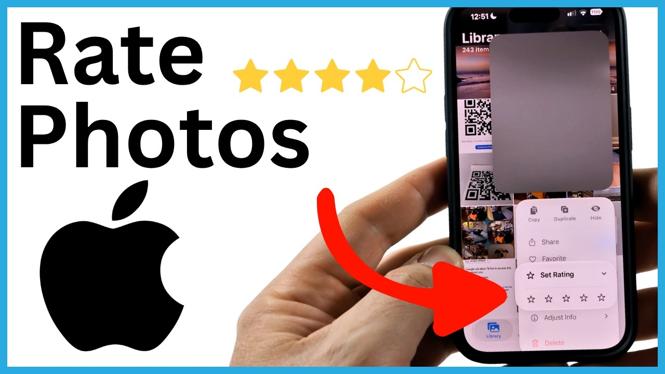
Learn how to enable star ratings in the iPhone Photos app and assign one to five stars to your pictures. You can then filter your library to find top-rated or unrated photos.
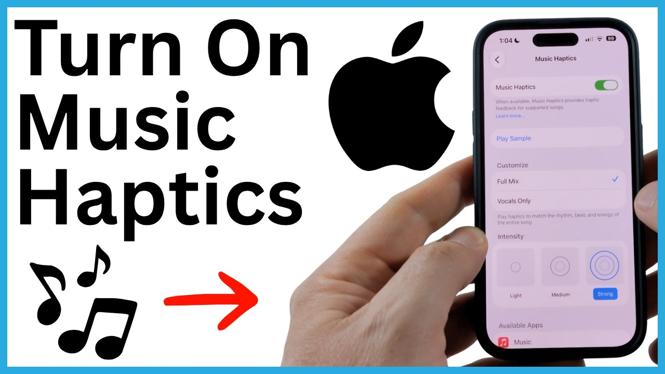
Learn how to enable Music Haptics on your iPhone from Accessibility settings. Adjust vocals and intensity, then feel synced vibrations in supported music apps.