How to Turn On Pro Mode on Facebook
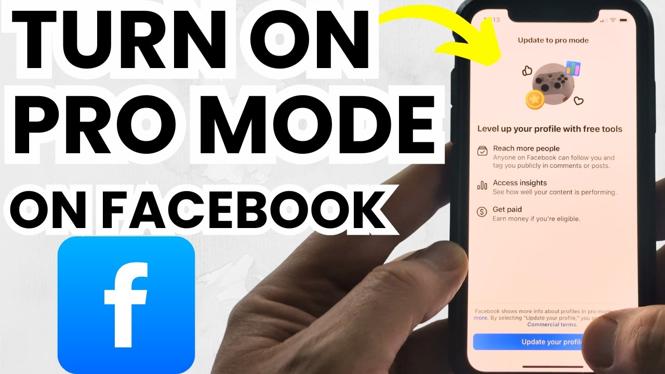
In the digital age, social media platforms like Facebook have become essential tools for personal branding and business growth. With the introduction of Pro Mode in 2026, Facebook allows users to tap into a range of creator tools, monetization options, and audience insights without the need for a separate business account. This guide will walk you through the steps to enable Facebook Professional Mode on your devices, such as iPhone, Android, or Samsung phones, providing you with the capability to enhance your online presence effectively.
Video Tutorial
Why You Might Be Looking for This Tutorial
Many users find themselves at a crossroads when trying to transition from a standard account to a more professional presence on Facebook. Whether you’re a content creator, small business owner, or just someone looking to leverage Facebook’s extensive tools to engage with an audience, activating Pro Mode can open up new opportunities. By following this tutorial, you will gain access to features that allow you to generate income and better understand your followers, ultimately facilitating a stronger connection with your audience.
Steps to Turn On Pro Mode on Facebook
Step 1: Open the Facebook App
Begin by launching the Facebook app on your device. Ensure you’re logged into the account you wish to upgrade to Pro Mode.
Step 2: Navigate to Your Profile
Tap on your profile picture or the profile icon, usually located at the top of the home screen. This will take you to your profile page.
Step 3: Access Settings
Once you’re on your profile, look for the three horizontal lines (menu icon). Tap on it and scroll down to find the ‘Settings & Privacy’ option, then select ‘Settings.’
Step 4: Find Professional Settings
Scroll until you find the ‘Professional Mode’ or ‘Pro Mode’ section. Tap on it to proceed.
Step 5: Activate Pro Mode
You will see an option to turn on Pro Mode. Tap the toggle to activate it. Facebook may prompt you to agree to the terms and conditions associated with Pro Mode. Review the information, then click ‘Agree’ to confirm.
Step 6: Explore Available Features
Once Pro Mode is activated, explore the new tools and features available. You can now access audience insights, monetize your content, and enhance your engagement with various creator tools.
Conclusion
Enabling Pro Mode on Facebook transforms your account into a powerful platform for growth and networking. By following the straightforward steps outlined in this guide, you can take full advantage of Facebook’s creator tools and maximize your potential for success. Embrace this opportunity to enhance your online presence today!
More Facebook Tips & Tutorials:
 Subscribe Now! 🙂

Discover more from Gauging Gadgets
Subscribe to get the latest posts sent to your email.