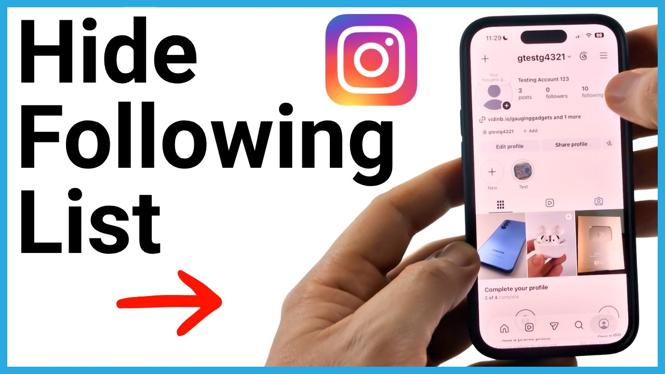
You cannot hide only your Instagram following list with a separate setting. The available way to keep it from strangers is to make your account private. Once your account is private, only followers you approve can open your profile’s following list and see the accounts you follow.
This setting also makes your followers list private from people who do not follow you. Your approved followers can still see both lists.
Video Tutorial
Make your Instagram account private
You can change this in the Instagram app from your profile settings. The process is the same idea on iPhone and Android, including Samsung Galaxy and Google Pixel phones.
- Open Instagram and go to your profile.
- Select the three lines in the top-right corner.
- Scroll down until you find Account privacy.
- Turn on the private account toggle.
- Review the information Instagram shows, then select Switch to private.
- Wait a moment for the setting to load. Your account is now private.
After this change, people who do not follow you cannot select your following list to view it. They will need to send a follow request first, and you must approve that request before they can see the accounts you follow.
What a private account changes
A private account limits profile access to people you have approved as followers. This is the key difference if your goal is to hide your following list from strangers or from accounts you have not accepted.
- People who do not follow you cannot view your following list.
- People who do not follow you cannot view your followers list.
- New people must request to follow your account.
- You decide which follow requests to approve.
- Followers you already approved can still view your following and followers lists.
For example, if someone opens your private profile from another Instagram account that you have not approved, selecting Following will not open the list. That account does not have permission to see it.
Important limitation to know
Instagram does not provide a setting to hide your following list from everyone while keeping your account public. It also does not provide a setting to hide the list from one specific approved follower.
If someone already follows your private account, they remain an approved follower and can see who you follow. Making the account private mainly prevents people outside your approved follower list from viewing that information.
If you want to limit a particular person’s access, review who follows your account and only keep people you trust as approved followers. The private account setting gives you control over future follow requests too.
Check that your following list is private
The simplest way to confirm the change is to view your profile from an Instagram account that does not follow you. On that account, open your profile and try selecting Following. The list should not open because that account has not been approved.
If the other account is already following you, this test will not show the same result. Approved followers are allowed to view the list on a private account.
Can you switch back to public later?
Yes. Return to your profile, select the three lines, then open Account privacy. Turn off the private account toggle if you want to make the account public again.
When your account is public, people can view your profile information, including the accounts you follow. Keep the private setting enabled if hiding your following list from non-followers is the priority.
More Instagram Tutorials:
 Subscribe Now! 🙂

Discover more from Gauging Gadgets
Subscribe to get the latest posts sent to your email.