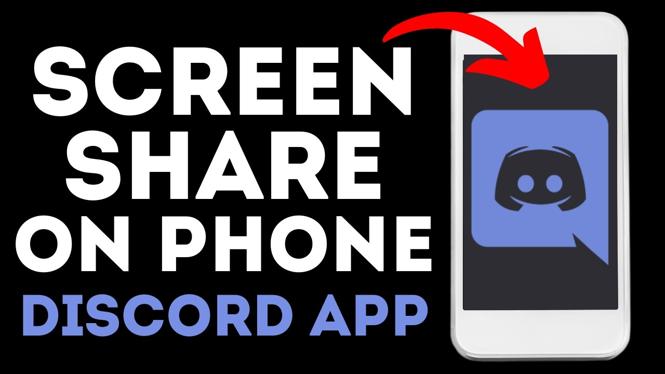
How to share screen on Discord mobile? In this tutorial, I show you how to screen share in the Discord mobile app on iPhone & Android. This means you can easily share screen to stream games and any other apps on your iPhone & Android phone on Discord mobile. In this full guide, I also show you how to stop streaming when you have finished a stream in the Discord app.
Share Screen on Discord Mobile (Video Tutorial):
More Discord Mobile Tutorials:
 Subscribe Now! 🙂
1
/
4


How to Type in Color on Discord
How to Find Discord Two Factor Authentication Backup Codes on Mobile - iPhone & Android
How to Disable Discord Account - iPhone, Android, Samsung
How to Unblock Someone on Discord Mobile
How to Log Out of All Devices on Discord App - iPhone, Android, Samsung
How to Change Your Profile Picture on Discord Mobile
How to Delete Server in Discord App - iPhone, Android, Samsung
How to Verify Email Address on Discord
How to Find User ID on Discord Mobile - Copy Discord User ID
How to See Blocked User List on Discord Mobile
How to Create NSFW Channels on Discord Mobile - iPhone, Android, Samsung
How to Enable Developer Mode in Discord Mobile App
How to Make Age Restricted Channels on Discord Mobile App - iPhone, Android, Samsung
How to Block Users on Discord Mobile
How to Check Discord Friend Requests
1
/
4
Discover more from Gauging Gadgets
Subscribe to get the latest posts sent to your email.