How to Remove Facebook Dating Shortcut
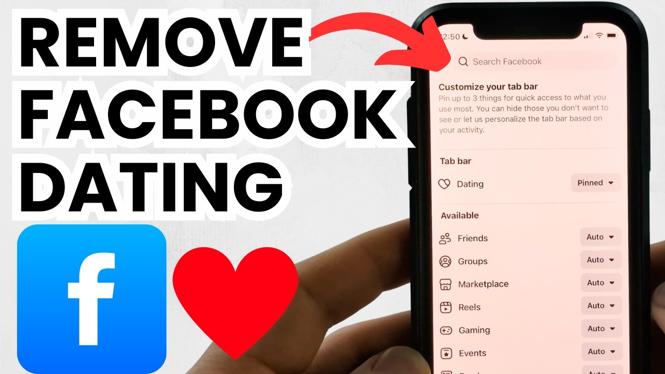
In today’s digital age, social media platforms like Facebook often introduce features that not all users find beneficial or necessary. One such feature is Facebook Dating. If you’re not using it and would like to declutter your Facebook app, learning how to remove the Facebook Dating shortcut can enhance your user experience. This blog post will guide you through the steps to turn off Facebook Dating, remove the Dating tab, and hide the Dating icon from your navigation bar.
Video Tutorial
Why You Might Be Looking for This Tutorial
There are several reasons why you might want to remove the Facebook Dating shortcut:
- Cluttered Interface: Features like Dating can make navigation more complicated. By removing it, you can streamline your experience.
- No Interest in Dating: If you’re not using the Dating feature, it makes sense to hide it to avoid distractions.
- Privacy Concerns: Some users may feel uncomfortable with dating features on their social profiles.
- Customization: Personalizing your Facebook layout can improve your overall satisfaction with the app.
Steps to Remove the Facebook Dating Shortcut
Follow these simple steps to turn off Facebook Dating and remove the shortcut from your app:
- Open the Facebook App: Launch Facebook on your mobile device and log into your account if you haven’t already.
- Access the Dating Feature: Tap on the menu (three horizontal lines) in the lower right corner for iOS or upper right corner for Android. Look for “Dating” among the options.
- Go to Settings: Once in the Dating section, tap on the gear icon or “Settings” in the upper right corner.
- Turn Off Facebook Dating: Here, you’ll see the option to deactivate Facebook Dating. Toggle the setting to turn it off.
- Return to Your Profile: After turning off the feature, go back to your main Facebook profile.
- Remove the Dating Tab: In your profile settings, look for the option to customize tabs. Here, you can hide the Dating tab from your navigation bar.
- Exit and Refresh: Close the app and reopen it to ensure the Dating shortcut no longer appears.
By following these steps, you can easily remove the Facebook Dating shortcut and tailor your Facebook experience to your liking. Enjoy a cleaner navigation bar and streamline your time on the platform.
More Facebook Tips & Tutorials:
 Subscribe Now! 🙂

Discover more from Gauging Gadgets
Subscribe to get the latest posts sent to your email.