How to Reactivate Your Instagram Account
If you have deactivated your Instagram account and are looking to reactivate it in 2026, you’re in the right place. Whether you took a break from social media, faced temporary issues, or simply decided to step away, regaining access to your Instagram account is straightforward. This guide will provide you with a step-by-step process focused on various devices, ensuring you can restore your account and get back to sharing your moments with friends and followers.
Video Tutorial
Why You Might Be Looking for This Tutorial
There could be several reasons why you’re searching for ways to reactivate your Instagram account. Perhaps you took a break from the app and now want to reconnect with friends. It’s possible you had a temporary issue that led to your account being disabled, or you might have simply forgotten your login credentials. With many people relying on Instagram for personal connections, business marketing, and brand promotion, regaining access is often crucial. This tutorial will guide you through the necessary steps to reactivate your account quickly and easily.
Steps to Reactivate Your Instagram Account
Step 1: Open the Instagram App or Website
Start by launching the Instagram app on your mobile device or go to the Instagram website on your desktop browser.
Step 2: Enter Your Login Details
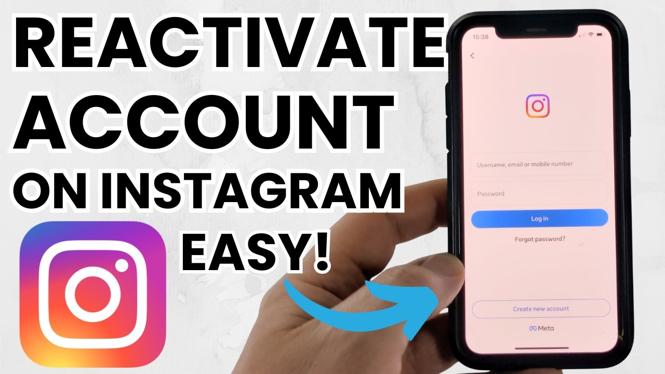
On the login screen, input your username and password. If you don’t remember your credentials, you can click on “Forgot password?” to initiate a recovery process.
Step 3: Follow the Prompts
If your account was temporarily disabled, you might receive a message indicating this. Follow the instructions provided to reactivate your account. If it was deactivated by you, simply logging in should restore your account instantly.
Step 4: Account Recovery (If Necessary)
If you encounter issues during the login process, check your email for any notifications from Instagram. Follow the instructions to recover access to your account. You might need to verify your identity or confirm your email.
Step 5: Check Your Profile
Once you successfully log back in, navigate to your profile to ensure everything is as you left it. You may want to check your privacy settings and update any personal information if needed.
Step 6: Start Posting Again
With your account reactivated, you can now start posting, messaging, and following others again. Don’t forget to explore any new features Instagram may have introduced while you were away!
Conclusion
Reactivating your Instagram account does not have to be a hassle. By following these simple steps, you can regain access and resume your social media activities. If you continue to face problems, consider reaching out to Instagram support for further assistance. Enjoy reconnecting with your online community!
More Instagram Tutorials:
 Subscribe Now! 🙂

Discover more from Gauging Gadgets
Subscribe to get the latest posts sent to your email.