Make italics text on YouTube comments by placing underscores around a word or phrase. The same method works in the YouTube mobile app and on a computer.
How to Make Italics Text on YouTube Comments
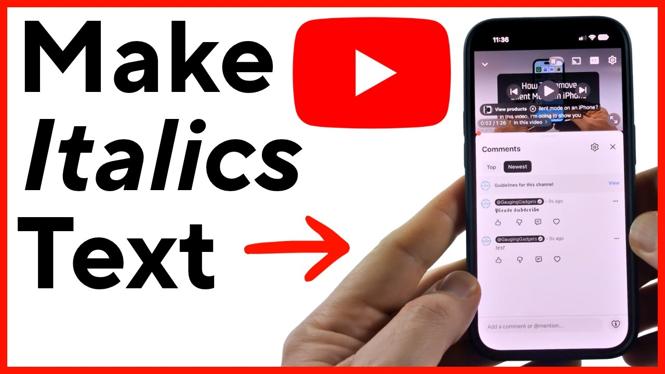

Make italics text on YouTube comments by placing underscores around a word or phrase. The same method works in the YouTube mobile app and on a computer.
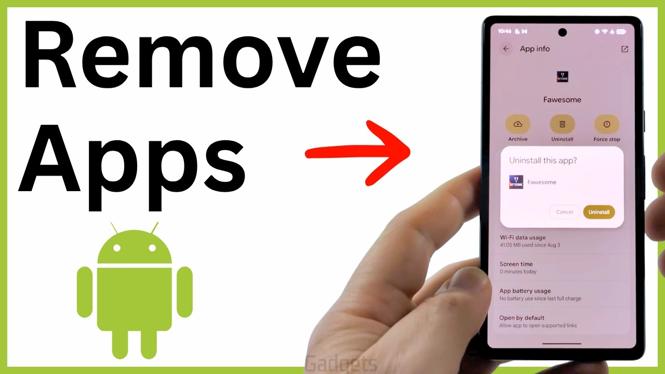
Remove unwanted apps from your Android phone using the app icon or the Settings app. These steps show where to find Uninstall and confirm the removal.
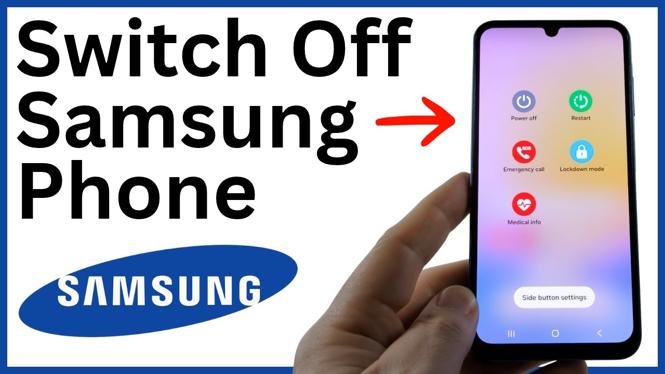
Switch off a Samsung phone with the power button, Quick Settings, a voice assistant, or an Accessibility shortcut. These methods give you alternatives when the usual power control does not work as expected.
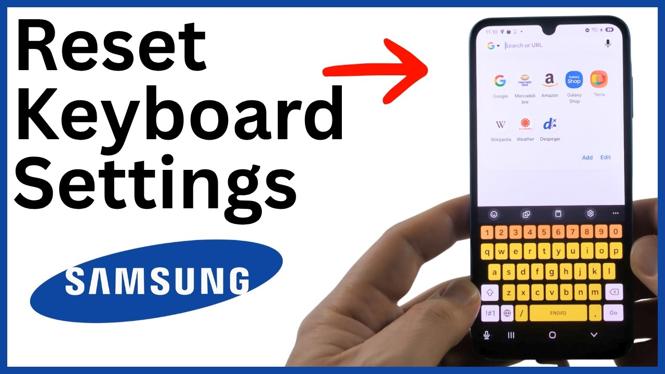
Reset the Samsung Keyboard to its default settings on a Samsung phone. These steps can fix unwanted colors, symbols, and keyboard layout changes.
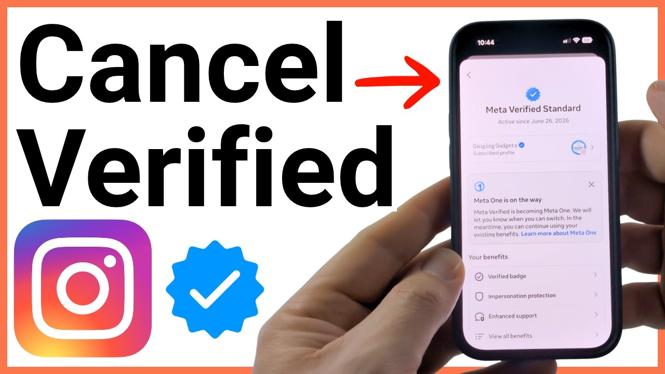
Cancel an Instagram Meta Verified subscription through Accounts Center in the Instagram app. Learn where to turn off renewal and confirm when your benefits end.
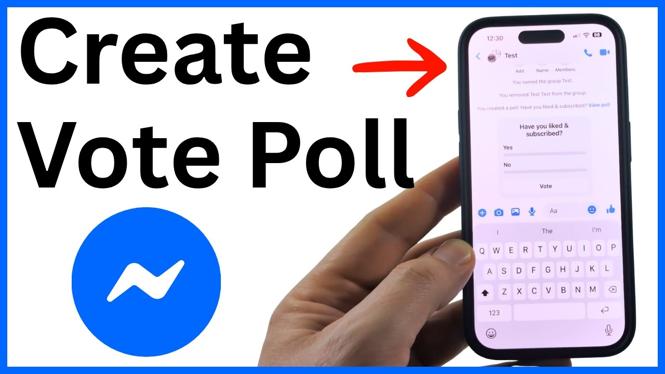
Create a vote poll in a Facebook Messenger chat by adding a question and voting options. Learn how to submit votes, view results, and change a vote.
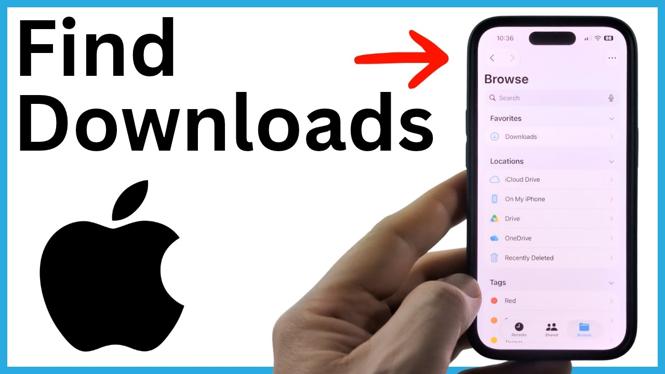
Find downloaded files on your iPhone with the Files app. Learn where Safari, Chrome, and Firefox downloads may be saved.
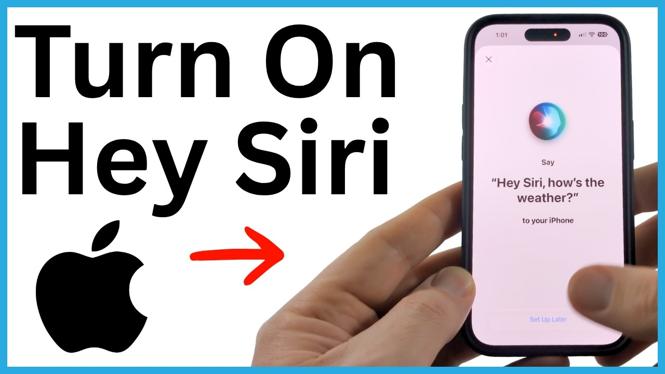
Learn how to turn on Hey Siri on an iPhone through Apple Intelligence & Siri settings. Complete voice setup and use Siri hands free for everyday requests.

Learn how to reboot an iPad using a normal shutdown or a force restart. These steps help when your iPad is slow, frozen, or not responding to touch.
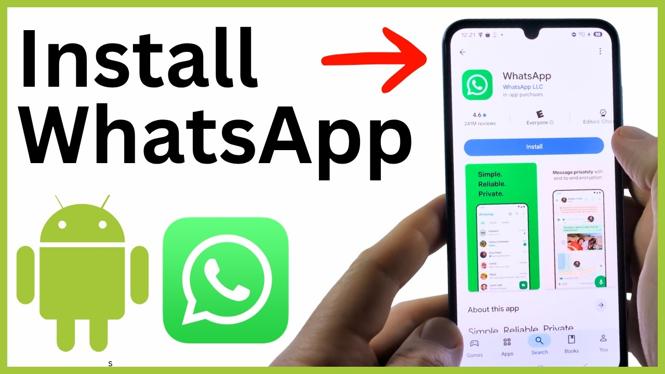
Install WhatsApp on an Android phone through the Google Play Store. Set up your account by verifying a phone number or linking a companion device.

Cancel your Fubo TV free trial through the Fubo website before it becomes a paid subscription. This guide covers the account settings and final confirmation step.
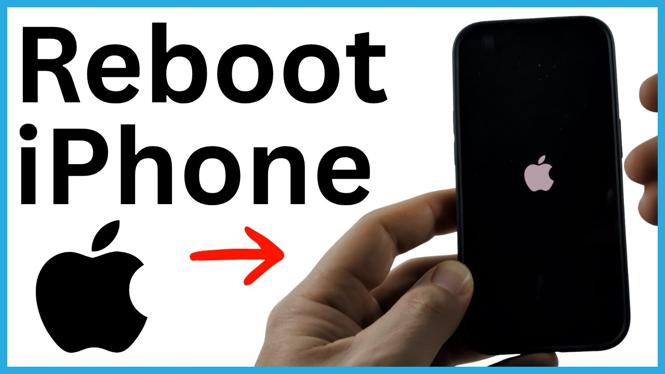
Learn how to reboot an iPhone with a force restart when the screen is frozen or unresponsive. Use the Volume buttons and Side button to start it again.