How to Update Instagram App on iPhone or Android
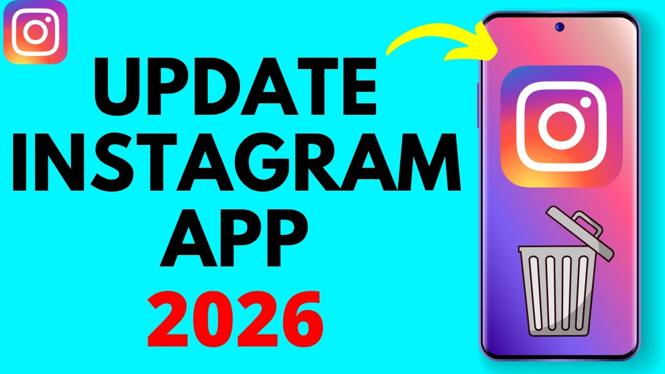
Keeping your Instagram app updated is essential for enhancing functionality, gaining access to new features, and fixing potential bugs. In this blog post, we will guide you through the simple steps required to update the Instagram app on both iPhone and Android devices. Staying updated ensures a smoother user experience and allows you to make the most out of the popular social media platform.
Video Tutorial
Why You Might Be Looking for This Tutorial
Many users seek guidance on how to update their Instagram app due to various reasons. Perhaps you’re experiencing glitches, or you want to explore the latest features Instagram has to offer. Moreover, with new updates regularly being rolled out, it’s important to ensure that your app is updated to leverage improved performance and security enhancements. This tutorial aims to simplify the process for both iPhone and Android users, making it easy for you to stay connected with your friends and family through the latest version of Instagram.
Steps to Update Instagram App on iPhone
- Open the App Store on your iPhone.
- Tap on your account profile icon in the top right corner.
- Scroll down to see pending updates. If Instagram is listed, tap Update next to it.
- Once updated, you can launch the app directly from the App Store or locate it on your home screen.
Steps to Update Instagram App on Android
- Open the Google Play Store on your Android device.
- Tap on the menu icon (three horizontal lines) in the top left corner.
- Choose My apps & games from the menu.
- Look for Instagram in the list of updates. If an update is available, tap Update next to it.
- Wait for the update to download and install. You can then open the app from the Play Store or find it on your home screen.
Conclusion
Updating the Instagram app on both iPhone and Android devices is a straightforward process that can significantly improve your experience on the platform. With the latest version, you’ll enjoy enhanced features and better performance. Following the steps outlined in this tutorial, you can ensure that your Instagram app remains up to date and fully functioning. Don’t forget to check back regularly for updates to keep your app and device performing at their best.
More Instagram Tutorials:
 Subscribe Now! 🙂

Discover more from Gauging Gadgets
Subscribe to get the latest posts sent to your email.