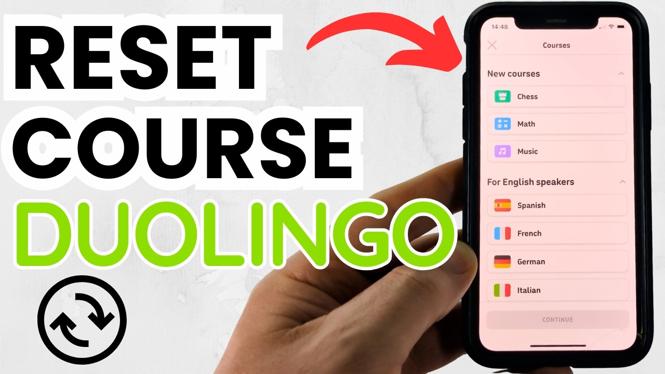
How to Reset Duolingo Course
Are you feeling like you’ve hit a plateau in your language learning journey on Duolingo? Do you find yourself wanting to start fresh, wipe the slate clean, and approach your chosen language with renewed enthusiasm? If so, this guide is for you. In this tutorial, you will learn how to easily reset your Duolingo course and restart a language in 2026. This involves removing and re-adding a language, allowing you to fully reset your progress back to the beginning—without the need to create a new account.
Video Tutorial
Why You Might Be Looking for This Tutorial
Language learners often experience periods where their pace slows down or motivation wanes. In such cases, resetting your Duolingo course can be a fantastic way to rekindle your interest and motivation. Here are a few reasons you might consider resetting:
- You feel overwhelmed by your current progress or want to revisit the basics.
- You want to experiment with a different learning strategy or method.
- Your goals have changed, and you want to refocus your learning.
- You’re in a new environment or context that demands a different approach to your language learning.
Steps to Reset Your Duolingo Course
Follow these simple steps to reset your Duolingo course and start fresh:
- Open the Duolingo App or Website: Launch the Duolingo application on your mobile device or visit the Duolingo website on your computer.
- Log Into Your Account: Ensure you are logged into the account that you want to reset the course for.
- Go to Your Profile: Click on your profile icon, typically located in the upper corner of the screen, to access your account settings.
- Select ‘Settings’: In the drop-down menu, find and click on ‘Settings.’ This is where you can manage your account preferences.
- Navigate to the ‘Language’ Section: Scroll to find the ‘Language’ section within the settings menu.
- Remove the Language: Locate the language you wish to reset, click on it, and select the option to remove it from your account.
- Re-add the Language: Once the language is removed, return to the language section and choose the option to add a new language. Select the same language you just removed.
- Start Fresh: Congratulations! You have successfully reset your Duolingo course. You can now begin your learning journey anew.
Conclusion
Resetting your Duolingo course can provide a much-needed boost to your language learning experience. By following the steps above, you can easily remove and re-add a language, allowing you to start fresh without the hassle of creating a new account. Embrace the challenge of learning a language anew and enjoy the journey ahead!
More Duolingo Tips & Tutorials:
 Subscribe Now! 🙂

Discover more from Gauging Gadgets
Subscribe to get the latest posts sent to your email.