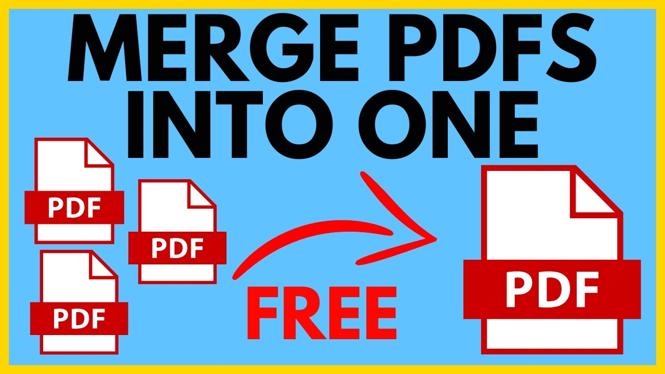
How to Merge PDF Files into One
Merging PDF files into a single document can be incredibly useful for organizing important information, consolidating reports, or simply making your documents easier to manage. Whether you’re a student looking to compile research papers, a professional needing to submit combined reports, or anyone who wants to keep their PDFs organized, this guide will help you achieve that. In this blog post, we will walk you through the steps of merging PDF files for free using a simple online tool.
Video Tutorial
Why You Might Be Looking for This Tutorial
There are several scenarios in which you might need to merge PDF files:
- Academic Projects: Students often collect multiple documents for assignments or presentations. Merging PDFs can help in creating a comprehensive report or submission.
- Work-related Tasks: Professionals frequently receive documents from various sources. Combining them into a single PDF can streamline your workflow and make sharing documents easier.
- Personal Use: Keeping personal documents organized is crucial. Merging PDFs helps maintain order and accessibility, making it easier to find what you need.
- No Software Installation: The desire to merge PDFs without having to install software can make online tools appealing, especially for quick tasks or if you’re using a public computer.
Steps to Merge PDF Files Using PDFGadget
Follow these simple steps to merge your PDF files into one using PDFGadget:
- Visit the PDFGadget Website: Open your web browser and go to the PDFGadget homepage.
- Select the Merge PDF Tool: Look for the option to merge PDF files on the website. This feature is prominent and easy to find.
- Upload Your PDF Files: Click the upload button and select the PDF documents you want to combine. You can usually drag and drop your files or browse your computer to find them.
- Arrange Files: After uploading, make sure the files are in the desired order. PDFGadget often allows you to drag them around to arrange them as needed.
- Merge the Files: Once you are satisfied with the arrangement, find the merge button and click on it to begin the merging process.
- Download Your Combined PDF: After the merging process is complete, you will be provided with a link to download your newly created PDF file. Click to download it to your device.
Conclusion
Merging PDF files doesn’t have to be complicated or expensive. With tools like PDFGadget, you can combine all your PDF documents into one organized file within minutes. Whether for school, work, or personal use, mastering this skill will enhance your document management and help keep your information neatly compiled. Start merging your PDFs today and experience the convenience firsthand.
More PDF Tools & Tutorials:
 Subscribe Now! 🙂

Discover more from Gauging Gadgets
Subscribe to get the latest posts sent to your email.