How to Compress PDF File Without App FREE
In today’s digital world, sharing files effortlessly has become a necessity. PDF files, commonly used for documents, reports, and forms, can sometimes be too large to share conveniently via email or messaging apps. Fortunately, you can compress PDF files for free without any software installations. This article will guide you through the process, allowing you to reduce the size of your PDF files quickly and efficiently using just your web browser.
Video Tutorial
Why You Might Be Looking For This Tutorial
Many users seek ways to compress PDF files without downloading apps due to several reasons:
- Convenience: You may not want to install software, especially if you only need to compress PDFs occasionally.
- Device Compatibility: The method described works across various devices, including PCs, Macs, smartphones, and tablets, making it accessible regardless of your operating system.
- No Cost: There are numerous free online tools that allow PDF compression without any hidden fees, making budget-conscious users happy.
- Speed: Online compression methods can be quicker than downloading and installing applications, allowing for instant results.
Steps to Compress PDF Files Online for Free
Follow these simple steps to compress your PDF files without needing any apps:
- Open Your Browser: Launch your preferred web browser on your device.
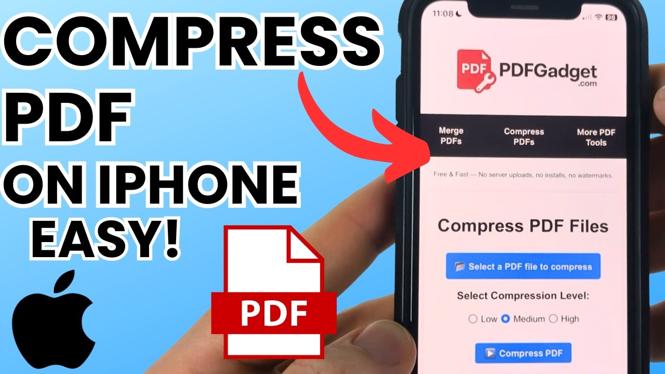
- Visit a PDF Compression Website: Go to a reputable online PDF compression tool. Websites like Smallpdf, ILovePDF, or PDF Compressor are good places to start.
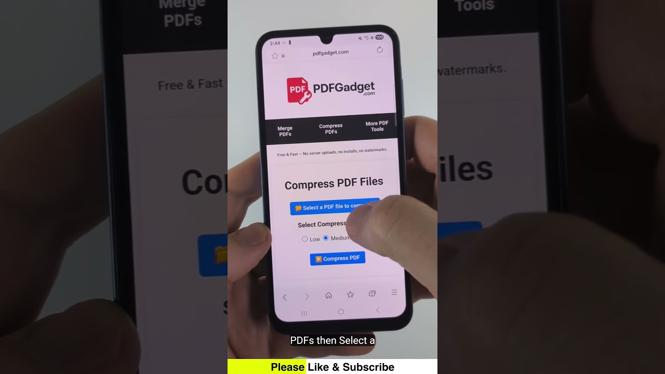
- Select Your PDF File: Look for the option to upload or drag-and-drop your PDF file onto the site.
- Choose Compression Settings: Some tools may offer different levels of compression. Opt for one that fits your needs (high compression, balanced, etc.).
- Compress the PDF: Click the button to start the compression process. This might take a few moments, depending on your file size and internet speed.
- Download Your Compressed PDF: Once the process is complete, the site will provide a link to download your newly compressed PDF. Click it to save the file to your device.
- Check the File Size: Make sure the compression worked by checking the size of your PDF before sharing or storing it.
Conclusion
Compressing PDF files without an app is easy and accessible to anyone with an internet connection. By following the steps outlined above, you can efficiently reduce the size of your PDF files for free, making sharing and storing documents a breeze. For further guidance, feel free to refer to the video tutorial provided above.
More PDF Tools & Tutorials:
 Subscribe Now! 🙂

Discover more from Gauging Gadgets
Subscribe to get the latest posts sent to your email.