Get a Moving Desktop Background Without Paying
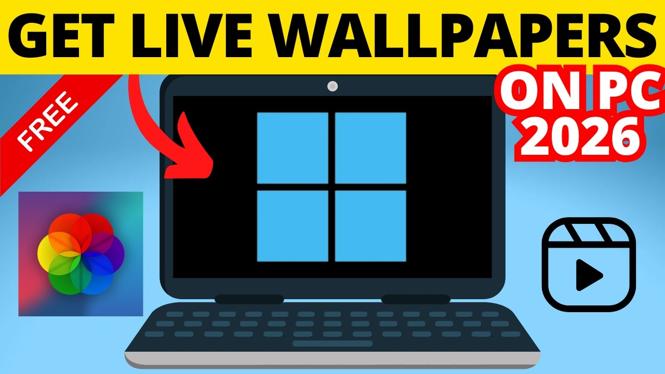
You can use free animated wallpapers to replace a still Windows desktop background with a moving one. The basic process is simple: choose a free wallpaper source, download the animated wallpaper you want, then apply it through the wallpaper software shown in the video.
Before you start, make sure you are downloading from a source you trust. Animated wallpapers need to keep running while your desktop is visible, so only install software you are comfortable leaving active on your PC. You should also check that you have enough free storage for the wallpaper files you want to use.
Video Tutorial
How to Get Free Live Wallpapers on PC
- Open the free animated wallpaper option shown in the video. This is the tool used to download and run moving wallpapers on a Windows PC or laptop.
- Browse the available wallpapers. Look through the free animated wallpaper choices and pick one that fits your desktop. You may find abstract motion, nature scenes, game-inspired backgrounds, or other animated designs.
- Download your selected wallpaper. Let the download finish before trying to apply it. Larger or higher-quality animations can take longer and use more storage space.
- Set the wallpaper as your desktop background. Use the apply or set option provided by the wallpaper tool. Once it is active, the animation should appear behind your desktop icons and open windows.
- Return to your desktop and check the result. Make sure the wallpaper fills the screen correctly and that it is the background you intended to use.
If you do not like the first wallpaper, repeat the same process with another free option. You can change animated wallpapers whenever you want, just like changing a normal desktop background.
Pick a Wallpaper Your PC Can Run Comfortably
Animated backgrounds use more system resources than a regular image. A simple looping wallpaper will usually be easier on your PC than a detailed animation with lots of visual effects. This matters most on laptops, older computers, and systems with many apps open at once.
Start with one wallpaper and use your PC normally for a few minutes. Open a browser, switch between windows, and check how the computer feels. If it remains responsive, the wallpaper is likely a good fit. If the desktop feels slow, try a less detailed animation or switch back to a static background when you need better performance.
You may also notice increased battery use on a laptop. Motion on the screen requires additional work from your computer, especially when the display stays on for long periods. Consider using animated wallpapers while plugged in and a regular wallpaper when running on battery.
Keep Your Animated Wallpaper Looking Good
After setting a live wallpaper, check the edges of the image and the area behind your icons. A wallpaper can look great in its preview but feel too busy once your desktop shortcuts are visible. If text labels are hard to read, choose a darker, simpler, or less active wallpaper.
You can also organize your desktop icons so they do not cover the best part of the animation. Keeping icons in one area makes the wallpaper easier to see and can make your desktop look less cluttered.
For the cleanest result, avoid downloading many wallpapers all at once. Keep the ones you actually use and remove files you no longer want. This helps prevent your storage from filling up with large animated background files.
If the Wallpaper Does Not Stay Active
First, confirm that the animated wallpaper tool is still running. If it closes, Windows may return to your normal desktop background. Reopen the tool and apply the wallpaper again if needed.
If you restart your PC and the wallpaper is gone, check the wallpaper tool for an option that keeps it available after startup. The exact wording can differ, so look for a setting related to starting with Windows or keeping the wallpaper active. Only enable this if you want the animated background to load each time you sign in.
If the animation stutters, reduce the number of programs running at the same time and try a simpler wallpaper. You can also pause or switch off the live wallpaper while gaming, editing video, joining a video call, or doing another task that needs more of your PC’s resources.
Use Free Animated Wallpapers Safely
Free does not mean every download is equally trustworthy. Avoid files from unfamiliar sites that ask for unrelated software, browser changes, or permissions that do not make sense for a wallpaper. Stick to the source and method demonstrated in the video.
Once you have a wallpaper working, you can refresh your desktop whenever you want without paying for premium wallpaper software. Keep performance and battery life in mind, and choose an animation that makes your PC feel more personal without getting in the way of daily use.
More Windows 11 Tips & Tutorials:
 Subscribe Now! 🙂

Discover more from Gauging Gadgets
Subscribe to get the latest posts sent to your email.