How to Download Music on Apple Music
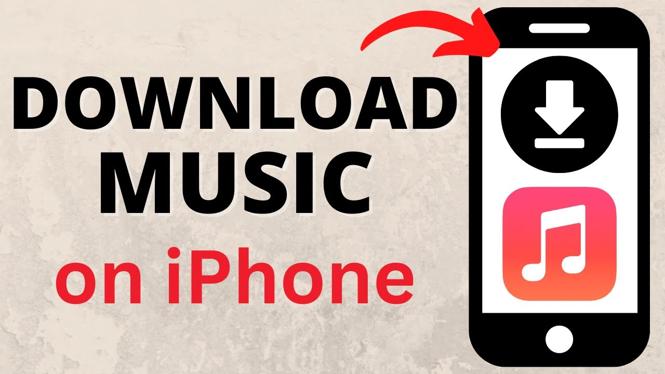
In today’s digital age, having access to your favorite music anytime and anywhere is essential. Apple Music offers a seamless experience for music lovers by allowing users to download songs, albums, and playlists directly to their devices. Whether you want to save tracks for offline listening during a flight, a commute, or simply to save on data usage, knowing how to download music on Apple Music can be extremely helpful. In this blog post, we will guide you through the step-by-step process to download music using the Apple Music app on your iPhone, iPad, or other compatible devices.
Video Tutorial
Why You Might Be Looking for This Tutorial
Many users seek out tutorials on downloading music from Apple Music for several reasons:
- Offline Listening: Downloading music allows you to listen without an internet connection, perfect for road trips or areas with limited service.
- Data Savings: By downloading your favorite tracks, you can avoid using mobile data when streaming.
- Convenience: Having your music readily available at any time enhances your listening experience and allows for better control of your music library.
Steps to Download Music on Apple Music
Follow these simple steps to download music on Apple Music:
- Open the Apple Music App: Launch the Apple Music app on your iPhone, iPad, or other devices.
- Find Your Music: Browse through the app to locate the song, album, or playlist you wish to download. You can use the search function to find specific tracks quickly.
- Download Music: Once you’ve found the music, look for the download icon (a cloud with a downward arrow). Tap the icon to initiate the download.
- Check Your Library: After downloading, go to your music library to confirm that the tracks are available for offline listening. You should see a checkmark next to downloaded songs.
- Listen Offline: Now, you can enjoy your music without needing to connect to Wi-Fi or use data.
Conclusion
Downloading music on Apple Music is a straightforward process that enhances your listening experience by providing access to your favorite tracks at any time. By following the steps outlined in this tutorial, you can save songs, albums, and playlists for easy offline access. With the benefit of saving data and enjoying music no matter where you are, Apple Music is a great choice for music enthusiasts. Start downloading your favorite tracks today!
More iPhone Tips & Tutorials:
 Subscribe Now! 🙂

Discover more from Gauging Gadgets
Subscribe to get the latest posts sent to your email.