Initial Setup – Garmin Forerunner 965 Tutorial
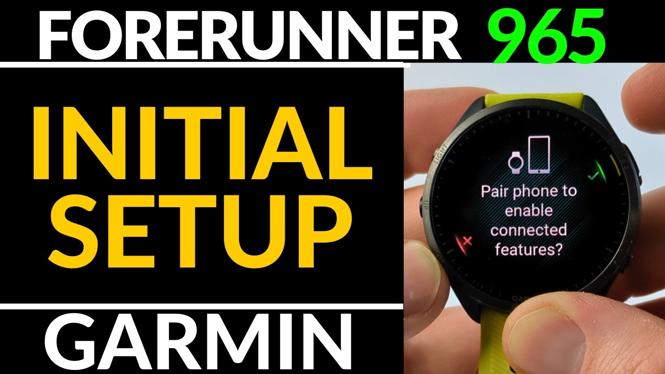
The Garmin Forerunner 965 is a top-of-the-line smartwatch designed for fitness enthusiasts and athletes. With its advanced features and user-friendly interface, it’s no wonder that many people are excited to start using it. Whether you are tracking your workouts or managing your health data, setting up your Garmin Forerunner 965 correctly is crucial to getting the most out of your device. This tutorial will guide you through the initial setup process and help you pair your smartwatch with your smartphone.
Video Tutorial
Why You Might Be Looking for This Tutorial
If you’ve just purchased the Garmin Forerunner 965 or are planning to buy one, you may be asking yourself several questions. How do I set it up? How can I pair my watch with my smartphone? What features should I explore first? This tutorial is designed to answer all of those questions and more, ensuring a seamless experience right from the start. In less than five minutes, you will have your smartwatch up and running, making it easier to track your fitness journey.
Steps for Setting Up the Garmin Forerunner 965
- Charge Your Watch: Before you start the setup process, make sure your Garmin Forerunner 965 is fully charged. Connect the charging cable to a power source and place the watch on it.
- Turn On the Watch: Press and hold the button on the side of the watch until the Garmin logo appears. Wait for the watch to boot up.
- Select Your Language: Once the watch is powered on, you’ll be prompted to choose your language. Scroll through the options and select your preferred language.
- Connect to Your Smartphone: Download the Garmin Connect app from the App Store or Google Play Store on your iPhone or Android device. Open the app, create an account if necessary, and log in.
- Pair the Devices: In the Garmin Connect app, select “Add Device” and follow the on-screen instructions to locate your Forerunner 965. Confirm the pairing code displayed on both your watch and app.
- Customize Your Settings: After pairing, you can customize various settings such as notifications, activity tracking preferences, and watch face styles. Take some time to adjust these according to your needs.
- Explore Features: With your watch set up and paired, explore the numerous features available. From tracking workouts to monitoring your heart rate, you are now ready to take on your fitness goals.
Conclusion
Setting up your Garmin Forerunner 965 does not have to be a daunting task. By following these simple steps, you’ll have your smartwatch ready to help you achieve your fitness ambitions in no time. Don’t hesitate to refer back to the video tutorial for any clarification, and feel free to leave comments if you have any further questions. Happy tracking!
More Garmin Forerunner 965 Tutorials:
 Subscribe Now! 🙂

Discover more from Gauging Gadgets
Subscribe to get the latest posts sent to your email.