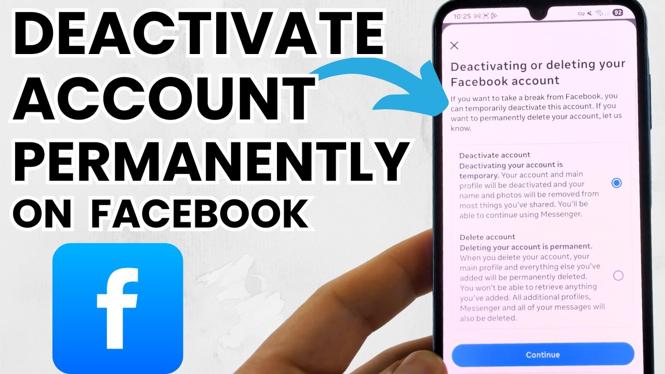
How to Permanently Deactivate Your Facebook Account
If you have decided to take a break from social media or entirely remove your online presence, deactivating your Facebook account is a crucial step. Many users seek to deactivate their accounts for various reasons, including privacy concerns, digital detox, or to reclaim their time. However, it is essential to understand the difference between deactivating and permanently deleting your account, as certain settings must be altered to prevent automatic reactivation.
Why You Might Be Looking for This Tutorial
In today’s digital world, managing our social media presence is paramount. You may be looking for this tutorial because:
- You want to take a break from Facebook but are concerned about your account reactivating unexpectedly.
- You are worried about your privacy and wish to ensure that your personal information is not exposed.
- You may feel overwhelmed by social media and wish to simplify your online life.
- You are looking for a straightforward way to ensure your account remains permanently deactivated.
Steps to Permanently Deactivate Your Facebook Account
Follow these simple steps to deactivate your Facebook account on desktop, iPhone, and Android devices:
On Desktop
- Log into your Facebook account.
- Click on the downward arrow in the top right corner, then select Settings & Privacy and choose Settings.
- In the left sidebar, click on Your Facebook Information.
- Click on Deactivation and Deletion.
- Select Permanently Delete Account and click Continue to Account Deletion.
- Follow the prompts to confirm your choice and enter your password.
On iPhone
- Open the Facebook app and log in.
- Tap the three horizontal lines in the bottom right corner.
- Scroll down and tap on Settings & Privacy, then tap Settings.
- Under the Account section, tap Deactivation and Deletion.
- Select Permanently Delete Account and follow the on-screen instructions.
On Android
- Open the Facebook app and log into your account.
- Tap on the three horizontal lines in the top right corner.
- Scroll down to Settings & Privacy, then tap Settings.
- Under the Account section, tap on Deactivation and Deletion.
- Select Permanently Delete Account and follow the prompts to confirm your action.
Video Tutorial
For a visual guide on how to permanently deactivate your Facebook account, check out the video tutorial below:
Following these steps will ensure that your Facebook account is permanently deactivated and will not reactivate automatically, allowing you to enjoy your online life with greater freedom and peace of mind.
More Facebook Tips & Tutorials:
 Subscribe Now! 🙂

Discover more from Gauging Gadgets
Subscribe to get the latest posts sent to your email.