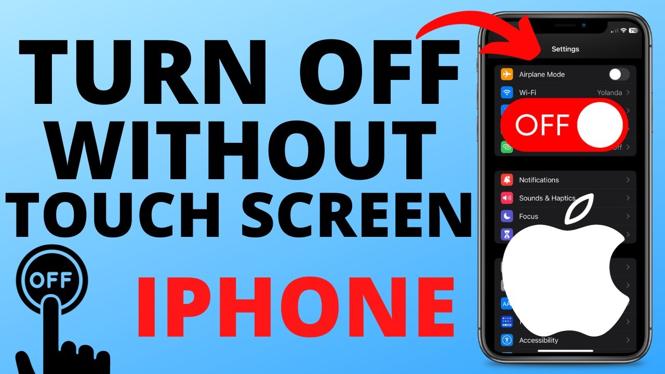
How to turn off any iPhone without touch screen? In this iPhone tutorial, I show you how to turn off an iPhone without a touchscreen. This means you can turn off your iPhone even if your touch screen is broken or not working. In order to turn off iPhone without touchscreen we instead use the buttons to turn off our iPhone.
Turn Off Any iPhone Without Touch Screen(Video Tutorial):
Follow the steps below to turn off iPhone without touchscreen:
- Short press the volume up button.
- Short press the volume down button.
- Hold down the power button until your iPhone screen turns off.
- Release the power button once the iPhone has turned off.
More iPhone Tips & Tutorials:
 Subscribe Now! 🙂
1
/
25


How to Lock Apps on iPhone
How to Turn Off Express Transit Mode on iPhone
How to Find Hidden Apps on iPhone
How to Hide & Unhide Apps on iPhone
How to Hide Apps on iPhone
How to Change Safari Default Search Engine on iPhone
How to Find Apple ID on iPhone
How to Add App Back to Home Screen on iPhone
How to Turn Off Screen Distance on iPhone - Fix iPhone Too Close
How to Change Clock Icon on iPhone Home Screen
How to Stop Text Messages on iPad
How to Send Text in Custom Fonts on iPhone
How to Check Deleted Messages on iPhone
How to Set Custom Charging Sound On iPhone
How to Disable Apple Intelligence AI on iPhone
1
/
25
Discover more from Gauging Gadgets
Subscribe to get the latest posts sent to your email.