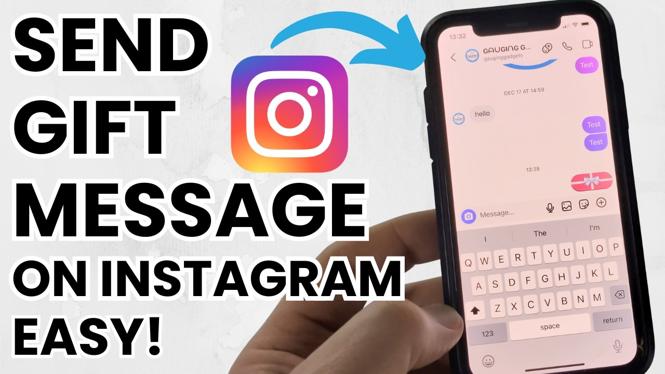
How to Send Gift Message In Instagram
Instagram has evolved beyond just a photo-sharing platform; it now offers a host of features designed to enhance user interaction, including the ability to send gift messages. Whether you’re looking to surprise a friend on their birthday, celebrate a special occasion, or simply add a personal touch to your messages, knowing how to send a gift message in Instagram can be a valuable skill. In this tutorial, we’ll guide you through the process step-by-step, so you can create memorable experiences for those you care about.
Video Tutorial
Why You Might Be Looking for This Tutorial
Many Instagram users are on the lookout for ways to make their communications more engaging and fun. Sending a gift message adds a layer of thoughtfulness to your direct messages, making them feel more personal. Whether you are an avid Instagram user or just starting to explore the app, mastering this feature can help you connect better with your friends and followers. Here are a few reasons why you might want to learn how to send a gift message:
- Celebrate Special Occasions: Birthdays, anniversaries, or other milestones are perfect opportunities to send a gift message.
- Enhance Conversations: Adding special effects to your messages can elevate mundane conversations.
- Be Creative: Expressing yourself in unique ways can be a fun way to stand out on social media.
Step-by-Step Guide to Sending Gift Messages on Instagram
Step 1: Open Instagram
Launch the Instagram app on your iPhone, Android, or Samsung Galaxy device. Make sure you’re logged in to your account.
Step 2: Navigate to Direct Messages
Tap on the paper airplane icon located at the top right corner of your feed to open your direct messages.
Step 3: Select the Recipient
Choose the friend or follower you want to send a gift message to. You can either tap on an existing conversation or start a new chat by searching for their username.
Step 4: Compose Your Gift Message
In the text box at the bottom, type your message. Consider adding a personal touch or inside joke to make it special.
Step 5: Add Special Effects
Before sending the message, explore the effects option (often represented by a star or sparkles icon) to enhance your message with GIFs, stickers, or emoji. Pick the ones that best match the occasion.
Step 6: Send Your Message
Once you’ve composed your message and added any special effects, hit the send button. Your gift message is now on its way!
Final Thoughts
Sending gift messages on Instagram is a simple yet meaningful way to convey your best wishes and thoughts to others. By following these straightforward steps, you can transform ordinary conversations into delightful exchanges. So go ahead, spread joy through your direct messages, and make someone’s day a little brighter with a personalized touch!
More Instagram Tutorials:
 Subscribe Now! 🙂

Discover more from Gauging Gadgets
Subscribe to get the latest posts sent to your email.