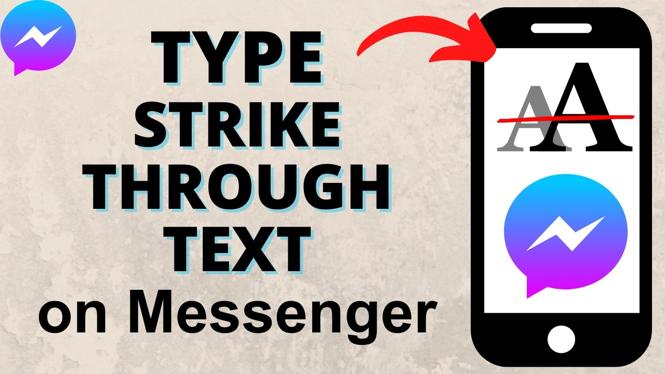
How to Make Strikethrough Text in Messenger
Strikethrough text is a unique way to emphasize your messages in Facebook Messenger. Whether you’re looking to convey sarcasm, highlight errors, or just add a fun twist to your texts, knowing how to format your messages can enhance your communication. This guide provides a step-by-step tutorial on how to create strikethrough text in Messenger without needing any third-party apps, ensuring you can spice up your conversations effortlessly.
Video Tutorial
Why You Might Be Looking for This Tutorial
Making your messages stand out is essential, especially in a sea of text. Strikethrough text serves multiple purposes. You might be using it to:
- Express humor or sarcasm in a light-hearted conversation.
- Indicate corrections in your text, making it clear what was originally said.
- Add personality and creativity to your messages.
- Keep your conversations visually engaging.
This tutorial is perfect for anyone using Messenger on iPhone, Samsung, or Android devices who wants to learn a simple technique to enhance their messaging game.
Steps to Create Strikethrough Text in Messenger
Follow these easy steps to make strikethrough text in your Messenger messages:
- Open Messenger: Launch the Facebook Messenger app on your device.
- Select a Conversation: Tap on a chat where you want to send the strikethrough message.
- Type Your Message: Begin typing your text in the message box.
- Apply Strikethrough Formatting: To create strikethrough text, place double tildes (~~) on either side of the text you want to strike through. For example, typing
~~text~~will display astext - Send Your Message: Once you’ve formatted your text, hit send, and your message will appear with the strikethrough effect.
Conclusion
Adding strikethrough text in Messenger is a straightforward process that can bring a new level of fun and clarity to your conversations. By following these simple steps, you can draw attention to particular parts of your messages and express your thoughts creatively. Next time you want to convey a message with a twist, utilize strikethrough formatting to keep your chats engaging and enjoyable!
More Messenger Tips & Tutorials:
 Subscribe Now! 🙂

Discover more from Gauging Gadgets
Subscribe to get the latest posts sent to your email.