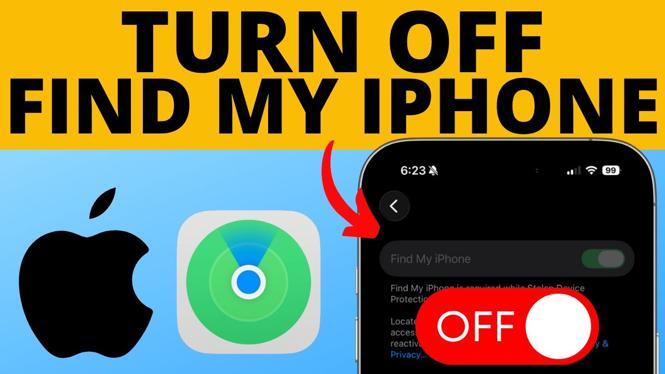
How to Turn Off Find My iPhone or iPad
In today’s digital age, managing privacy and security on our devices is essential. One of the features on iPhones and iPads that not only helps locate lost devices but also shares your location is “Find My iPhone” or “Find My iPad.” Although this feature is helpful, there may be times when you want to disable it, whether you’re selling your device, troubleshooting, or simply wish to stop location sharing. This guide will walk you through the steps to turn off Find My iPhone or iPad, ensuring that you have complete control over your device’s location services.
Video Tutorial
Why You Might Be Looking for This Tutorial
There are various reasons you might want to disable Find My iPhone or iPad. Some of these include:
- Privacy Concerns: You may want to manage who has access to your location and ensure your privacy is maintained.
- Selling Your Device: If you’re planning to sell your iPhone or iPad, you will need to turn off this feature to remove it from your Apple ID.
- Troubleshooting Issues: Disabling Find My iPhone might be necessary if you’re encountering problems with the feature or your device.
- Upgrading Your Device: When switching to a new device, turning off Find My on the old one is typically part of the setup process.
Steps to Turn Off Find My iPhone or iPad
Follow these straightforward steps to disable Find My iPhone or iPad:
- Open Settings: Locate and tap the “Settings” app on your device’s home screen.
- Tap on Your Name: At the top of the Settings menu, tap on your name to access your Apple ID settings.
- Select ‘Find My’: In the Apple ID menu, scroll down and tap on “Find My.”
- Turn Off Find My iPhone/iPad: Tap on “Find My iPhone” or “Find My iPad” and toggle the switch to turn it off.
- Enter Your Password: You will be prompted to enter your Apple ID password to confirm the action. Type in your password and tap “Turn Off.”
Once you’ve completed these steps, Find My iPhone or iPad will be disabled, and your device will no longer share its location.
Conclusion
Disabling Find My iPhone or iPad is a straightforward process that can provide you with improved privacy and simplified device management. Whether you’re selling your device or just opting out of location sharing, following the steps above will help you turn off the feature quickly. If you encounter any issues, feel free to leave a comment, and we’ll assist you further.
More iPhone Tips & Tutorials:
 Subscribe Now! 🙂

Discover more from Gauging Gadgets
Subscribe to get the latest posts sent to your email.