How to Log Out of Facebook App: A Comprehensive Guide
Logging out of the Facebook app is a straightforward process, yet it is an essential skill for maintaining your privacy and managing multiple accounts. Whether you are sharing your device with someone else, switching to a different account, or simply taking a break from social media, knowing how to log out of the Facebook app can enhance your user experience.
Why You Might Be Looking for This Tutorial
There are several reasons you might be searching for instructions on how to log out of the Facebook app. Perhaps you want to:
- Switch to another Facebook account without facing any access issues.
- Protect your privacy by logging out after using a shared or public device.
- Take a break from social media and need to ensure you are logged out completely.
- Free up some space or troubleshoot issues in the app.
Steps to Log Out of the Facebook App
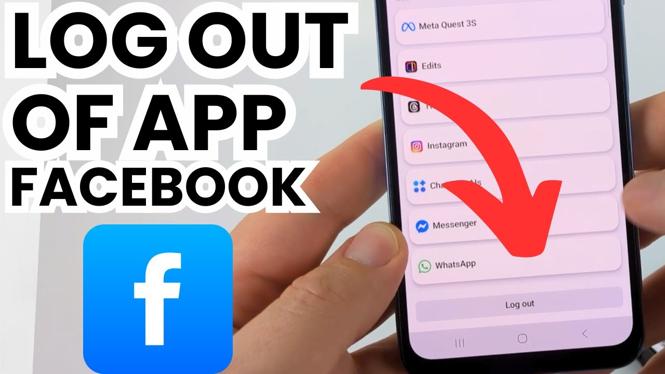
Follow these simple steps to log out of the Facebook app on your device:
For iPhone Users:
- Open the Facebook app on your iPhone.
- Tap on the three horizontal lines in the bottom-right corner of the screen to access the menu.
- Scroll down and tap on “Log Out” at the bottom of the menu.
- Confirm your choice when prompted.
For Android Users:
- Launch the Facebook app on your Android device.
- Tap on the three horizontal lines in the top-right corner of the app.
- Scroll down and tap “Log Out.”
- Confirm your action to log out successfully.
For Samsung Users:
- Open the Facebook app on your Samsung device.
- Tap on the three horizontal lines located in the top-right corner.
- Scroll down and select “Log Out.”
- Confirm your action to complete the logout process.
Video Tutorial
By following these steps, you can easily log out of the Facebook app on any device. If you encounter any issues during this process or have further questions, don’t hesitate to leave a comment. Enjoy managing your Facebook accounts seamlessly!
More Facebook Tips & Tutorials:
 Subscribe Now! 🙂

Discover more from Gauging Gadgets
Subscribe to get the latest posts sent to your email.