How to Block YouTube Channels
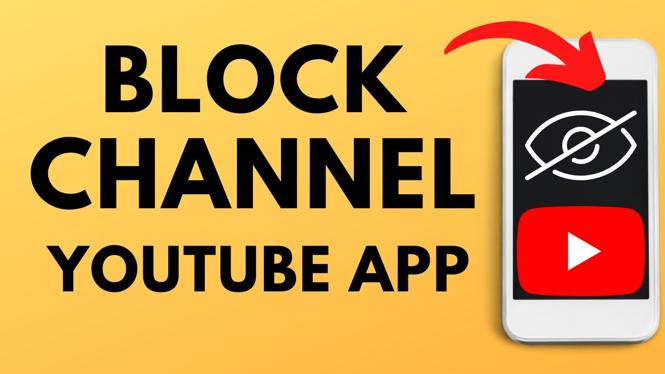
Are you tired of seeing content from specific YouTube channels that don’t resonate with your interests? Blocking YouTube channels can help you customize your viewing experience and eliminate unwanted videos from your feed. Whether you want to avoid certain creators or simply clean up your recommendations, knowing how to block channels can enhance your overall YouTube experience. In this blog post, we will guide you through easy steps to block YouTube channels on iPhone, Android, and Samsung devices.
Video Tutorial
Why You Might Be Looking for This Tutorial
The influx of content on YouTube can sometimes be overwhelming. Viewers often find themselves bombarded with videos that do not align with their preferences, which can lead to a frustrating experience. By learning how to block YouTube channels, you gain better control over your content consumption and can tailor your feed to match your interests. Additionally, blocking unwanted channels can improve the quality of comments you encounter, creating a more enjoyable platform. Users looking to concentrate on specific genres, enhance their recommendations, or reduce distractions will find this tutorial particularly beneficial.
Step-by-Step Guide to Block YouTube Channels
On iPhone and Android Devices
- Open the YouTube app on your device.
- Search for the channel you wish to block or navigate to their channel page.
- Tap on the channel name to open their profile.
- Click on the three vertical dots located at the top-right corner of the screen.
- Select “Block user” from the drop-down menu.
- Confirm your choice by tapping “Block” in the prompt that appears.
On Samsung Devices
- Launch the YouTube app on your Samsung device.
- Locate the channel you want to block either via search or navigation.
- Access the channel profile by tapping on its name.
- Tap the three dots in the upper right-hand corner of the channel page.
- Select the “Block user” option.
- Finally, confirm the action by pressing “Block” when prompted.
Conclusion
Blocking YouTube channels is a simple yet effective way to ensure a more personalized and pleasant viewing experience. By following the steps outlined above, you can take control of your YouTube feed and focus on content that truly matters to you. Whether you’re using an iPhone, Android, or Samsung device, the process is straightforward and will significantly enhance your enjoyment of YouTube.
More YouTube Tips & Tutorials:
 Subscribe Now! 🙂

Discover more from Gauging Gadgets
Subscribe to get the latest posts sent to your email.