How to Copy Facebook Page Link
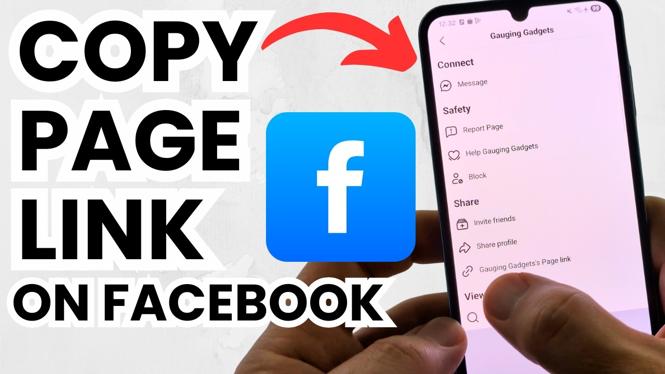
In today’s digital world, having quick access to your social media links, especially your Facebook page link, is crucial. Whether you’re promoting a business, sharing content, or just keeping in touch with friends and family, knowing how to copy your Facebook page link can save you a lot of time. In this blog post, we will guide you through the simple steps to find and copy your Facebook page URL, whether you’re using an iPhone, Android, or desktop.
Video Tutorial
Why You Might Be Looking for This Tutorial
There are several reasons why you might need to copy your Facebook page link. Perhaps you want to share your page with new audiences on different social media platforms, embed it in an email, or include it in your website. Additionally, if you’re managing a business page or public figure account, having your link handy can facilitate promotions and networking. This tutorial will help you quickly find your Facebook page link so you can easily share it whenever needed.
Steps to Copy Your Facebook Page Link
Copying on Desktop
- Open your web browser and go to facebook.com.
- Log into your account with your username and password.
- Navigate to your Facebook page by selecting it from the left menu.
- Once on your page, click on the address bar at the top of your browser.
- Right-click (or use ‘Ctrl+C’) to copy the URL displayed in the address bar.
Copying on iPhone
- Open the Facebook app on your iPhone.
- Go to your Facebook page by tapping on your profile picture or using the search function.
- Tap the three dots (•••) located next to the “Edit Profile” button.
- Select “Copy Link” from the menu options that appear.
Copying on Android
- Open the Facebook app on your Android device.
- Navigate to your Facebook page using the search bar or by tapping your profile picture.
- Tap the three dots (•••) on your profile page.
- Select “Copy Link” from the list of options.
Conclusion
Now that you know how to copy your Facebook page link on various devices, sharing your page with friends, followers, and audiences on other platforms has never been easier. Remember, keeping your social media links accessible can enhance your networking opportunities and promote your brand effectively. If you found this tutorial helpful, please consider sharing it with others who might benefit!
More Facebook Tips & Tutorials:
 Subscribe Now! 🙂

Discover more from Gauging Gadgets
Subscribe to get the latest posts sent to your email.