How to Unblock Someone on TikTok
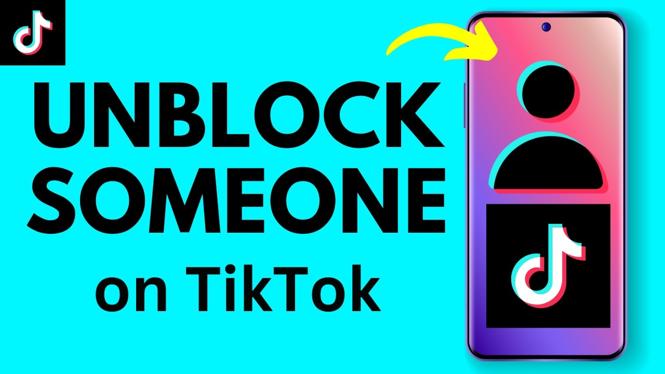
If you’ve ever found yourself needing to unblock someone on TikTok, you’re not alone. Many users encounter this situation for various reasons, whether it’s a misunderstanding, a temporary disagreement, or a desire to reconnect with friends. In this updated guide for 2026, we will walk you through the straightforward steps to unblock a user on TikTok, allowing you to restore access to their content and communication quickly.
Video Tutorial
Why You Might Be Looking for This Tutorial
There can be several reasons why you may want to unblock someone on TikTok. Perhaps you previously blocked them due to a disagreement or a negative interaction but now wish to mend the relationship. In other cases, you might realize that the content they create is valuable or entertaining, enriching your TikTok experience. Unblocking users is a simple process, ensuring that you can navigate your social media connections as you see fit. Having access to this skill is essential as it not only enhances your TikTok engagement but also reinforces positive interactions on the platform.
Steps to Unblock Someone on TikTok
Follow these easy steps to unblock someone on TikTok, whether you’re using an iPhone or an Android device:
- Open TikTok: Launch the TikTok app on your mobile device.
- Go to Your Profile: Tap on the “Profile” icon located at the bottom right corner of the screen.
- Access Settings: Tap the three dots (or the three lines) in the upper right corner to open the settings menu.
- Find the Privacy Settings: Navigate to “Privacy,” which usually appears as an option in the settings menu.
- View Blocked Accounts: Scroll down to find the “Blocked Accounts” section. Tap on it to see the list of users you’ve blocked.
- Select the User to Unblock: Browse through the list and locate the person you wish to unblock. Tap on their profile.
- Unblock the User: On their profile page, you’ll see the option to “Unblock.” Tap this button to confirm your decision.
- Confirmation: Once unblocked, you can now visit their profile and access their videos and messages.
With these clear steps, you can easily manage your connections on TikTok, fostering a positive community experience on the platform. Enjoy your unblocked interactions!
More TikTok Tips & Tutorials:
 Subscribe Now! 🙂

Discover more from Gauging Gadgets
Subscribe to get the latest posts sent to your email.