How to Turn Off Beep on PS5
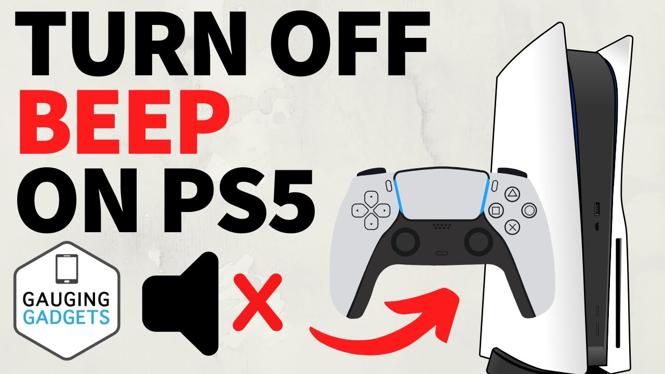
PlayStation 5 gamers often appreciate a quiet gaming environment, especially during late-night sessions or early morning play. The beeping sounds that accompany your PS5 can be distracting, and you might want to disable them to enjoy a more peaceful gaming experience. Fortunately, turning off the beep sound on your PS5 is a simple process that can be completed through the system settings. In this blog post, we’ll guide you through the steps to silence your console, ensuring that you can game without disturbing others.
Video Tutorial
Why You Might Be Looking for This Tutorial
There are several reasons why you may want to turn off the beep sounds on your PS5. Here are a few:
- For Quiet Gaming: If you enjoy gaming during the night or in quiet environments, the beeping sounds can be intrusive.
- Respecting Others: Whether you live with family or roommates, it’s courteous to minimize noise during late-night gaming sessions.
- Personal Preference: Some gamers simply prefer a silent console and find beeping sounds unnecessary and distracting.
Steps to Turn Off Beep Sound on PS5
Follow these simple steps to disable the beep sound on your PlayStation 5:
- Power On Your PS5: Start by turning on your PlayStation 5 console and ensuring that you are logged in to your account.
- Navigate to Settings: From the main dashboard, scroll to the top-right corner and click on the gear icon to access the settings menu.
- Select ‘System’: In the settings menu, choose the ‘System’ option to access system-related settings.
- Go to ‘Notifications’: Within the system settings, find and select ‘Notifications’ to adjust your notification settings.
- Turn Off Beep Notifications: Look for an option related to sound notifications or system sounds, and toggle the setting to turn off the beep sound.
- Test the Settings: After changing the settings, power off and on your console to ensure that the beep sound is successfully disabled.
By following these steps, you can enjoy a quieter gaming experience without the annoying beep sounds associated with your PS5 startup. Make sure to revisit your settings if you ever decide to reactivate the sound notifications.
More PS5 Tips & Tutorials:
 Subscribe Now! 🙂

Discover more from Gauging Gadgets
Subscribe to get the latest posts sent to your email.