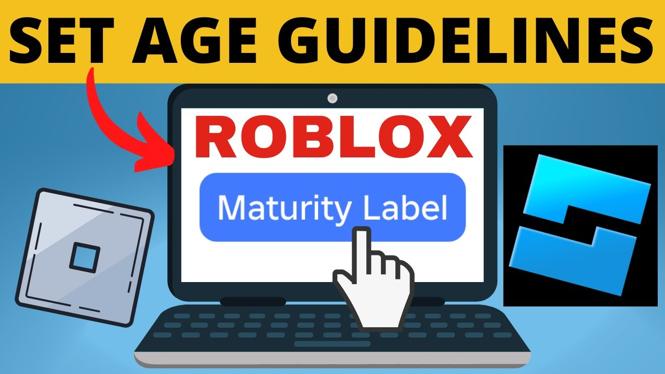
How to Set Age Guidelines on Your Roblox Game
Are you a game developer looking to create an engaging experience on Roblox but unsure how to set appropriate age guidelines for your game? Securing a maturity label for your game is crucial to ensure that the right audience engages with your content. This blog post will guide you through the steps to set age guidelines efficiently, helping you navigate the maturity rating process on Roblox.
Why You Might Be Looking for This Tutorial
As a developer on Roblox, targeting the right audience is essential for the success of your game. Setting age guidelines ensures that players are appropriately matched to the content of your game. Furthermore, obtaining a maturity rating can enhance user trust and improve your game’s visibility in Roblox’s ecosystem. Developers often seek this tutorial when they want to comply with platform standards, enhance their game’s appeal to a specific demographic, or simply want to maintain a safe and enjoyable environment for all players.
Steps to Set Age Guidelines on Your Roblox Game
- Log in to Roblox Studio: Start by logging into your Roblox account and opening Roblox Studio. Select the game you want to edit.
- Access Game Settings: Once in Roblox Studio, click on the “Home” tab and then select “Game Settings.”
- Navigate to the Safety Tab: In the Game Settings menu, find the “Safety” tab. This section allows you to manage age guidelines for your game.
- Set Age Rating: You’ll find options to specify age guidance for your game. Choose the appropriate age range based on the content and themes of your game.
- Complete Maturity Rating Questions: Roblox will prompt you with a series of questions regarding the content of your game. Answer honestly and accurately to determine the maturity label.
- Save Changes: After setting your age guidelines and completing the questions, make sure to save your changes. Your game is now ready to be published with the correct maturity label!
Video Tutorial
For a more detailed walkthrough, check out the video tutorial below:
Setting age guidelines on your Roblox game is not just a regulatory requirement; it enhances the overall gaming experience for players. By following these steps, you ensure that your content aligns with the expectations of your audience, fostering a community that can enjoy your game safely.
More Roblox Tips & Tutorials:
 Subscribe Now! 🙂

Discover more from Gauging Gadgets
Subscribe to get the latest posts sent to your email.