How to Find Your Facebook Username: A Step-by-Step Guide
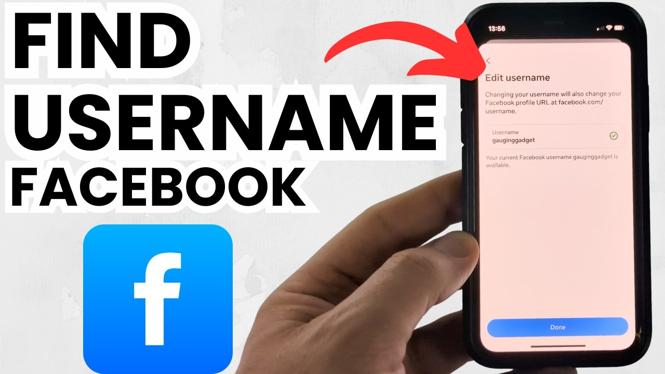
Finding your Facebook username is crucial for personal branding, easy sharing, and enhancing your online presence. Whether you want to create a more memorable profile URL or simply want to share your Facebook link with friends and family, knowing how to find your username can be incredibly helpful. This guide will walk you through the necessary steps to find your Facebook username on different devices including iPhone, Android, and desktop. Additionally, we will cover how to view, copy, and even change your Facebook profile URL, empowering you to make the most of your Facebook experience.
Video Tutorial
Why You Might Be Looking for This Tutorial
Many users find themselves in need of their Facebook username for several reasons. You may want to:
- Share your Facebook profile link easily without complicated steps.
- Update your username to something more personal and relevant to your identity.
- Ensure that your profile link is memorable and easy for others to spell.
- Use your username for professional networking or personal branding.
Steps to Find Your Facebook Username
On Desktop
- Log in to your Facebook account.
- Click on your profile picture in the top right corner to go to your profile.
- Look at the URL in the address bar. Your username will appear after the last slash (e.g., www.facebook.com/YourUsername).
- To copy, highlight your username in the URL, right-click, and select ‘Copy.’
On iPhone
- Open the Facebook app and log in.
- Tap on your profile picture in the bottom right corner.
- Tap on the “…” button (three dots) near your profile picture.
- Your username will be visible in the URL displayed; take note of it or copy it directly.
On Android
- Open the Facebook app and log in to your account.
- Tap on your profile picture at the top left of the screen.
- Then tap on the “…” button (three dots) next to your profile.
- Your Facebook username should be visible in the URL; you can copy it from there.
How to Change Your Facebook Username
If you want to change your Facebook username, follow these steps:
- Go to your profile and click on the ‘About’ section.
- Look for the ‘Basic Info’ section, and you should see an option to edit your username.
- Type in your new desired username and click ‘Save Changes.’ Ensure that it complies with Facebook’s username guidelines.
With these steps, you’ll have no trouble finding or changing your Facebook username so you can effectively share your profile and represent yourself online. Feel free to refer back to the video tutorial for a visual guide and more tips!
More Facebook Tips & Tutorials:
 Subscribe Now! 🙂

Discover more from Gauging Gadgets
Subscribe to get the latest posts sent to your email.