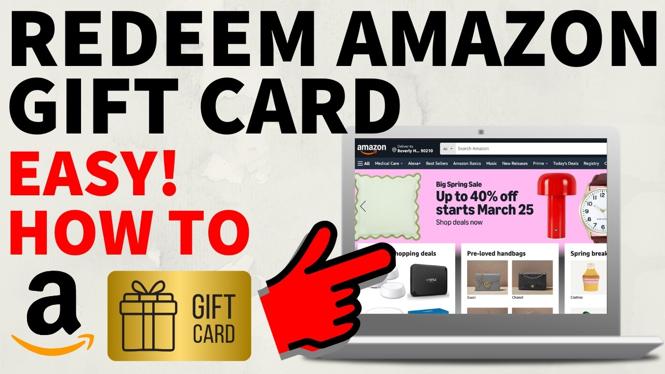
How To Redeem Amazon Gift Card
Are you looking to redeem an Amazon gift card but unsure of how to do it? In 2026, many people receive Amazon gift cards as presents or rewards, making it essential to know the efficient way to use them. Redeeming your gift card is a straightforward process that allows you to add funds to your Amazon account. This guide will walk you through each step of the redemption process, ensuring you can enjoy your purchases promptly.
Video Tutorial
Why You Might Be Looking for This Tutorial
There are many reasons why someone might search for a tutorial on redeeming an Amazon gift card. Whether it’s your first time receiving a gift card, or you want to refresh your memory on the process, knowing how to redeem it correctly is essential. Moreover, the online marketplace is constantly evolving, and policies or steps may change over time. By following this guide, you can ensure that you are up to date with the current methods to redeem your gift card and make the most out of your shopping experience.
Steps to Redeem Your Amazon Gift Card
- Log into Your Amazon Account:
Begin by navigating to the Amazon website and logging into your existing account. If you do not have an account, you will need to create one before proceeding. - Locate the Gift Card Section:
Once you’re logged in, hover over the ‘Accounts & Lists’ menu in the upper right corner. From the dropdown, select ‘Your Account’, then find the ‘Gift cards’ option under the ‘Payments’ section. - Redeem a Gift Card:
Click on the ‘Redeem a Gift Card’ option. You will be presented with a box to enter your gift card code. Make sure to enter the code accurately to avoid any issues. - Apply the Gift Card Balance:
After entering the code, click on the ‘Apply to Your Account’ button. This will add the balance to your account, which you can view on the gift card page. - Start Shopping:
With the balance successfully added to your account, you can start using it for your Amazon purchases. As you check out, the gift card balance will automatically be applied to your order if eligible.
Following these simple steps will ensure that you can efficiently redeem your Amazon gift card and enjoy the shopping experience. If you encounter any issues during the redemption process, Amazon’s customer service is available to assist you.
More Amazon Tips & Tutorials:
 Subscribe Now! 🙂

Discover more from Gauging Gadgets
Subscribe to get the latest posts sent to your email.